Angry Neighbor Stories Horror

Angry Neighbor Stories Horror

Adventure

| lazyastronaut

Play on PC with BlueStacks or from our cloud

  • Overview
  • Game Features
  • How to Play

Page Modified On: April 07, 2026

Play Angry Neighbor Stories Horror on PC or Mac

Explore a whole new adventure with Angry Neighbor Stories Horror, a Adventure game created by lazyastronaut. Experience great gameplay with BlueStacks, the most popular gaming platform to play Android games on your PC or Mac.

About the Game

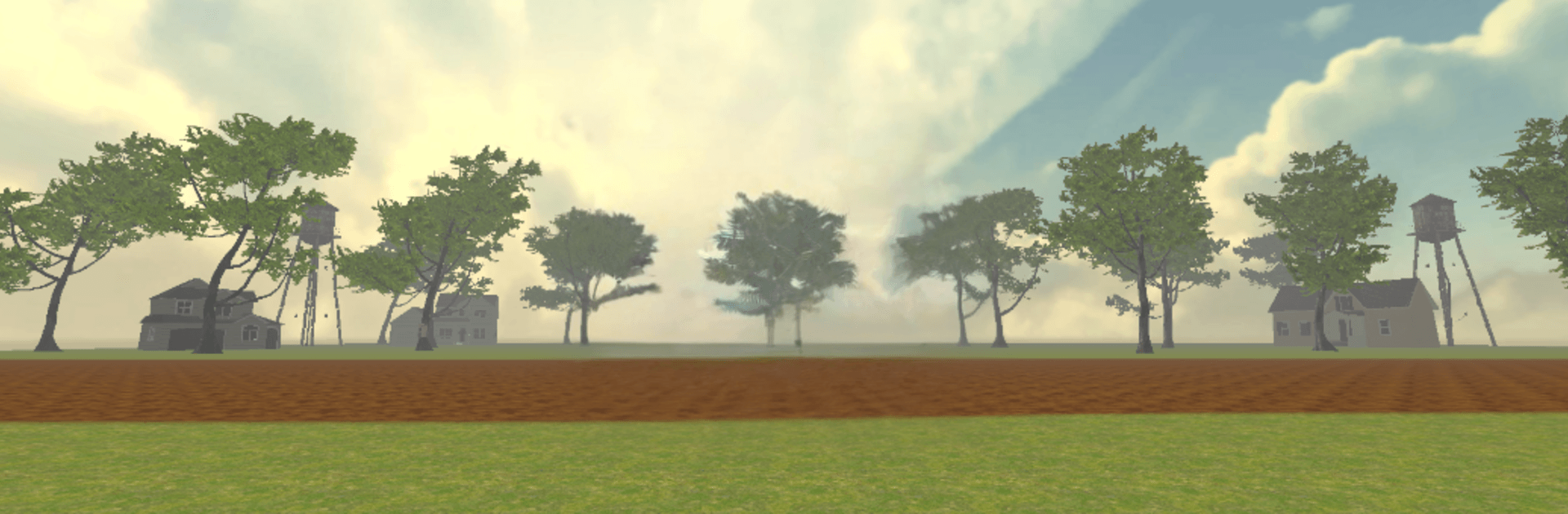
Angry Neighbor Stories Horror is a first-person stealth Adventure from lazyastronaut where curiosity gets the better of you—and the creepiest house on the block becomes your playground. You’re sneaking room to room, tracking odd sounds, and figuring out why the neighbor across the street guards his place like a secret lab. Expect tense hide-and-seek moments, quick laughs when you get caught, and a mystery that slowly clicks into place as you explore deeper.

Game Features

  • Giant House to Explore: Five floors stuffed with cluttered rooms, locked doors, and shortcuts. Color-coded keys open new areas and keep the search fresh.
  • Sneak, Hide, Survive: Slide into closets, crouch behind furniture, or slip through vents. Noise matters—shatter a window and the neighbor comes running.
  • Unpredictable Neighbor: He lounges, he patrols, he sprints the second he spots you. If you’re tagged, you respawn outside and rethink your route. No hard fail state—just smarter retries.
  • Hands-On Puzzles: Move boxes to reach high shelves, flip switches, and hunt for hidden levers. Simple, tactile challenges that reward careful snooping.
  • Mystery Cubes to Collect: Glowing cubes unlock secrets, side paths, and extra story snippets for completionists who check every corner.
  • Basement Breakthrough: A brick wall isn’t just for show—you can smash through it to uncover the biggest clue and even trigger alternate endings if you’ve done your homework.
  • Bright, Playful Horror: Colorful 3D rooms and shadowy nooks build tension without cheap jump scares—more cat-and-mouse than nightmare fuel.
  • BlueStacks Friendly: Prefer a keyboard and mouse? The game feels great with precise control and smooth performance on BlueStacks.

Get ready for a buttery smooth, high-performance gaming action only on BlueStacks.

Game Features

Enhancements

  • Macros
  • Multi Instance
  • Multi Instance Sync
  • Script
  • Enhancements
Macros

Macros

Automate the predictable in Angry Neighbor Stories Horror and transform your gameplay with Macros. Get access to inventive Macros in the BlueStacks Macro Community
Multi Instance

Multi Instance

Play Angry Neighbor Stories Horror on one window. And chat with your friend on the other. Press CTRL + Shift + 8 to open the Multi-Instance Manager. And start creating fresh instances or clone an existing one.
Multi Instance Sync

Multi Instance Sync

Play Angry Neighbor Stories Horror with the power of Multi-Instance Sync. Replicate what you are doing on the main instance on all other instances. Level up faster, play more.
Script

Script

Script your way to gaming glory in Angry Neighbor Stories Horror with BlueStacks Script. Write and run a set of commands to automate repeated tasks. Trigger the command by assigning it to any key.
Read More

How to Download and Play Angry Neighbor Stories Horror on PC or Mac

  • Download and install BlueStacks on your PC or Mac

  • Complete Google sign-in to access the Play Store, or do it later

  • Look for Angry Neighbor Stories Horror in the search bar at the top right corner

  • Click to install Angry Neighbor Stories Horror from the search results

  • Complete Google sign-in (if you skipped step 2) to install Angry Neighbor Stories Horror

  • Click the Angry Neighbor Stories Horror icon on the home screen to start playing

video
Watch Video

Minimum System Requirements

With BlueStacks 5, you can get started on a PC that fulfills the following requirements.

  • Operating System

    Microsoft Windows 7 or above, macOS 11 (Big Sur) or above

  • Processor

    Intel, AMD or Apple Silicon Processor

  • RAM

    at least 4GB

  • HDD

    10GB Free Disk Space

Note:

* You must be an Administrator on your PC. Up to date graphics drivers from Microsoft or the chipset vendor.

Angry Neighbor Stories Horror - FAQs

  • How to play Angry Neighbor Stories Horror on Windows PC & Mac?

    Play Angry Neighbor Stories Horror on your PC or Mac by following these simple steps.

    • Click on 'Play Angry Neighbor Stories Horror on PC’ to download BlueStacks
    • Install it and log-in to Google Play Store
    • Launch and play the game.
  • Why is BlueStacks the fastest and safest platform to play games on PC?

    BlueStacks respects your privacy and is always safe and secure to use. It does not carry any malware, spyware, or any sort of additional software that could harm your PC.

    It is engineered to optimize speed and performance for a seamless gaming experience.

  • What are Angry Neighbor Stories Horror PC requirements?

    Minimum requirement to run Angry Neighbor Stories Horror on your PC

    • OS: Microsoft Windows 7 or above MacOS 11 (Big Sur) or above
    • Processor: Intel, AMD or Apple Silicon Processor
    • RAM: Your PC must have at least 4GB of RAM. (Note that having 4GB or more disk space is not a substitute for RAM)
    • HDD: 10GB Free Disk Space.
    • You must be an Administrator on your PC.