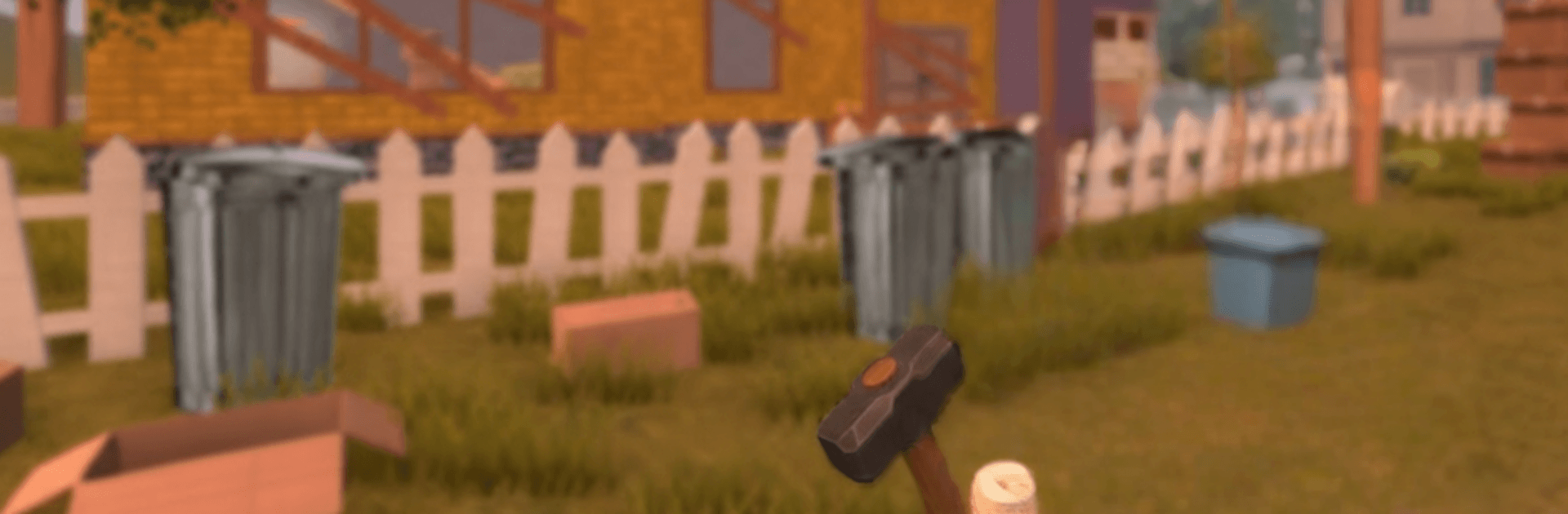
Angry Neighbor Stories 2

Angry Neighbor Stories 2

Adventure

| lazyastronaut

Play on PC with BlueStacks or from our cloud

  • Overview
  • Game Features
  • How to Play

Page Modified On: May 11, 2026

Play Angry Neighbor Stories 2 on PC or Mac

Bring your A-game to Angry Neighbor Stories 2, the Adventure game sensation from lazyastronaut. Give your gameplay the much-needed boost with precise game controls, high FPS graphics, and top-tier features on your PC or Mac with BlueStacks.

About the Game

Angry Neighbor Stories 2 is an Adventure game from lazyastronaut that turns sneaking around a suspicious neighbor’s mega-house into a wild, laugh‑and‑panic chase. The home across the street has grown into a maze of secret rooms, vents, and booby traps, and the neighbor isn’t exactly thrilled you keep poking around. Expect clever stealth, sudden sprints, and a ton of “okay, one more try” moments—especially if you play on BlueStacks and prefer sneaking with a keyboard and mouse.

Game Features

  • Bigger, weirder house: Explore a multi‑story mansion with a workshop, attic hideaways, and a backyard full of traps and odd contraptions.
  • Cat‑and‑mouse chases: Get spotted and the neighbor bolts after you; get caught and you’re back outside, ready to try a smarter route.
  • Keys and locked secrets: Track down colorful keys and crack reinforced doors to uncover hidden passages and off‑limits rooms.
  • Parkour your escape: Tiptoe across rafters, swing past chandeliers, and crawl through vents to keep a floor above the trouble.
  • Sneaky hiding spots: Slip into laundry baskets, crouch under loose boards, or melt into shadows when footsteps get too close.
  • Physics that matter: Toss objects to distract, stack boxes to reach high shelves, and fiddle with new gadgets to outwit security.
  • Sound is everything: Knock over a vase or trip a beam and you’ll hear the neighbor change course—silence is your best friend.
  • Secrets within secrets: Glowing mystery cubes return; collect them all to unlock the elusive True Ending.
  • The basement beckons: Descend into layered tunnels, follow mechanical echoes, and piece together clues that explain the neighbor’s obsession.
  • A tense, playful vibe: No monsters here—just clever stealth, prank‑grade chaos, and the rush of slipping past a grumpy patrol.

Slay your opponents with your epic moves. Play it your way on BlueStacks and dominate the battlefield.


Game Features

Enhancements

  • Macros
  • Multi Instance
  • Multi Instance Sync
  • Script
  • Enhancements
Macros

Macros

Automate the predictable in Angry Neighbor Stories 2 and transform your gameplay with Macros. Get access to inventive Macros in the BlueStacks Macro Community
Multi Instance

Multi Instance

Play Angry Neighbor Stories 2 on one window. And chat with your friend on the other. Press CTRL + Shift + 8 to open the Multi-Instance Manager. And start creating fresh instances or clone an existing one.
Multi Instance Sync

Multi Instance Sync

Play Angry Neighbor Stories 2 with the power of Multi-Instance Sync. Replicate what you are doing on the main instance on all other instances. Level up faster, play more.
Script

Script

Script your way to gaming glory in Angry Neighbor Stories 2 with BlueStacks Script. Write and run a set of commands to automate repeated tasks. Trigger the command by assigning it to any key.
Read More

How to Download and Play Angry Neighbor Stories 2 on PC or Mac

  • Download and install BlueStacks on your PC or Mac

  • Complete Google sign-in to access the Play Store, or do it later

  • Look for Angry Neighbor Stories 2 in the search bar at the top right corner

  • Click to install Angry Neighbor Stories 2 from the search results

  • Complete Google sign-in (if you skipped step 2) to install Angry Neighbor Stories 2

  • Click the Angry Neighbor Stories 2 icon on the home screen to start playing

video
Watch Video

Minimum System Requirements

With BlueStacks 5, you can get started on a PC that fulfills the following requirements.

  • Operating System

    Microsoft Windows 7 or above, macOS 11 (Big Sur) or above

  • Processor

    Intel, AMD or Apple Silicon Processor

  • RAM

    at least 4GB

  • HDD

    10GB Free Disk Space

Note:

* You must be an Administrator on your PC. Up to date graphics drivers from Microsoft or the chipset vendor.

Angry Neighbor Stories 2 - FAQs

  • How to play Angry Neighbor Stories 2 on Windows PC & Mac?

    Play Angry Neighbor Stories 2 on your PC or Mac by following these simple steps.

    • Click on 'Play Angry Neighbor Stories 2 on PC’ to download BlueStacks
    • Install it and log-in to Google Play Store
    • Launch and play the game.
  • Why is BlueStacks the fastest and safest platform to play games on PC?

    BlueStacks respects your privacy and is always safe and secure to use. It does not carry any malware, spyware, or any sort of additional software that could harm your PC.

    It is engineered to optimize speed and performance for a seamless gaming experience.

  • What are Angry Neighbor Stories 2 PC requirements?

    Minimum requirement to run Angry Neighbor Stories 2 on your PC

    • OS: Microsoft Windows 7 or above MacOS 11 (Big Sur) or above
    • Processor: Intel, AMD or Apple Silicon Processor
    • RAM: Your PC must have at least 4GB of RAM. (Note that having 4GB or more disk space is not a substitute for RAM)
    • HDD: 10GB Free Disk Space.
    • You must be an Administrator on your PC.