Car Mechanic Bay Simulator

Car Mechanic Bay Simulator

Adventure

| Wornox Games

Play on PC with BlueStacks or from our cloud

  • Overview
  • Game Features
  • How to Play

Page Modified On: September 25, 2026

Play Car Mechanic Bay Simulator on PC or Mac

Car Mechanic Bay Simulator by Wornox Games has plenty to keep you busy. BlueStacks lets you play it on PC or Mac with more screen space, better control, and fewer mobile limits.

About the Game

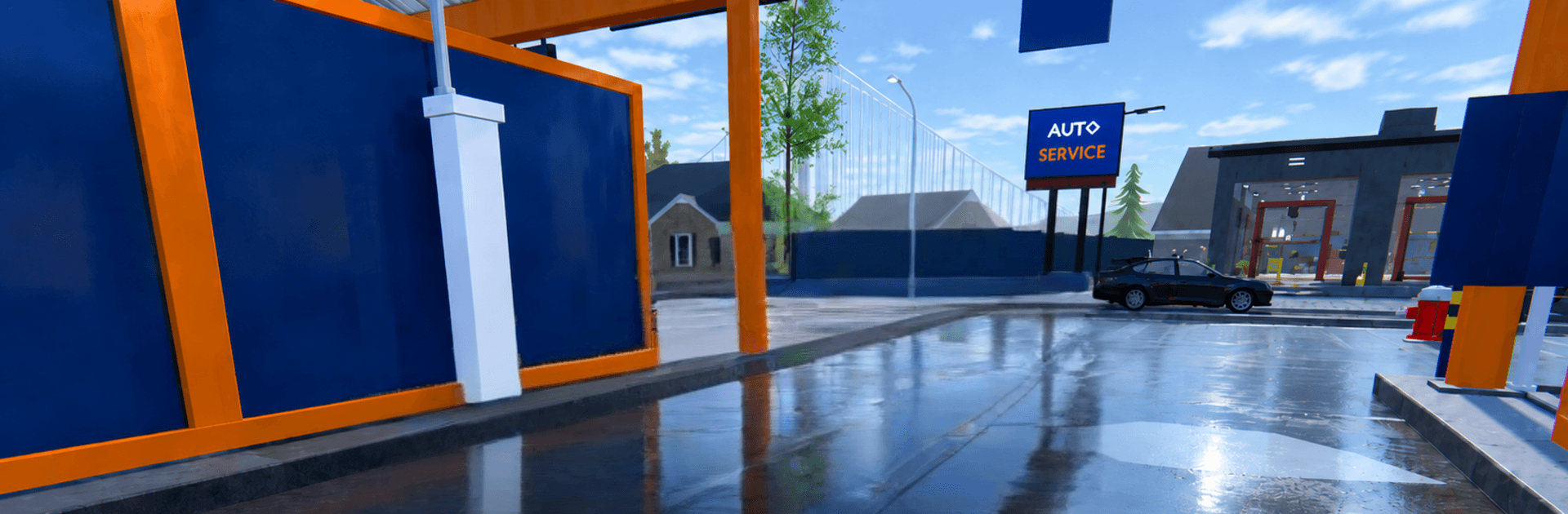
Car Mechanic Bay Simulator turns that “I can fix it” itch into a hands-on Adventure where every rusty find might become your next big score. You start small, hunt for forgotten rides, and breathe life back into them with real elbow grease before flipping them for profit. Want to wrench on a bigger screen? It also plays nicely on BlueStacks.

Game Features

  • Buy Smart: Check each car’s backstory—mileage, ownership, engine health, and a full body map—so you catch the stuff a seller hopes you’ll overlook.
  • Real Negotiation: Read the room, bargain with personality, and learn when to ease off; as your Trading, Charisma, and Reputation grow, so do your discounts.
  • Hands-On Repairs: Knock out dents, grind away rust, wash off years of grime, and respray in any color; rebuild engines, tune suspension, and bolt on performance parts in the service bay.
  • Parts Hunt: Scour a constantly refreshed market for spray cans, chips, exhausts, and rare goodies—think common, rare, epic, and legendary drops that don’t linger.
  • Sell Your Way: List your finished build and field offers from collectors, families, and bargain flippers; accept, pass, or wait for a sweeter number.
  • Drive What You Build: Take anything in your garage out into an open world with authentic handling, a day–night cycle, and changing weather; call in a tow when a project won’t roll, then snap it in photo mode.
  • Skills That Matter: Close deals, build a name, and watch better opportunities come your way as your reputation sharpens your edge.
  • Find, Fix, Flip: Track down 29 unique cars to restore, tune, and trade—your collection, your stories.
  • Play Offline: Tinker wherever you are with full offline support and 20 languages available.

Ready to top the leaderboard? We bet you do. Let precise controls and sharp visuals optimized on BlueStacks lead you to victory.


Game Features

Enhancements

  • Macros
  • Multi Instance
  • Multi Instance Sync
  • Script
  • Enhancements
Macros

Macros

Automate the predictable in Car Mechanic Bay Simulator and transform your gameplay with Macros. Get access to inventive Macros in the BlueStacks Macro Community
Multi Instance

Multi Instance

Play Car Mechanic Bay Simulator on one window. And chat with your friend on the other. Press CTRL + Shift + 8 to open the Multi-Instance Manager. And start creating fresh instances or clone an existing one.
Multi Instance Sync

Multi Instance Sync

Play Car Mechanic Bay Simulator with the power of Multi-Instance Sync. Replicate what you are doing on the main instance on all other instances. Level up faster, play more.
Script

Script

Script your way to gaming glory in Car Mechanic Bay Simulator with BlueStacks Script. Write and run a set of commands to automate repeated tasks. Trigger the command by assigning it to any key.
Read More

How to Download and Play Car Mechanic Bay Simulator on PC or Mac

  • Download and install BlueStacks on your PC or Mac

  • Complete Google sign-in to access the Play Store, or do it later

  • Look for Car Mechanic Bay Simulator in the search bar at the top right corner

  • Click to install Car Mechanic Bay Simulator from the search results

  • Complete Google sign-in (if you skipped step 2) to install Car Mechanic Bay Simulator

  • Click the Car Mechanic Bay Simulator icon on the home screen to start playing

video
Watch Video

Minimum System Requirements

With BlueStacks 5, you can get started on a PC that fulfills the following requirements.

  • Operating System

    Microsoft Windows 7 or above, macOS 11 (Big Sur) or above

  • Processor

    Intel, AMD or Apple Silicon Processor

  • RAM

    at least 4GB

  • HDD

    10GB Free Disk Space

Note:

* You must be an Administrator on your PC. Up to date graphics drivers from Microsoft or the chipset vendor.

Car Mechanic Bay Simulator - FAQs

  • How to play Car Mechanic Bay Simulator on Windows PC & Mac?

    Play Car Mechanic Bay Simulator on your PC or Mac by following these simple steps.

    • Click on 'Play Car Mechanic Bay Simulator on PC’ to download BlueStacks
    • Install it and log-in to Google Play Store
    • Launch and play the game.
  • Why is BlueStacks the fastest and safest platform to play games on PC?

    BlueStacks respects your privacy and is always safe and secure to use. It does not carry any malware, spyware, or any sort of additional software that could harm your PC.

    It is engineered to optimize speed and performance for a seamless gaming experience.

  • What are Car Mechanic Bay Simulator PC requirements?

    Minimum requirement to run Car Mechanic Bay Simulator on your PC

    • OS: Microsoft Windows 7 or above MacOS 11 (Big Sur) or above
    • Processor: Intel, AMD or Apple Silicon Processor
    • RAM: Your PC must have at least 4GB of RAM. (Note that having 4GB or more disk space is not a substitute for RAM)
    • HDD: 10GB Free Disk Space.
    • You must be an Administrator on your PC.