Mr. Hopp's Playhouse 2 HD

Mr. Hopp's Playhouse 2 HD

Adventure

| Moonbit

Play on PC with BlueStacks or from our cloud

  • Overview
  • Game Features
  • How to Play

Page Modified On: January 02, 2026

Play Mr. Hopp's Playhouse 2 HD on PC or Mac

Mr. Hopp’s Playhouse 2 HD brings the Adventure genre to life, and throws up exciting challenges for gamers. Developed by Moonbit, this Android game is best experienced on BlueStacks, the World’s #1 app player for PC and Mac users.

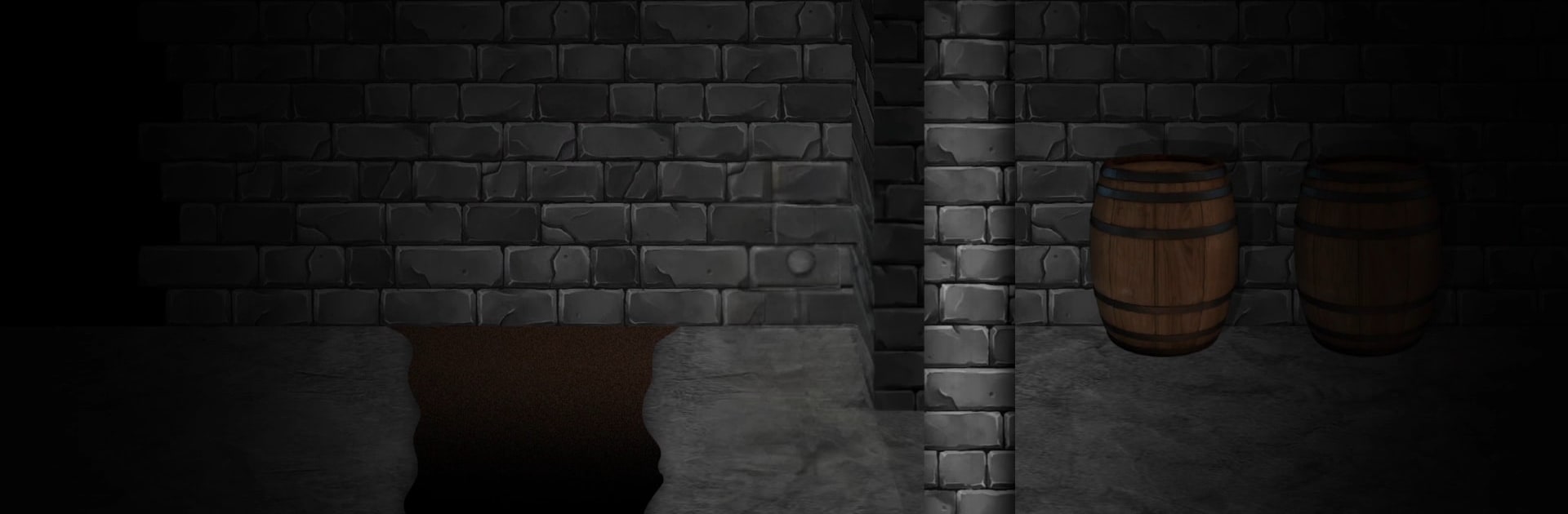
Mr. Hopp’s Playhouse 2 HD plays like a creepy side‑scrolling adventure where every hallway feels unsafe. It is set in Blacklands Manor Orphanage, where a donation box drops off three cute mascots that are not so cute for long. The player takes control of Esther, sneaking through classrooms, dorms, and a very unfriendly basement to figure out why her friends Molly and Isaac vanished. Moment to moment it is about moving quietly, crouching past creaky floorboards, tossing little distractions, and ducking into hiding spots while those toys and something older called the Entity stalk the place. The HD remake look is clean and sharp, with moody lighting and smoother animations, but it still keeps that old school 2D feel.

What stands out most is the tension. The sound design is mean in a good way, with footsteps that fade in, a sudden sting when danger spikes, and that awful silence right before a chase. Puzzles are more about reading notes, decoding symbols, and hunting down keys than heavy brainteasers, and doing it while being hunted is the real challenge. Checkpoints are fair, so a jump scare death usually only costs a few minutes. Each mascot feels a bit different to deal with, and a couple set pieces turn into full chases that ask for quick reactions. There are lore drops everywhere about Blacklands and the Entity, and the game nudges toward multiple endings if certain secrets are found.

On PC with BlueStacks, keyboard mapping makes the sneaking and sprinting feel snappy, and a bigger screen helps spot traps, runes, and those tiny tells in the dark. The whole thing lands like a late night campfire story that went wrong, with light puzzle solving, steady stealth, and sudden bursts of panic when Mr. Hopp shows up in the doorway.

Slay your opponents with your epic moves. Play it your way on BlueStacks and dominate the battlefield.


Game Features

Enhancements

  • Macros
  • Multi Instance
  • Multi Instance Sync
  • Script
  • Enhancements
Macros

Macros

Automate the predictable in Mr. Hopp's Playhouse 2 HD and transform your gameplay with Macros. Get access to inventive Macros in the BlueStacks Macro Community
Multi Instance

Multi Instance

Play Mr. Hopp's Playhouse 2 HD on one window. And chat with your friend on the other. Press CTRL + Shift + 8 to open the Multi-Instance Manager. And start creating fresh instances or clone an existing one.
Multi Instance Sync

Multi Instance Sync

Play Mr. Hopp's Playhouse 2 HD with the power of Multi-Instance Sync. Replicate what you are doing on the main instance on all other instances. Level up faster, play more.
Script

Script

Script your way to gaming glory in Mr. Hopp's Playhouse 2 HD with BlueStacks Script. Write and run a set of commands to automate repeated tasks. Trigger the command by assigning it to any key.
Read More

How to Download and Play Mr. Hopp's Playhouse 2 HD on PC or Mac

  • Download and install BlueStacks on your PC or Mac

  • Complete Google sign-in to access the Play Store, or do it later

  • Look for Mr. Hopp's Playhouse 2 HD in the search bar at the top right corner

  • Click to install Mr. Hopp's Playhouse 2 HD from the search results

  • Complete Google sign-in (if you skipped step 2) to install Mr. Hopp's Playhouse 2 HD

  • Click the Mr. Hopp's Playhouse 2 HD icon on the home screen to start playing

video
Watch Video

Minimum System Requirements

With BlueStacks 5, you can get started on a PC that fulfills the following requirements.

  • Operating System

    Microsoft Windows 7 or above, macOS 11 (Big Sur) or above

  • Processor

    Intel, AMD or Apple Silicon Processor

  • RAM

    at least 4GB

  • HDD

    10GB Free Disk Space

Note:

* You must be an Administrator on your PC. Up to date graphics drivers from Microsoft or the chipset vendor.

Mr. Hopp's Playhouse 2 HD - FAQs

  • How to play Mr. Hopp's Playhouse 2 HD on Windows PC & Mac?

    Play Mr. Hopp's Playhouse 2 HD on your PC or Mac by following these simple steps.

    • Click on 'Play Mr. Hopp's Playhouse 2 HD on PC’ to download BlueStacks
    • Install it and log-in to Google Play Store
    • Launch and play the game.
  • Why is BlueStacks the fastest and safest platform to play games on PC?

    BlueStacks respects your privacy and is always safe and secure to use. It does not carry any malware, spyware, or any sort of additional software that could harm your PC.

    It is engineered to optimize speed and performance for a seamless gaming experience.

  • What are Mr. Hopp's Playhouse 2 HD PC requirements?

    Minimum requirement to run Mr. Hopp's Playhouse 2 HD on your PC

    • OS: Microsoft Windows 7 or above MacOS 11 (Big Sur) or above
    • Processor: Intel, AMD or Apple Silicon Processor
    • RAM: Your PC must have at least 4GB of RAM. (Note that having 4GB or more disk space is not a substitute for RAM)
    • HDD: 10GB Free Disk Space.
    • You must be an Administrator on your PC.