Dungeon Odyssey
Dungeon Odyssey

Dungeon Odyssey

Adventure

| MGIF

Play on PC with BlueStacks or from our cloud

  • Overview
  • Game Features
  • How to Play

Page Modified On: August 14, 2026

Play Dungeon Odyssey on PC or Mac

Dungeon Odyssey brings the Adventure genre to life, and throws up exciting challenges for gamers. Developed by MGIF, this Android game is best experienced on BlueStacks, the World’s #1 app player for PC and Mac users.

About the Game

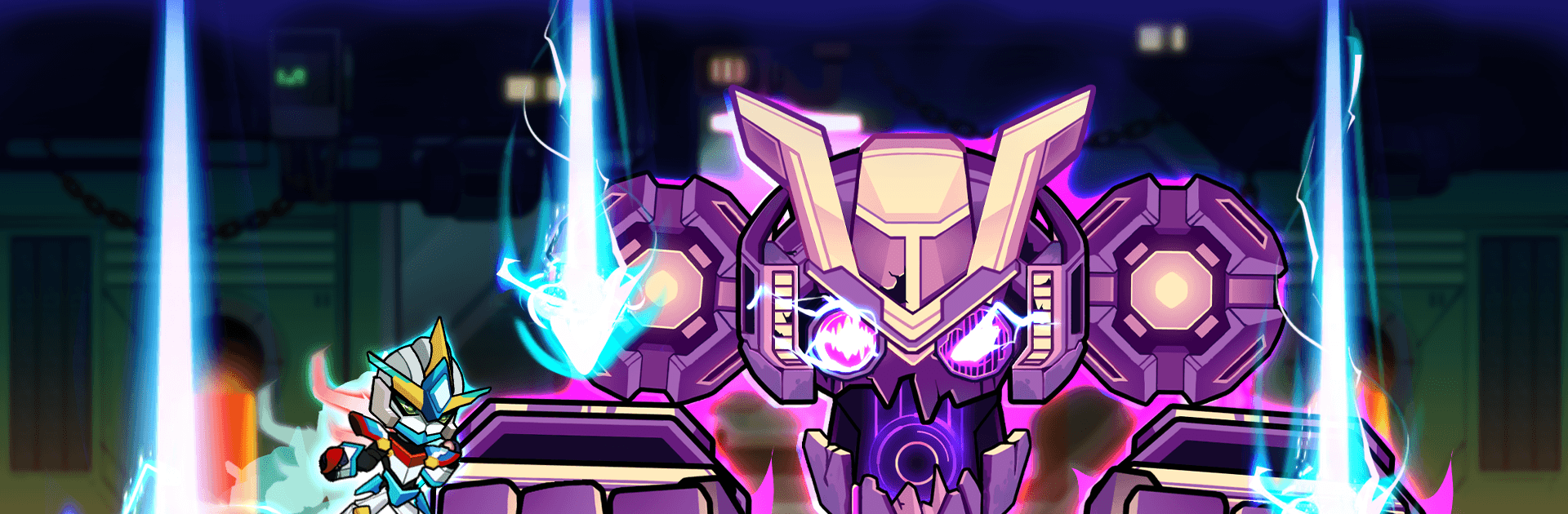
Dungeon Odyssey throws you into a high-stakes trek where a lone warrior from the future hunts down a corrupt force twisting creatures into armored nightmares. It’s an Adventure that blends fast platforming with tense swordplay, asking you to read enemy patterns, react on instinct, and push through hostile regions. Prefer playing on a bigger screen? It runs smoothly on PC with BlueStacks if that’s your thing.

Game Features

  • Razor-Sharp Combat: Slash, parry, and guard with responsive controls that reward timing and nerve. Miss the cue and you’ll feel it; nail it and battles end in a flash.
  • Craft and Upgrade Gear: Forge better blades, reinforce armor, and tune skill builds to match your playstyle—glass-cannon speedster or patient counterattacker, it’s up to you.
  • Bosses That Hit Back: Each major foe brings new patterns, feints, and brutal punishers. Study their tells, adapt mid-fight, and claim that hard-earned opening.
  • Platforming With Teeth: Navigate crumbling ledges, spike-laced corridors, lava-choked caverns, and tricky underground routes where a single mistimed jump can cost you.
  • Wide Regions to Explore: Cross distinct lands with their own hazards and enemy types, from scorched tunnels to wind-battered cliffs, uncovering secrets along the way.
  • Build Your Tactics: Swap weapons and armor sets to change how you approach a room—rush the archers, kite the bruisers, or bait attacks for perfect parries.
  • Tense Survival Runs: Resources are tight, enemies don’t play fair, and every encounter chips away at your margin for error. Careful routing matters.
  • Play Anywhere, Even Offline: No connection needed, so your next run is ready whenever you are.

Start your journey now. Download the game on BlueStacks, invite your friends, and march on a new adventure.


Game Features

Enhancements

  • Macros
  • Multi Instance
  • Multi Instance Sync
  • Script
  • Enhancements
Macros

Macros

Automate the predictable in Dungeon Odyssey and transform your gameplay with Macros. Get access to inventive Macros in the BlueStacks Macro Community
Multi Instance

Multi Instance

Play Dungeon Odyssey on one window. And chat with your friend on the other. Press CTRL + Shift + 8 to open the Multi-Instance Manager. And start creating fresh instances or clone an existing one.
Multi Instance Sync

Multi Instance Sync

Play Dungeon Odyssey with the power of Multi-Instance Sync. Replicate what you are doing on the main instance on all other instances. Level up faster, play more.
Script

Script

Script your way to gaming glory in Dungeon Odyssey with BlueStacks Script. Write and run a set of commands to automate repeated tasks. Trigger the command by assigning it to any key.
Read More

How to Download and Play Dungeon Odyssey on PC or Mac

  • Download and install BlueStacks on your PC or Mac

  • Complete Google sign-in to access the Play Store, or do it later

  • Look for Dungeon Odyssey in the search bar at the top right corner

  • Click to install Dungeon Odyssey from the search results

  • Complete Google sign-in (if you skipped step 2) to install Dungeon Odyssey

  • Click the Dungeon Odyssey icon on the home screen to start playing

video
Watch Video

Minimum System Requirements

With BlueStacks 5, you can get started on a PC that fulfills the following requirements.

  • Operating System

    Microsoft Windows 7 or above, macOS 11 (Big Sur) or above

  • Processor

    Intel, AMD or Apple Silicon Processor

  • RAM

    at least 4GB

  • HDD

    10GB Free Disk Space

Note:

* You must be an Administrator on your PC. Up to date graphics drivers from Microsoft or the chipset vendor.

Dungeon Odyssey - FAQs

  • How to play Dungeon Odyssey on Windows PC & Mac?

    Play Dungeon Odyssey on your PC or Mac by following these simple steps.

    • Click on 'Play Dungeon Odyssey on PC’ to download BlueStacks
    • Install it and log-in to Google Play Store
    • Launch and play the game.
  • Why is BlueStacks the fastest and safest platform to play games on PC?

    BlueStacks respects your privacy and is always safe and secure to use. It does not carry any malware, spyware, or any sort of additional software that could harm your PC.

    It is engineered to optimize speed and performance for a seamless gaming experience.

  • What are Dungeon Odyssey PC requirements?

    Minimum requirement to run Dungeon Odyssey on your PC

    • OS: Microsoft Windows 7 or above MacOS 11 (Big Sur) or above
    • Processor: Intel, AMD or Apple Silicon Processor
    • RAM: Your PC must have at least 4GB of RAM. (Note that having 4GB or more disk space is not a substitute for RAM)
    • HDD: 10GB Free Disk Space.
    • You must be an Administrator on your PC.