Heartful Paws
Heartful Paws

Heartful Paws

Arcade

| Black Void Games

Play on PC with BlueStacks or from our cloud

  • Overview
  • Game Features
  • How to Play

Page Modified On: June 02, 2026

Play Heartful Paws on PC or Mac

Explore a whole new adventure with Heartful Paws, a Arcade game created by Black Void Games. Experience great gameplay with BlueStacks, the most popular gaming platform to play Android games on your PC or Mac.

About the Game

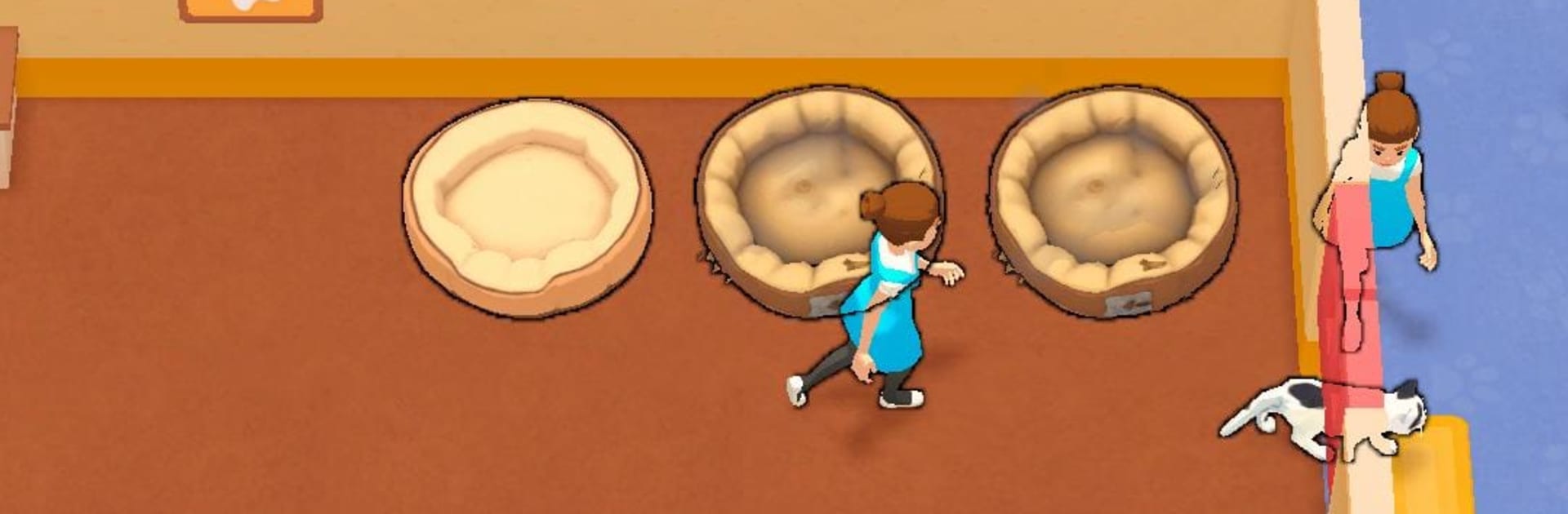
Heartful Paws is a cozy Arcade take on running a cat shelter, where every meow comes with a little personality and a to-do list. You start small, welcome strays out of the storm, and guide each kitty through care, comfort, and—if all goes well—a happy adoption. Prefer a bigger screen and smoother controls? It plays nicely on BlueStacks, too.

Game Features

  • Build a welcoming shelter — Expand from a single room to a lively haven with specialized spaces and a steady flow of whiskered guests.
  • A full-care journey — Feed hungry bellies, scrub away the grime, check health in the vet room, let them romp in the play area, keep things tidy, and match them with the right family.
  • Upgrades that matter — Spend hard-earned GoldFish to unlock new rooms and boost facilities through multiple levels, making every stop in the process faster and better.
  • Hire a helpful crew — Bring on assistants to keep chores moving so no cat waits long for a bath, a snack, or a cuddle.
  • Daily missions that mix it up — Tackle rotating targets—like feeding streaks or grooming counts—to earn extra goodies, including shiny Gems.
  • Collect a Cat Album — Log every adoption and discover cats with different names, looks, and quirky coat patterns you’ll want to complete.
  • Earn while offline — Your shelter keeps working even when you’re away, so you return to a healthy stash of GoldFish and new paws at the door.

Start your journey now. Download the game on BlueStacks, invite your friends, and march on a new adventure.


Game Features

Enhancements

  • Macros
  • Multi Instance
  • Multi Instance Sync
  • Script
  • Enhancements
Macros

Macros

Automate the predictable in Heartful Paws and transform your gameplay with Macros. Get access to inventive Macros in the BlueStacks Macro Community
Multi Instance

Multi Instance

Play Heartful Paws on one window. And chat with your friend on the other. Press CTRL + Shift + 8 to open the Multi-Instance Manager. And start creating fresh instances or clone an existing one.
Multi Instance Sync

Multi Instance Sync

Play Heartful Paws with the power of Multi-Instance Sync. Replicate what you are doing on the main instance on all other instances. Level up faster, play more.
Script

Script

Script your way to gaming glory in Heartful Paws with BlueStacks Script. Write and run a set of commands to automate repeated tasks. Trigger the command by assigning it to any key.
Read More

How to Download and Play Heartful Paws on PC or Mac

  • Download and install BlueStacks on your PC or Mac

  • Complete Google sign-in to access the Play Store, or do it later

  • Look for Heartful Paws in the search bar at the top right corner

  • Click to install Heartful Paws from the search results

  • Complete Google sign-in (if you skipped step 2) to install Heartful Paws

  • Click the Heartful Paws icon on the home screen to start playing

video
Watch Video

Minimum System Requirements

With BlueStacks 5, you can get started on a PC that fulfills the following requirements.

  • Operating System

    Microsoft Windows 7 or above, macOS 11 (Big Sur) or above

  • Processor

    Intel, AMD or Apple Silicon Processor

  • RAM

    at least 4GB

  • HDD

    10GB Free Disk Space

Note:

* You must be an Administrator on your PC. Up to date graphics drivers from Microsoft or the chipset vendor.

Heartful Paws - FAQs

  • How to play Heartful Paws on Windows PC & Mac?

    Play Heartful Paws on your PC or Mac by following these simple steps.

    • Click on 'Play Heartful Paws on PC’ to download BlueStacks
    • Install it and log-in to Google Play Store
    • Launch and play the game.
  • Why is BlueStacks the fastest and safest platform to play games on PC?

    BlueStacks respects your privacy and is always safe and secure to use. It does not carry any malware, spyware, or any sort of additional software that could harm your PC.

    It is engineered to optimize speed and performance for a seamless gaming experience.

  • What are Heartful Paws PC requirements?

    Minimum requirement to run Heartful Paws on your PC

    • OS: Microsoft Windows 7 or above MacOS 11 (Big Sur) or above
    • Processor: Intel, AMD or Apple Silicon Processor
    • RAM: Your PC must have at least 4GB of RAM. (Note that having 4GB or more disk space is not a substitute for RAM)
    • HDD: 10GB Free Disk Space.
    • You must be an Administrator on your PC.