Hole and Give
Hole and Give

Hole and Give

Arcade

| GOODROID,Inc.

Play on PC with BlueStacks or from our cloud

  • Overview
  • Game Features
  • How to Play

Page Modified On: November 03, 2025

Play Hole and Give on PC or Mac

From the innovators and creators at GOODROID,Inc., Hole and Give is another fun addition to the World of Arcade games. Go beyond your mobile screen and play it bigger and better on your PC or Mac. An immersive experience awaits you.

About the Game

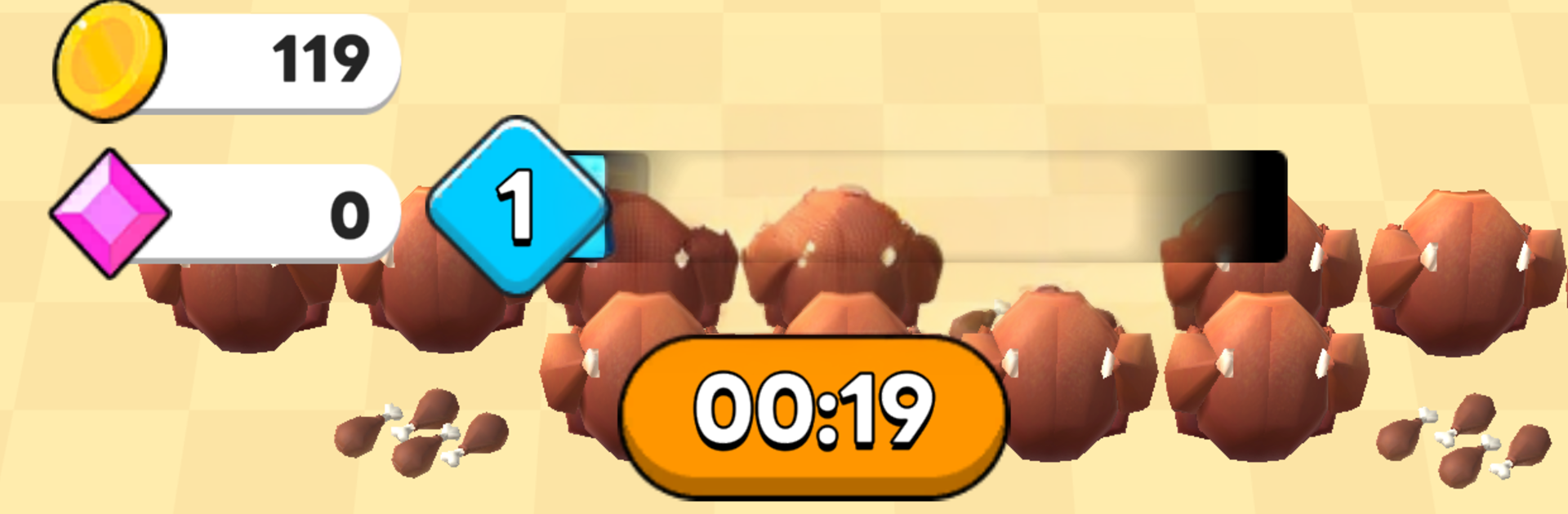
Hole and Give is a playful Arcade snack-scooper from GOODROID,Inc. You guide a tiny portal that gobbles up everything from donuts to pricey trinkets, then hand the loot to customers waiting for exactly what they asked for. It’s quick to learn, oddly satisfying, and just chaotic enough to keep you grinning.

Game Features

  • Gobble-with-a-portal gameplay: Glide the magic hole around and let gravity do its thing as goodies tumble right in.
  • Collect ’em all: Sweep up junk food, sweets, meat, and other curious items, planning neat paths to snag bigger hauls.
  • Serve the line: Customers show up with specific needs—use what you’ve gathered to match their orders and keep the queue moving.
  • Stages that keep changing: Fresh layouts, tighter spaces, moving bits, and cheeky obstacles make each run feel different.
  • Smart, short sessions: Quick rounds perfect for a break, with room to chase cleaner routes and juicier totals.
  • Crisp feedback: Punchy animations and satisfying sounds make every scoop and handoff feel great.
  • Easy to pick up: No walls of text—just jump in, swipe, collect, and give. The depth comes from how you route and manage your stash.
  • Smooth on PC too: Prefer a bigger screen and comfy controls? Play it through BlueStacks without any hassle.

Slay your opponents with your epic moves. Play it your way on BlueStacks and dominate the battlefield.


Game Features

Enhancements

  • Macros
  • Multi Instance
  • Multi Instance Sync
  • Script
  • Enhancements
Macros

Macros

Automate the predictable in Hole and Give and transform your gameplay with Macros. Get access to inventive Macros in the BlueStacks Macro Community
Multi Instance

Multi Instance

Play Hole and Give on one window. And chat with your friend on the other. Press CTRL + Shift + 8 to open the Multi-Instance Manager. And start creating fresh instances or clone an existing one.
Multi Instance Sync

Multi Instance Sync

Play Hole and Give with the power of Multi-Instance Sync. Replicate what you are doing on the main instance on all other instances. Level up faster, play more.
Script

Script

Script your way to gaming glory in Hole and Give with BlueStacks Script. Write and run a set of commands to automate repeated tasks. Trigger the command by assigning it to any key.
Read More

How to Download and Play Hole and Give on PC or Mac

  • Download and install BlueStacks on your PC or Mac

  • Complete Google sign-in to access the Play Store, or do it later

  • Look for Hole and Give in the search bar at the top right corner

  • Click to install Hole and Give from the search results

  • Complete Google sign-in (if you skipped step 2) to install Hole and Give

  • Click the Hole and Give icon on the home screen to start playing

video
Watch Video

Minimum System Requirements

With BlueStacks 5, you can get started on a PC that fulfills the following requirements.

  • Operating System

    Microsoft Windows 7 or above, macOS 11 (Big Sur) or above

  • Processor

    Intel, AMD or Apple Silicon Processor

  • RAM

    at least 4GB

  • HDD

    10GB Free Disk Space

Note:

* You must be an Administrator on your PC. Up to date graphics drivers from Microsoft or the chipset vendor.

Hole and Give - FAQs

  • How to play Hole and Give on Windows PC & Mac?

    Play Hole and Give on your PC or Mac by following these simple steps.

    • Click on 'Play Hole and Give on PC’ to download BlueStacks
    • Install it and log-in to Google Play Store
    • Launch and play the game.
  • Why is BlueStacks the fastest and safest platform to play games on PC?

    BlueStacks respects your privacy and is always safe and secure to use. It does not carry any malware, spyware, or any sort of additional software that could harm your PC.

    It is engineered to optimize speed and performance for a seamless gaming experience.

  • What are Hole and Give PC requirements?

    Minimum requirement to run Hole and Give on your PC

    • OS: Microsoft Windows 7 or above MacOS 11 (Big Sur) or above
    • Processor: Intel, AMD or Apple Silicon Processor
    • RAM: Your PC must have at least 4GB of RAM. (Note that having 4GB or more disk space is not a substitute for RAM)
    • HDD: 10GB Free Disk Space.
    • You must be an Administrator on your PC.