Super Drop Land
Super Drop Land

Super Drop Land

Arcade

| Lamington Games

Play on PC with BlueStacks or from our cloud

  • Overview
  • Game Features
  • How to Play

Page Modified On: June 02, 2026

Play Super Drop Land on PC or Mac

Super Drop Land by Lamington Games has plenty to keep you busy. BlueStacks lets you play it on PC or Mac with more screen space, better control, and fewer mobile limits.

About the Game

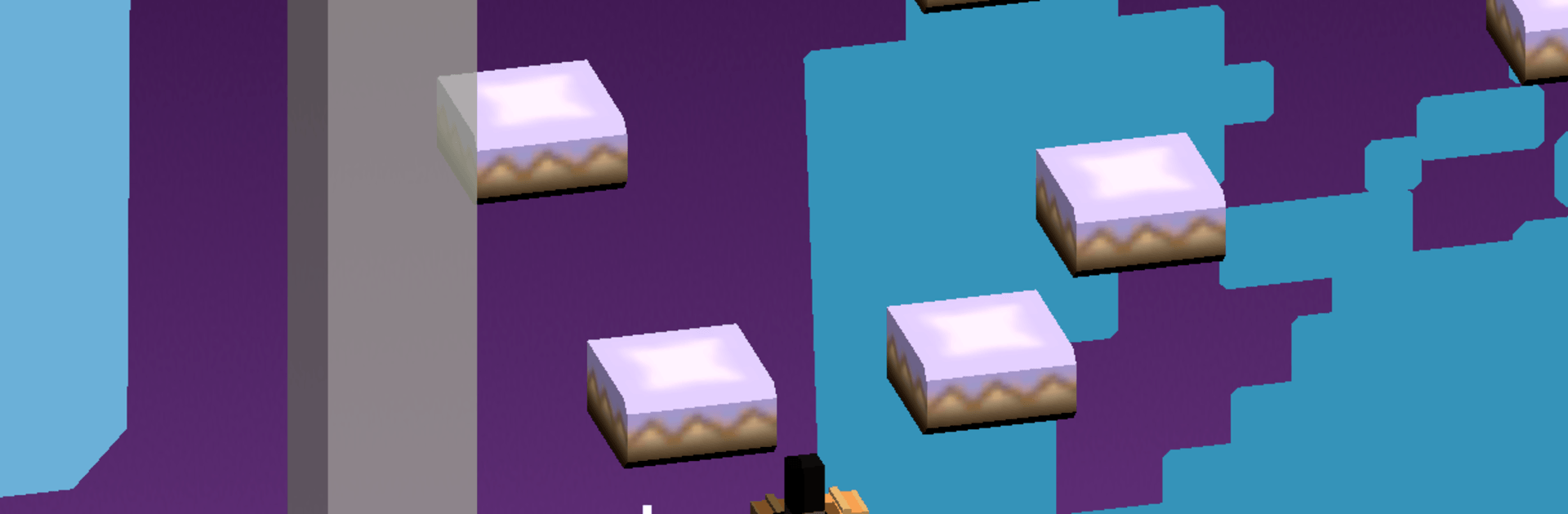
Super Drop Land is a playful Arcade adventure where the ground is always beneath you—and getting closer fast. You guide a bouncy little hero left or right while gravity does the heavy lifting, chasing critters, snagging goodies, and slipping past things that go “boo.” It’s quick to pick up, surprisingly clever, and perfect when you want something light but still a bit tricky. Prefer a bigger screen? It runs smoothly on BlueStacks too.

Game Features

  • Downward platforming: Move only left or right as you tumble through compact stages, timing your turns to land on safe spots and snag the good stuff.
  • Quirky goals: Chase speedy rabbits, catch adorable puppies, and bolt away from spooky ghosts—every drop throws a new objective your way.
  • Ten distinct lands: Explore 10 themed areas, each with its own vibe and little twists that nudge you to rethink how you fall.
  • Hats that change everything: Unlock a closet full of hats that remix the rules—some are silly, others are game-changers, all are fun to experiment with.
  • Multiplayer racing crown: Slip on the crown built for races and go head-to-head in fast descents that reward sharp turns and bold routes.
  • Handcrafted puzzle stages: Tackle 15+ bespoke puzzles that spotlight specific mechanics, easing you in with teaching moments before asking for the real brainwork.
  • Snappy runs, lots to master: Short stages keep retries painless, but squeezing out cleaner lines and smarter flips is where the real satisfaction kicks in.

Get ready for a buttery smooth, high-performance gaming action only on BlueStacks.

Game Features

Enhancements

  • Macros
  • Multi Instance
  • Multi Instance Sync
  • Script
  • Enhancements
Macros

Macros

Automate the predictable in Super Drop Land and transform your gameplay with Macros. Get access to inventive Macros in the BlueStacks Macro Community
Multi Instance

Multi Instance

Play Super Drop Land on one window. And chat with your friend on the other. Press CTRL + Shift + 8 to open the Multi-Instance Manager. And start creating fresh instances or clone an existing one.
Multi Instance Sync

Multi Instance Sync

Play Super Drop Land with the power of Multi-Instance Sync. Replicate what you are doing on the main instance on all other instances. Level up faster, play more.
Script

Script

Script your way to gaming glory in Super Drop Land with BlueStacks Script. Write and run a set of commands to automate repeated tasks. Trigger the command by assigning it to any key.
Read More

How to Download and Play Super Drop Land on PC or Mac

  • Download and install BlueStacks on your PC or Mac

  • Complete Google sign-in to access the Play Store, or do it later

  • Look for Super Drop Land in the search bar at the top right corner

  • Click to install Super Drop Land from the search results

  • Complete Google sign-in (if you skipped step 2) to install Super Drop Land

  • Click the Super Drop Land icon on the home screen to start playing

video
Watch Video

Minimum System Requirements

With BlueStacks 5, you can get started on a PC that fulfills the following requirements.

  • Operating System

    Microsoft Windows 7 or above, macOS 11 (Big Sur) or above

  • Processor

    Intel, AMD or Apple Silicon Processor

  • RAM

    at least 4GB

  • HDD

    10GB Free Disk Space

Note:

* You must be an Administrator on your PC. Up to date graphics drivers from Microsoft or the chipset vendor.

Super Drop Land - FAQs

  • How to play Super Drop Land on Windows PC & Mac?

    Play Super Drop Land on your PC or Mac by following these simple steps.

    • Click on 'Play Super Drop Land on PC’ to download BlueStacks
    • Install it and log-in to Google Play Store
    • Launch and play the game.
  • Why is BlueStacks the fastest and safest platform to play games on PC?

    BlueStacks respects your privacy and is always safe and secure to use. It does not carry any malware, spyware, or any sort of additional software that could harm your PC.

    It is engineered to optimize speed and performance for a seamless gaming experience.

  • What are Super Drop Land PC requirements?

    Minimum requirement to run Super Drop Land on your PC

    • OS: Microsoft Windows 7 or above MacOS 11 (Big Sur) or above
    • Processor: Intel, AMD or Apple Silicon Processor
    • RAM: Your PC must have at least 4GB of RAM. (Note that having 4GB or more disk space is not a substitute for RAM)
    • HDD: 10GB Free Disk Space.
    • You must be an Administrator on your PC.