Train Attack: Merge War

Train Attack: Merge War

Arcade

| MAD PIXEL GAMES LTD

Play on PC with BlueStacks or from our cloud

  • Overview
  • Game Features
  • How to Play

Page Modified On: January 09, 2026

Play Train Attack: Merge War on PC or Mac

Join millions to experience Train Attack: Merge War, an exciting Arcade game from MAD PIXEL GAMES LTD. With BlueStacks App Player, you are always a step ahead of your opponent, ready to outplay them with faster gameplay and better control with the mouse and keyboard on your PC or Mac.

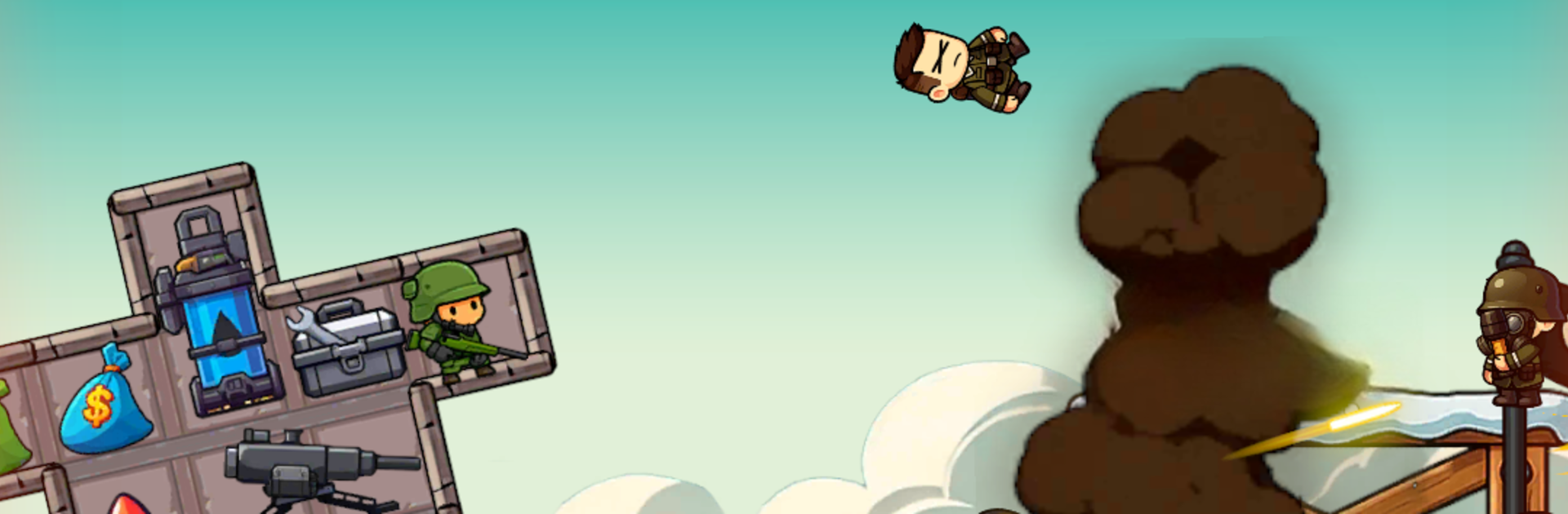
Train Attack: Merge War is a simple 2D rail shooter where everything revolves around building a ridiculous battle train and watching it chew through enemy waves. The loop is clean: the player drags matching guns and turrets together to merge them into stronger parts, slots them onto cars, then sends the whole convoy rolling while it blasts tanks, drones, and chunky bosses. Shots feel punchy, explosions pop, and there is this nice clicky rhythm to upgrading between runs. It is not just set-and-forget either. Car placement matters, choosing which weapon types to prioritize matters, and a bad layout can make a good run melt fast.

Progress unlocks new trains, tougher armor, and more space to tinker, plus a little base that grows into a bigger operation. Stages jump from deserts to cities to icy tracks, and special abilities like a nuclear strike clear the screen when things get crowded. There are solo missions, some light social bits for comparing results, and the usual daily rewards that speed up the merge grind. Controls are dead simple, so on PC with BlueStacks it feels natural to drag pieces with a mouse and let the train auto-fire while tweaking the setup. It suits players who enjoy merge mechanics with steady shooting and just enough planning to make each build feel different.

Ready to top the leaderboard? We bet you do. Let precise controls and sharp visuals optimized on BlueStacks lead you to victory.


Game Features

Enhancements

  • Macros
  • Multi Instance
  • Multi Instance Sync
  • Script
  • Enhancements
Macros

Macros

Automate the predictable in Train Attack: Merge War and transform your gameplay with Macros. Get access to inventive Macros in the BlueStacks Macro Community
Multi Instance

Multi Instance

Play Train Attack: Merge War on one window. And chat with your friend on the other. Press CTRL + Shift + 8 to open the Multi-Instance Manager. And start creating fresh instances or clone an existing one.
Multi Instance Sync

Multi Instance Sync

Play Train Attack: Merge War with the power of Multi-Instance Sync. Replicate what you are doing on the main instance on all other instances. Level up faster, play more.
Script

Script

Script your way to gaming glory in Train Attack: Merge War with BlueStacks Script. Write and run a set of commands to automate repeated tasks. Trigger the command by assigning it to any key.
Read More

How to Download and Play Train Attack: Merge War on PC or Mac

  • Download and install BlueStacks on your PC or Mac

  • Complete Google sign-in to access the Play Store, or do it later

  • Look for Train Attack: Merge War in the search bar at the top right corner

  • Click to install Train Attack: Merge War from the search results

  • Complete Google sign-in (if you skipped step 2) to install Train Attack: Merge War

  • Click the Train Attack: Merge War icon on the home screen to start playing

video
Watch Video

Minimum System Requirements

With BlueStacks 5, you can get started on a PC that fulfills the following requirements.

  • Operating System

    Microsoft Windows 7 or above, macOS 11 (Big Sur) or above

  • Processor

    Intel, AMD or Apple Silicon Processor

  • RAM

    at least 4GB

  • HDD

    10GB Free Disk Space

Note:

* You must be an Administrator on your PC. Up to date graphics drivers from Microsoft or the chipset vendor.

Train Attack: Merge War - FAQs

  • How to play Train Attack: Merge War on Windows PC & Mac?

    Play Train Attack: Merge War on your PC or Mac by following these simple steps.

    • Click on 'Play Train Attack: Merge War on PC’ to download BlueStacks
    • Install it and log-in to Google Play Store
    • Launch and play the game.
  • Why is BlueStacks the fastest and safest platform to play games on PC?

    BlueStacks respects your privacy and is always safe and secure to use. It does not carry any malware, spyware, or any sort of additional software that could harm your PC.

    It is engineered to optimize speed and performance for a seamless gaming experience.

  • What are Train Attack: Merge War PC requirements?

    Minimum requirement to run Train Attack: Merge War on your PC

    • OS: Microsoft Windows 7 or above MacOS 11 (Big Sur) or above
    • Processor: Intel, AMD or Apple Silicon Processor
    • RAM: Your PC must have at least 4GB of RAM. (Note that having 4GB or more disk space is not a substitute for RAM)
    • HDD: 10GB Free Disk Space.
    • You must be an Administrator on your PC.