Taxi Tycoon
Taxi Tycoon

Taxi Tycoon

Racing

| Mankrik

Play on PC with BlueStacks or from our cloud

  • Overview
  • Game Features
  • How to Play

Page Modified On: October 08, 2026

Play Taxi Tycoon on PC or Mac

Taxi Tycoon by Mankrik has plenty to keep you busy. BlueStacks lets you play it on PC or Mac with more screen space, better control, and fewer mobile limits.

About the Game

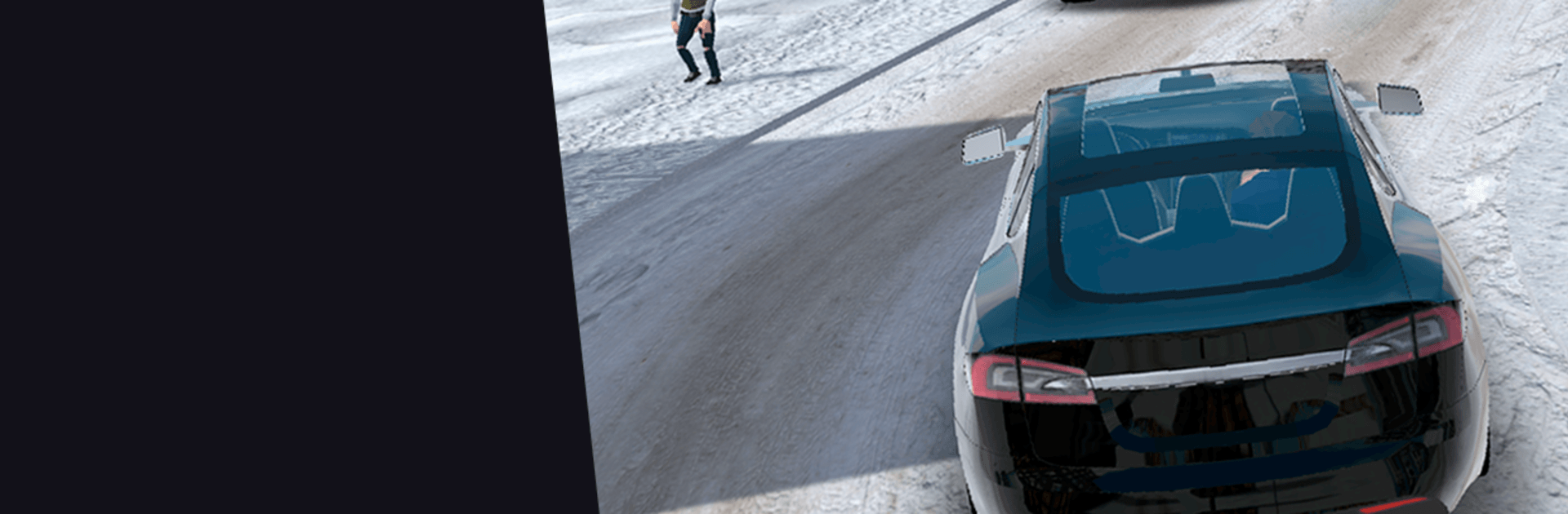
Taxi Tycoon puts you in the driver’s seat—and the boss’s chair. It’s a Racing experience where you chase fares through busy cities, unlock new countries and seasons, and turn a scrappy startup into a globe-spanning fleet. Quick decisions, lively traffic, and the constant balance between speed and profit keep each run fresh.

Game Features

  • Living Cities: Drive through colorful districts around the world, each with its own traffic rhythm, shortcuts, and personality.
  • Seasons That Matter: Weather and seasonal shifts change how the roads feel, from slick rain to bright, clear mornings.
  • Build Your Fleet: Unlock and buy distinct cars, swap between them for different routes, and find the ride that fits your style.
  • Hire Skilled Drivers: Recruit pros, hand them the right cars, and expand your earnings while you focus on high-value trips.
  • Explore New Destinations: Open fresh regions and memorable routes as your reputation grows and your fleet gets noticed.
  • Career Progression: Climb the international ranks with tougher goals and higher-stakes runs that test both reflexes and planning.
  • Route Planning: Choose pick-ups and drop-offs wisely, stack efficient trips, and race the meter without wasting a minute.
  • Authentic Traffic Flow: Navigate jams, timing windows, and lane changes that reward clean lines and sharp awareness.
  • BlueStacks Friendly: Looks crisp and plays smoothly on BlueStacks, with customizable controls if you prefer the big-screen view.

Start your journey now. Download the game on BlueStacks, invite your friends, and march on a new adventure.


Game Features

Enhancements

  • Macros
  • Multi Instance
  • Multi Instance Sync
  • Script
  • Enhancements
Macros

Macros

Automate the predictable in Taxi Tycoon and transform your gameplay with Macros. Get access to inventive Macros in the BlueStacks Macro Community
Multi Instance

Multi Instance

Play Taxi Tycoon on one window. And chat with your friend on the other. Press CTRL + Shift + 8 to open the Multi-Instance Manager. And start creating fresh instances or clone an existing one.
Multi Instance Sync

Multi Instance Sync

Play Taxi Tycoon with the power of Multi-Instance Sync. Replicate what you are doing on the main instance on all other instances. Level up faster, play more.
Script

Script

Script your way to gaming glory in Taxi Tycoon with BlueStacks Script. Write and run a set of commands to automate repeated tasks. Trigger the command by assigning it to any key.
Read More

How to Download and Play Taxi Tycoon on PC or Mac

  • Download and install BlueStacks on your PC or Mac

  • Complete Google sign-in to access the Play Store, or do it later

  • Look for Taxi Tycoon in the search bar at the top right corner

  • Click to install Taxi Tycoon from the search results

  • Complete Google sign-in (if you skipped step 2) to install Taxi Tycoon

  • Click the Taxi Tycoon icon on the home screen to start playing

video
Watch Video

Minimum System Requirements

With BlueStacks 5, you can get started on a PC that fulfills the following requirements.

  • Operating System

    Microsoft Windows 7 or above, macOS 11 (Big Sur) or above

  • Processor

    Intel, AMD or Apple Silicon Processor

  • RAM

    at least 4GB

  • HDD

    10GB Free Disk Space

Note:

* You must be an Administrator on your PC. Up to date graphics drivers from Microsoft or the chipset vendor.

Taxi Tycoon - FAQs

  • How to play Taxi Tycoon on Windows PC & Mac?

    Play Taxi Tycoon on your PC or Mac by following these simple steps.

    • Click on 'Play Taxi Tycoon on PC’ to download BlueStacks
    • Install it and log-in to Google Play Store
    • Launch and play the game.
  • Why is BlueStacks the fastest and safest platform to play games on PC?

    BlueStacks respects your privacy and is always safe and secure to use. It does not carry any malware, spyware, or any sort of additional software that could harm your PC.

    It is engineered to optimize speed and performance for a seamless gaming experience.

  • What are Taxi Tycoon PC requirements?

    Minimum requirement to run Taxi Tycoon on your PC

    • OS: Microsoft Windows 7 or above MacOS 11 (Big Sur) or above
    • Processor: Intel, AMD or Apple Silicon Processor
    • RAM: Your PC must have at least 4GB of RAM. (Note that having 4GB or more disk space is not a substitute for RAM)
    • HDD: 10GB Free Disk Space.
    • You must be an Administrator on your PC.