Avatar Go Animal World Games

Avatar Go Animal World Games

Role Playing

| Yateland Games for kids

Play on PC with BlueStacks or from our cloud

  • Overview
  • Game Features
  • How to Play

Page Modified On: October 21, 2026

Play Avatar Go Animal World Games on PC or Mac

Step into the World of Avatar Go Animal World Games, a thrilling Role Playing game from the house of Yateland Games for kids. Play this Android game on BlueStacks App Player and experience immersive gaming on PC or Mac.

About the Game

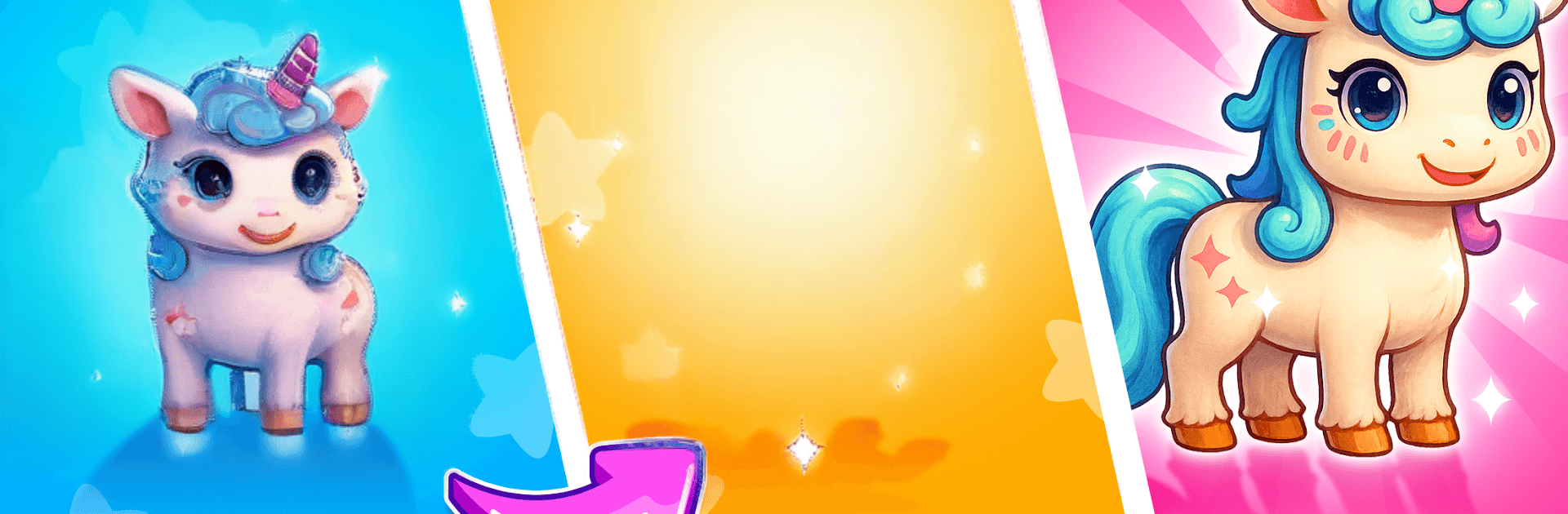
Avatar Go Animal World Games is a cozy Role Playing sandbox where kids can create, explore, and care for adorable animals at their own pace. Build a unique avatar, wander a breezy beach or a whispery forest, and fill a little nature book with real-world creatures. It’s playful, calm, and super approachable—and if you like a bigger screen, it runs smoothly on BlueStacks.

Game Features

  • Creative dress-up studio: Mix and match over 800 hairstyles, accessories, and outfits—from beachwear to cute critter costumes and fancy gowns—so every look feels totally “theirs.”
  • Two vacation worlds: Stroll the Sunny Beach to collect shiny shells, fish for 12 colorful sea creatures, lounge under the sun, and watch fireworks; then head to the Mystery Forest to chase fireflies, catch 12 insects, pick 10 wild fruits, play on slides and swings, and cook simple camp meals.
  • Hatch-and-care pets: Open 34 surprise eggs and raise cuddly friends—kittens, pandas, a unicorn, even a Chinese dragon. Feed, bathe, and snuggle them as they grow into loyal sidekicks.
  • Pocket nature book: Log 60+ discoveries, including insects, freshwater fish, sea fish, and rare shells. Spot favorites like the Monarch butterfly, lanternfish, and nautilus while picking up gentle skills like fishing and bug catching.
  • Kindness quests: Chat with island neighbors, read their moods, and gather what they need. Helping out brings sweet surprises like special outfits, gifts, and rare companions.
  • Tap-friendly play: Simple, intuitive interactions keep things stress-free for younger players while still offering lots to do and discover.
  • Ready anytime: Works offline and is ad-free, making it an easy choice for calm, uninterrupted play.
  • BlueStacks comfort: Prefer couch time with a bigger display and click-friendly controls? Play on BlueStacks for a relaxed setup.

Start playing Avatar Go Animal World Games on BlueStacks and get a smoother, more comfortable PC or Mac setup.

Game Features

Enhancements

  • Macros
  • Rerolling
  • Eco Mode
  • Multi Instance Sync
  • Enhancements
Macros

Macros

Focus more on the fun part of the game, skip the tedious aspects. Master Avatar Go Animal World Games with Macros. Record yourself completing the monotonous tasks you wish to automate and replay them later with just one keypress.
Rerolling

Rerolling

Speed up the rerolling process in Avatar Go Animal World Games. Perform multiple summons and keep looking for the best Heroes. Use Multi-Instance sync to replicate the rerolling mechanism in all instances.
Eco Mode

Eco Mode

Farm in-game resources with ease in Avatar Go Animal World Games. Enable the Eco Mode when running the game in multiple instances. And lower your PC's resource consumption.
Multi Instance Sync

Multi Instance Sync

With the Multi-instance Sync, you can do even more in Avatar Go Animal World Games. Sync the action of the main instance and repeat them in real time for all other instances. Sync and sit back, let the game progress unfold.
Read More

How to Download and Play Avatar Go Animal World Games on PC or Mac

  • Download and install BlueStacks on your PC or Mac

  • Complete Google sign-in to access the Play Store, or do it later

  • Look for Avatar Go Animal World Games in the search bar at the top right corner

  • Click to install Avatar Go Animal World Games from the search results

  • Complete Google sign-in (if you skipped step 2) to install Avatar Go Animal World Games

  • Click the Avatar Go Animal World Games icon on the home screen to start playing

video
Watch Video

Minimum System Requirements

With BlueStacks 5, you can get started on a PC that fulfills the following requirements.

  • Operating System

    Microsoft Windows 7 or above, macOS 11 (Big Sur) or above

  • Processor

    Intel, AMD or Apple Silicon Processor

  • RAM

    at least 4GB

  • HDD

    10GB Free Disk Space

Note:

* You must be an Administrator on your PC. Up to date graphics drivers from Microsoft or the chipset vendor.

Avatar Go Animal World Games - FAQs

  • How to play Avatar Go Animal World Games on Windows PC & Mac?

    Play Avatar Go Animal World Games on your PC or Mac by following these simple steps.

    • Click on 'Play Avatar Go Animal World Games on PC’ to download BlueStacks
    • Install it and log-in to Google Play Store
    • Launch and play the game.
  • Why is BlueStacks the fastest and safest platform to play games on PC?

    BlueStacks respects your privacy and is always safe and secure to use. It does not carry any malware, spyware, or any sort of additional software that could harm your PC.

    It is engineered to optimize speed and performance for a seamless gaming experience.

  • What are Avatar Go Animal World Games PC requirements?

    Minimum requirement to run Avatar Go Animal World Games on your PC

    • OS: Microsoft Windows 7 or above MacOS 11 (Big Sur) or above
    • Processor: Intel, AMD or Apple Silicon Processor
    • RAM: Your PC must have at least 4GB of RAM. (Note that having 4GB or more disk space is not a substitute for RAM)
    • HDD: 10GB Free Disk Space.
    • You must be an Administrator on your PC.