겨울의 끝
겨울의 끝

겨울의 끝

Role Playing

| Tailormade Games

Play on PC with BlueStacks or from our cloud

  • Overview
  • Game Features
  • How to Play

Page Modified On: December 09, 2025

Play 겨울의 끝 on PC or Mac

Join millions to experience 겨울의 끝, an exciting Role Playing game from Tailormade Games. With BlueStacks App Player, you are always a step ahead of your opponent, ready to outplay them with faster gameplay and better control with the mouse and keyboard on your PC or Mac.

About the Game

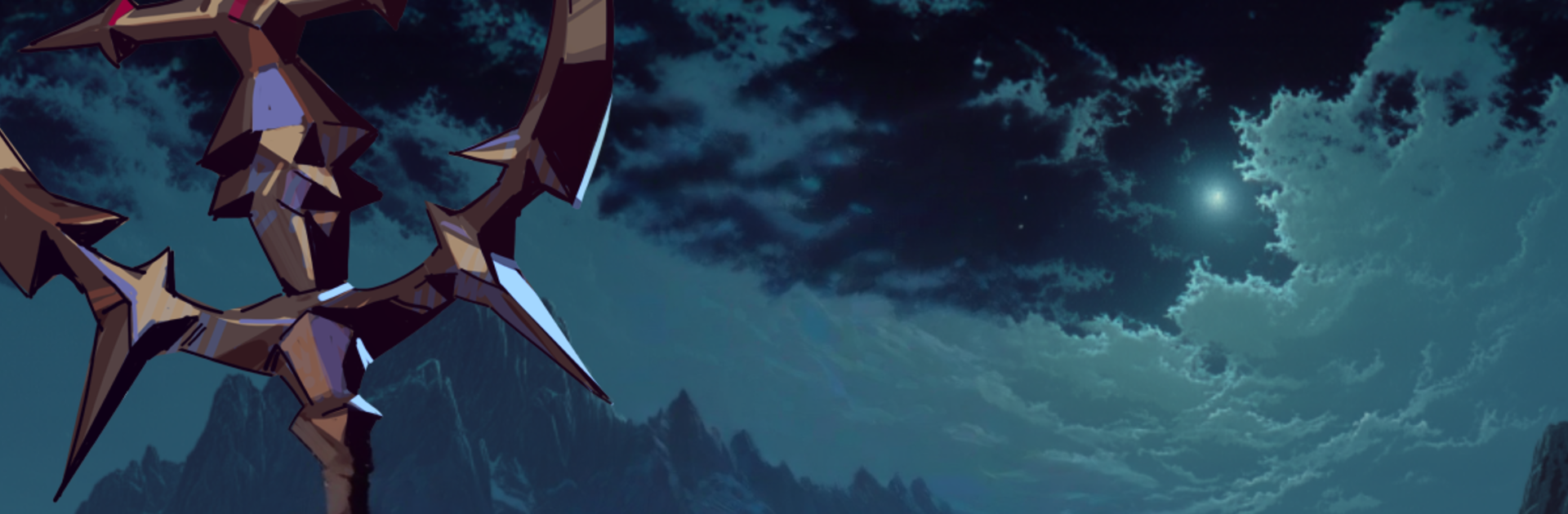
겨울의 끝 is a text-driven Role Playing roguelike from Tailormade Games set in the uneasy thaw after an endless winter. The Northern tower that fed the cold has collapsed, but it only stirred a continent-sized migration of the dead. Choices get messy fast—every decision, every scrap you carry, and every encounter with powers you barely understand can reshape your fate.

Game Features

  • Text-Driven Survival
    Make tough calls in a story-first format where your route, allies, and resources are all on the line. It reads like a novel, plays like a tense survival run.

  • Build Your Starting Deck
    Collect and combine starting cards to set the tone of your journey. Mix tricky openings, lean into synergies, and craft a build that fits how you want to survive.

  • A Harsher, Wider World
    Travel across a larger, meaner landscape where the undead roam in massive swarms. Supplies are limited, the weather still bites, and safe paths are never guaranteed.

  • Factions on the Brink
    Cross paths with desperate survivors, stubborn clans, and strange life forms hanging on after the freeze. Each encounter can help, hinder, or haunt you later.

  • Bargains with Death
    Dozens of death gods watch the chaos, each with their own rules and temptations. Strike deals, defy them, or pay the price—none of it is clean.

  • Consequences and Endings
    Your decisions actually stick, leading to multiple endings that reflect how you handled the end of winter and the rise of the dead.

  • Roguelike Replayability
    No two runs feel the same. New events, card combos, and routes keep each attempt fresh, whether you fall early or push deep.

  • Play Where You Want
    Prefer a bigger screen and keyboard? 겨울의 끝 works smoothly on PC with BlueStacks, so you can settle in and read, plan, and click at your pace.

Make your gaming sessions memorable with precise controls that give you an edge in close combats and visuals that pop up, bringing every character to life.

Game Features

Enhancements

  • Macros
  • Rerolling
  • Eco Mode
  • Multi Instance Sync
  • Enhancements
Macros

Macros

Focus more on the fun part of the game, skip the tedious aspects. Master 겨울의 끝 with Macros. Record yourself completing the monotonous tasks you wish to automate and replay them later with just one keypress.
Rerolling

Rerolling

Speed up the rerolling process in 겨울의 끝. Perform multiple summons and keep looking for the best Heroes. Use Multi-Instance sync to replicate the rerolling mechanism in all instances.
Eco Mode

Eco Mode

Farm in-game resources with ease in 겨울의 끝. Enable the Eco Mode when running the game in multiple instances. And lower your PC's resource consumption.
Multi Instance Sync

Multi Instance Sync

With the Multi-instance Sync, you can do even more in 겨울의 끝. Sync the action of the main instance and repeat them in real time for all other instances. Sync and sit back, let the game progress unfold.
Read More

How to Download and Play 겨울의 끝 on PC or Mac

  • Download and install BlueStacks on your PC or Mac

  • Complete Google sign-in to access the Play Store, or do it later

  • Look for 겨울의 끝 in the search bar at the top right corner

  • Click to install 겨울의 끝 from the search results

  • Complete Google sign-in (if you skipped step 2) to install 겨울의 끝

  • Click the 겨울의 끝 icon on the home screen to start playing

video
Watch Video

Minimum System Requirements

With BlueStacks 5, you can get started on a PC that fulfills the following requirements.

  • Operating System

    Microsoft Windows 7 or above, macOS 11 (Big Sur) or above

  • Processor

    Intel, AMD or Apple Silicon Processor

  • RAM

    at least 4GB

  • HDD

    10GB Free Disk Space

Note:

* You must be an Administrator on your PC. Up to date graphics drivers from Microsoft or the chipset vendor.

겨울의 끝 - FAQs

  • How to play 겨울의 끝 on Windows PC & Mac?

    Play 겨울의 끝 on your PC or Mac by following these simple steps.

    • Click on 'Play 겨울의 끝 on PC’ to download BlueStacks
    • Install it and log-in to Google Play Store
    • Launch and play the game.
  • Why is BlueStacks the fastest and safest platform to play games on PC?

    BlueStacks respects your privacy and is always safe and secure to use. It does not carry any malware, spyware, or any sort of additional software that could harm your PC.

    It is engineered to optimize speed and performance for a seamless gaming experience.

  • What are 겨울의 끝 PC requirements?

    Minimum requirement to run 겨울의 끝 on your PC

    • OS: Microsoft Windows 7 or above MacOS 11 (Big Sur) or above
    • Processor: Intel, AMD or Apple Silicon Processor
    • RAM: Your PC must have at least 4GB of RAM. (Note that having 4GB or more disk space is not a substitute for RAM)
    • HDD: 10GB Free Disk Space.
    • You must be an Administrator on your PC.