Animal Care Playground

Animal Care Playground

Simulation

| Big Host Africa

Play on PC with BlueStacks or from our cloud

  • Overview
  • Game Features
  • How to Play

Page Modified On: October 30, 2026

Play Animal Care Playground on PC or Mac

Animal Care Playground brings the Simulation genre to life, and throws up exciting challenges for gamers. Developed by Big Host Africa, this Android game is best experienced on BlueStacks, the World’s #1 app player for PC and Mac users.

About the Game

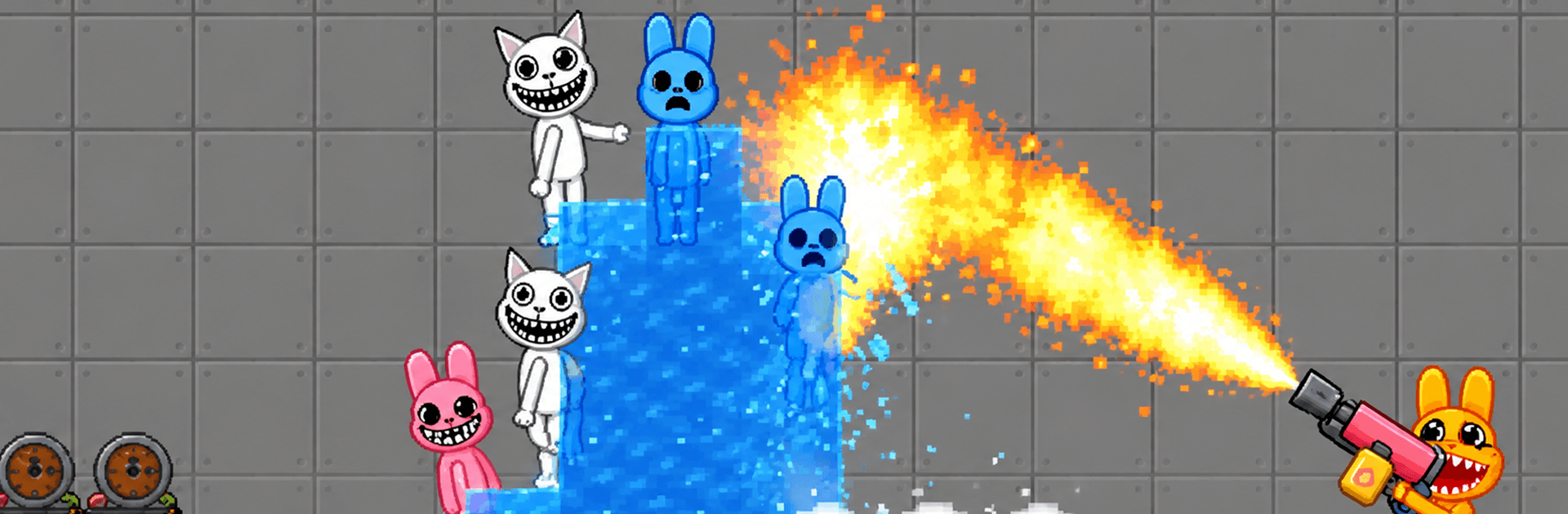
Animal Care Playground is a hands-on Simulation where you run a cheerful pet clinic and play space. You’ll check up on animals, figure out what’s wrong, and use simple tools to get them wagging and purring again. Prefer a bigger screen? It plays comfortably on PC with BlueStacks, too.

Game Features

  • Many furry (and feathery) patients: Puppies, kittens, bunnies, and more show up with unique needs and personalities to figure out.
  • Playful clinic to explore: Wander through exam rooms, treatment corners, and a sunny playground packed with things to tap, try, and discover.
  • Treat and heal: Clean scrapes, bandage paws, give meds when needed, and see patients perk up fast.
  • Easy tools, satisfying steps: Use stethoscopes, thermometers, sprays, and other simple instruments that make each task feel smooth and intuitive.
  • Light, pick-up-and-play flow: Short, bite-sized activities fit any break while still offering plenty to do.
  • Charming reactions: Expect tail wags, silly expressions, and grateful cuddles when your care hits the spot.
  • Activities with variety: Mix of checkups, cleanups, and quick challenges so no two visits feel exactly the same.
  • Color and animation everywhere: Bright rooms and playful motion keep the world lively and welcoming.
  • Hidden touches to uncover: Try new interactions to find small surprises and fun reactions as you experiment.
  • Relaxing vibe: Gentle pacing and friendly feedback make it easy to unwind while you help your patients.

Get ready for a buttery smooth, high-performance gaming action only on BlueStacks.

Game Features

Enhancements

  • Macros
  • Multi Instance
  • Multi Instance Sync
  • Script
  • Enhancements
Macros

Macros

Automate the predictable in Animal Care Playground and transform your gameplay with Macros. Get access to inventive Macros in the BlueStacks Macro Community
Multi Instance

Multi Instance

Play Animal Care Playground on one window. And chat with your friend on the other. Press CTRL + Shift + 8 to open the Multi-Instance Manager. And start creating fresh instances or clone an existing one.
Multi Instance Sync

Multi Instance Sync

Play Animal Care Playground with the power of Multi-Instance Sync. Replicate what you are doing on the main instance on all other instances. Level up faster, play more.
Script

Script

Script your way to gaming glory in Animal Care Playground with BlueStacks Script. Write and run a set of commands to automate repeated tasks. Trigger the command by assigning it to any key.
Read More

How to Download and Play Animal Care Playground on PC or Mac

  • Download and install BlueStacks on your PC or Mac

  • Complete Google sign-in to access the Play Store, or do it later

  • Look for Animal Care Playground in the search bar at the top right corner

  • Click to install Animal Care Playground from the search results

  • Complete Google sign-in (if you skipped step 2) to install Animal Care Playground

  • Click the Animal Care Playground icon on the home screen to start playing

video
Watch Video

Minimum System Requirements

With BlueStacks 5, you can get started on a PC that fulfills the following requirements.

  • Operating System

    Microsoft Windows 7 or above, macOS 11 (Big Sur) or above

  • Processor

    Intel, AMD or Apple Silicon Processor

  • RAM

    at least 4GB

  • HDD

    10GB Free Disk Space

Note:

* You must be an Administrator on your PC. Up to date graphics drivers from Microsoft or the chipset vendor.

Animal Care Playground - FAQs

  • How to play Animal Care Playground on Windows PC & Mac?

    Play Animal Care Playground on your PC or Mac by following these simple steps.

    • Click on 'Play Animal Care Playground on PC’ to download BlueStacks
    • Install it and log-in to Google Play Store
    • Launch and play the game.
  • Why is BlueStacks the fastest and safest platform to play games on PC?

    BlueStacks respects your privacy and is always safe and secure to use. It does not carry any malware, spyware, or any sort of additional software that could harm your PC.

    It is engineered to optimize speed and performance for a seamless gaming experience.

  • What are Animal Care Playground PC requirements?

    Minimum requirement to run Animal Care Playground on your PC

    • OS: Microsoft Windows 7 or above MacOS 11 (Big Sur) or above
    • Processor: Intel, AMD or Apple Silicon Processor
    • RAM: Your PC must have at least 4GB of RAM. (Note that having 4GB or more disk space is not a substitute for RAM)
    • HDD: 10GB Free Disk Space.
    • You must be an Administrator on your PC.