Car Parking
Car Parking

Car Parking

Simulation

| FreezeNova

Play on PC with BlueStacks or from our cloud

  • Overview
  • Game Features
  • How to Play

Page Modified On: December 22, 2025

Play Car Parking on PC or Mac

Step into the World of Car Parking, a thrilling Simulation game from the house of FreezeNova. Play this Android game on BlueStacks App Player and experience immersive gaming on PC or Mac.

About the Game

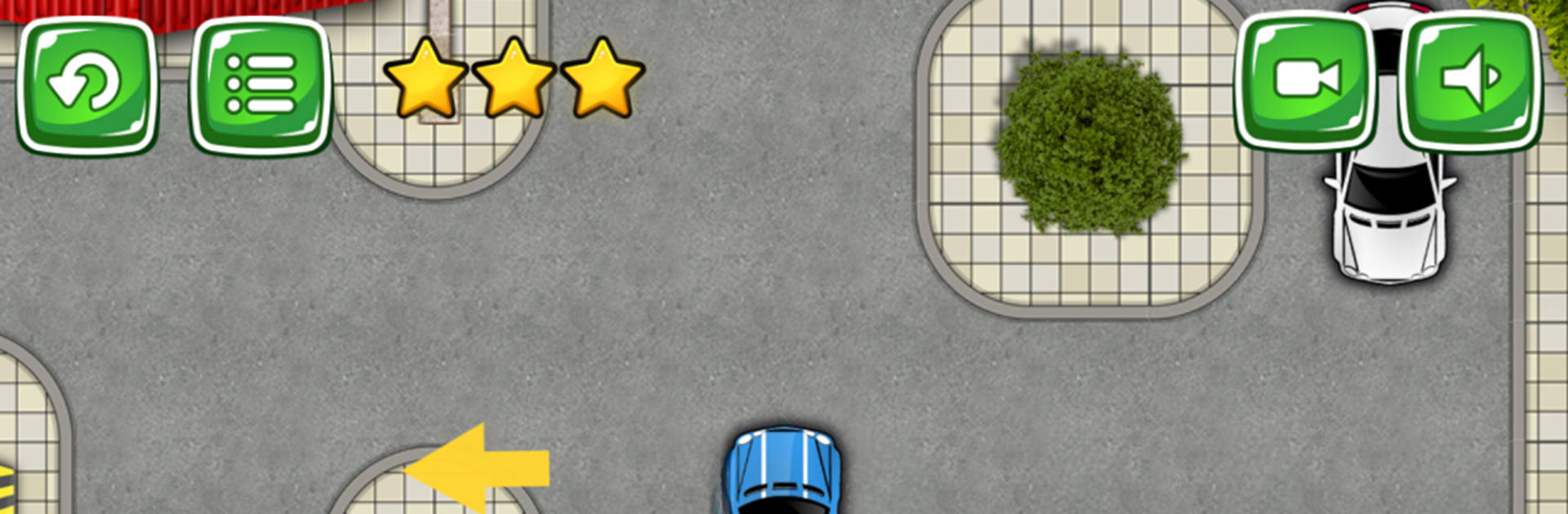
Car Parking from FreezeNova isn’t your average Simulation game—it’s all about threading the needle with your favorite ride in some pretty wild spots. Got a knack for handling tight corners or maneuvering through tricky setups? Here’s your chance to show off (or seriously improve) those parking skills. Each stage tosses you into a new, realistic setting where the real challenge is keeping your cool and not bumping a thing.

Game Features

  • Plenty of Unique Environments
    Take on the task of parking in six totally different locations. Whether it’s a bustling city lot or a spot filled with obstacles, you’ll find something new around every corner.
  • Customizable Cars
    Play with a variety of cars, each one customizable to suit your personal style. Want to tweak your ride? Go for it—stand out while you try to squeeze into that last open space.
  • Challenging Levels
    Each level ramps things up a notch. Tight spaces, unexpected barriers, or just really awkward angles—your parking game needs to be sharp.
  • Realistic Feel
    Everything looks and sounds right, from the engine noises to the glare off your windshield. The controls feel intuitive, especially if you’re running things on BlueStacks.
  • Unlock as You Go
    As you nail one challenge after another, you’ll get access to new cars and even trickier stages. The better you get, the more you can show off.
  • Perfect for Any Player
    Whether you’re just looking to chill and park a few cars or you’re obsessed with getting every angle right, Car Parking offers something for both newbies and serious Simulation fans.

Slay your opponents with your epic moves. Play it your way on BlueStacks and dominate the battlefield.


Game Features

Enhancements

  • Macros
  • Multi Instance
  • Multi Instance Sync
  • Script
  • Enhancements
Macros

Macros

Automate the predictable in Car Parking and transform your gameplay with Macros. Get access to inventive Macros in the BlueStacks Macro Community
Multi Instance

Multi Instance

Play Car Parking on one window. And chat with your friend on the other. Press CTRL + Shift + 8 to open the Multi-Instance Manager. And start creating fresh instances or clone an existing one.
Multi Instance Sync

Multi Instance Sync

Play Car Parking with the power of Multi-Instance Sync. Replicate what you are doing on the main instance on all other instances. Level up faster, play more.
Script

Script

Script your way to gaming glory in Car Parking with BlueStacks Script. Write and run a set of commands to automate repeated tasks. Trigger the command by assigning it to any key.
Read More

How to Download and Play Car Parking on PC or Mac

  • Download and install BlueStacks on your PC or Mac

  • Complete Google sign-in to access the Play Store, or do it later

  • Look for Car Parking in the search bar at the top right corner

  • Click to install Car Parking from the search results

  • Complete Google sign-in (if you skipped step 2) to install Car Parking

  • Click the Car Parking icon on the home screen to start playing

video
Watch Video

Minimum System Requirements

With BlueStacks 5, you can get started on a PC that fulfills the following requirements.

  • Operating System

    Microsoft Windows 7 or above, macOS 11 (Big Sur) or above

  • Processor

    Intel, AMD or Apple Silicon Processor

  • RAM

    at least 4GB

  • HDD

    10GB Free Disk Space

Note:

* You must be an Administrator on your PC. Up to date graphics drivers from Microsoft or the chipset vendor.

Car Parking - FAQs

  • How to play Car Parking on Windows PC & Mac?

    Play Car Parking on your PC or Mac by following these simple steps.

    • Click on 'Play Car Parking on PC’ to download BlueStacks
    • Install it and log-in to Google Play Store
    • Launch and play the game.
  • Why is BlueStacks the fastest and safest platform to play games on PC?

    BlueStacks respects your privacy and is always safe and secure to use. It does not carry any malware, spyware, or any sort of additional software that could harm your PC.

    It is engineered to optimize speed and performance for a seamless gaming experience.

  • What are Car Parking PC requirements?

    Minimum requirement to run Car Parking on your PC

    • OS: Microsoft Windows 7 or above MacOS 11 (Big Sur) or above
    • Processor: Intel, AMD or Apple Silicon Processor
    • RAM: Your PC must have at least 4GB of RAM. (Note that having 4GB or more disk space is not a substitute for RAM)
    • HDD: 10GB Free Disk Space.
    • You must be an Administrator on your PC.