Pranks Monkey Animal Simulator

Pranks Monkey Animal Simulator

Simulation

| Popular Apps Studio - Tool Apps

Play on PC with BlueStacks or from our cloud

  • Overview
  • Game Features
  • How to Play

Page Modified On: September 01, 2026

Play Pranks Monkey Animal Simulator on PC or Mac

Step into the World of Pranks Monkey Animal Simulator, a thrilling Simulation game from the house of Popular Apps Studio – Tool Apps. Play this Android game on BlueStacks App Player and experience immersive gaming on PC or Mac.

About the Game

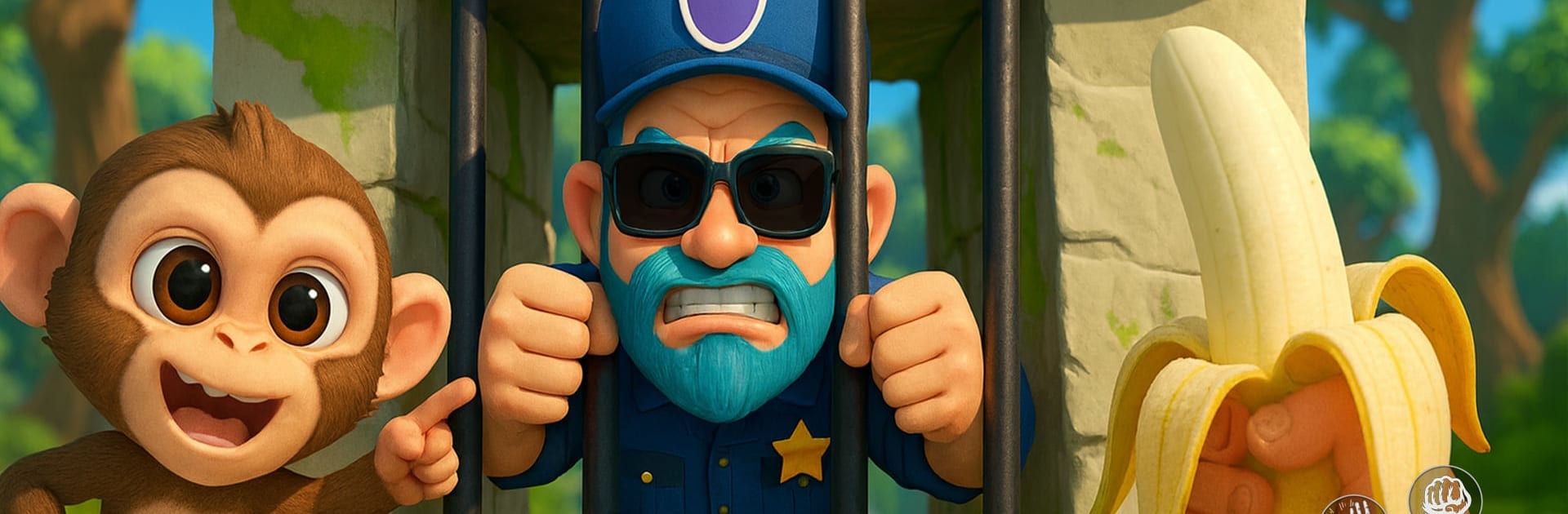
Pranks Monkey Animal Simulator turns a bustling zoo into your personal playground. This Simulation romp puts you in the fuzzy shoes of a mischievous monkey, planning stunts, spooking crowds, and sprinting off with a stolen snack before anyone can catch you. It even runs great on BlueStacks.

Game Features

  • Play the troublemaker: Roam the zoo as a crafty primate, scout the scene, and strike with perfectly timed pranks that send visitors jumping.
  • Open-ended mischief: Steal ice cream, swap signs, pop out from bushes, or nab bananas—mix tricks to create your own brand of chaos.
  • Reactive crowds and staff: Watch families laugh, tourists get spooked, and zookeepers give chase; everyone responds differently to your antics.
  • Sneak, swing, and sprint: Chain moves like jumps, dashes, climbs, and swings to set up gags and make clean getaways.
  • Zones to uncover: Explore lively spots—from the monkey house to leafy jungle corners and busy photo areas—each packed with new angles for a prank.
  • Unlock new moves: Earn fresh techniques and playful abilities that open up trickier routes and bolder setups.
  • Smart distractions: Toss bananas, knock over props, or use cover to split crowds and slip right past watchful eyes.
  • Replay for bigger laughs: Return to stages with more visitors, tougher patrols, and extra props so every run feels wilder than the last.

Get ready for a buttery smooth, high-performance gaming action only on BlueStacks.

Game Features

Enhancements

  • Macros
  • Multi Instance
  • Multi Instance Sync
  • Script
  • Enhancements
Macros

Macros

Automate the predictable in Pranks Monkey Animal Simulator and transform your gameplay with Macros. Get access to inventive Macros in the BlueStacks Macro Community
Multi Instance

Multi Instance

Play Pranks Monkey Animal Simulator on one window. And chat with your friend on the other. Press CTRL + Shift + 8 to open the Multi-Instance Manager. And start creating fresh instances or clone an existing one.
Multi Instance Sync

Multi Instance Sync

Play Pranks Monkey Animal Simulator with the power of Multi-Instance Sync. Replicate what you are doing on the main instance on all other instances. Level up faster, play more.
Script

Script

Script your way to gaming glory in Pranks Monkey Animal Simulator with BlueStacks Script. Write and run a set of commands to automate repeated tasks. Trigger the command by assigning it to any key.
Read More

How to Download and Play Pranks Monkey Animal Simulator on PC or Mac

  • Download and install BlueStacks on your PC or Mac

  • Complete Google sign-in to access the Play Store, or do it later

  • Look for Pranks Monkey Animal Simulator in the search bar at the top right corner

  • Click to install Pranks Monkey Animal Simulator from the search results

  • Complete Google sign-in (if you skipped step 2) to install Pranks Monkey Animal Simulator

  • Click the Pranks Monkey Animal Simulator icon on the home screen to start playing

video
Watch Video

Minimum System Requirements

With BlueStacks 5, you can get started on a PC that fulfills the following requirements.

  • Operating System

    Microsoft Windows 7 or above, macOS 11 (Big Sur) or above

  • Processor

    Intel, AMD or Apple Silicon Processor

  • RAM

    at least 4GB

  • HDD

    10GB Free Disk Space

Note:

* You must be an Administrator on your PC. Up to date graphics drivers from Microsoft or the chipset vendor.

Pranks Monkey Animal Simulator - FAQs

  • How to play Pranks Monkey Animal Simulator on Windows PC & Mac?

    Play Pranks Monkey Animal Simulator on your PC or Mac by following these simple steps.

    • Click on 'Play Pranks Monkey Animal Simulator on PC’ to download BlueStacks
    • Install it and log-in to Google Play Store
    • Launch and play the game.
  • Why is BlueStacks the fastest and safest platform to play games on PC?

    BlueStacks respects your privacy and is always safe and secure to use. It does not carry any malware, spyware, or any sort of additional software that could harm your PC.

    It is engineered to optimize speed and performance for a seamless gaming experience.

  • What are Pranks Monkey Animal Simulator PC requirements?

    Minimum requirement to run Pranks Monkey Animal Simulator on your PC

    • OS: Microsoft Windows 7 or above MacOS 11 (Big Sur) or above
    • Processor: Intel, AMD or Apple Silicon Processor
    • RAM: Your PC must have at least 4GB of RAM. (Note that having 4GB or more disk space is not a substitute for RAM)
    • HDD: 10GB Free Disk Space.
    • You must be an Administrator on your PC.