Minicraft: Craftarena Block 3D

Minicraft: Craftarena Block 3D

Simulation

| AAIMSS STEEL CANADA INC.

Play on PC with BlueStacks or from our cloud

  • Overview
  • Game Features
  • How to Play

Page Modified On: July 06, 2026

Play Minicraft: Craftarena Block 3D on PC or Mac

Minicraft: Craftarena Block 3D brings the Simulation genre to life, and throws up exciting challenges for gamers. Developed by AAIMSS STEEL CANADA INC., this Android game is best experienced on BlueStacks, the World’s #1 app player for PC and Mac users.

About the Game

Minicraft: Craftarena Block 3D is a block-by-block sandbox where your ideas, curiosity, and survival instincts all matter. It’s a chill builder when you want it to be and a scrappy adventure when night rolls in. As a Simulation game, it hands you the tools and lets you shape the world your way.

Game Features

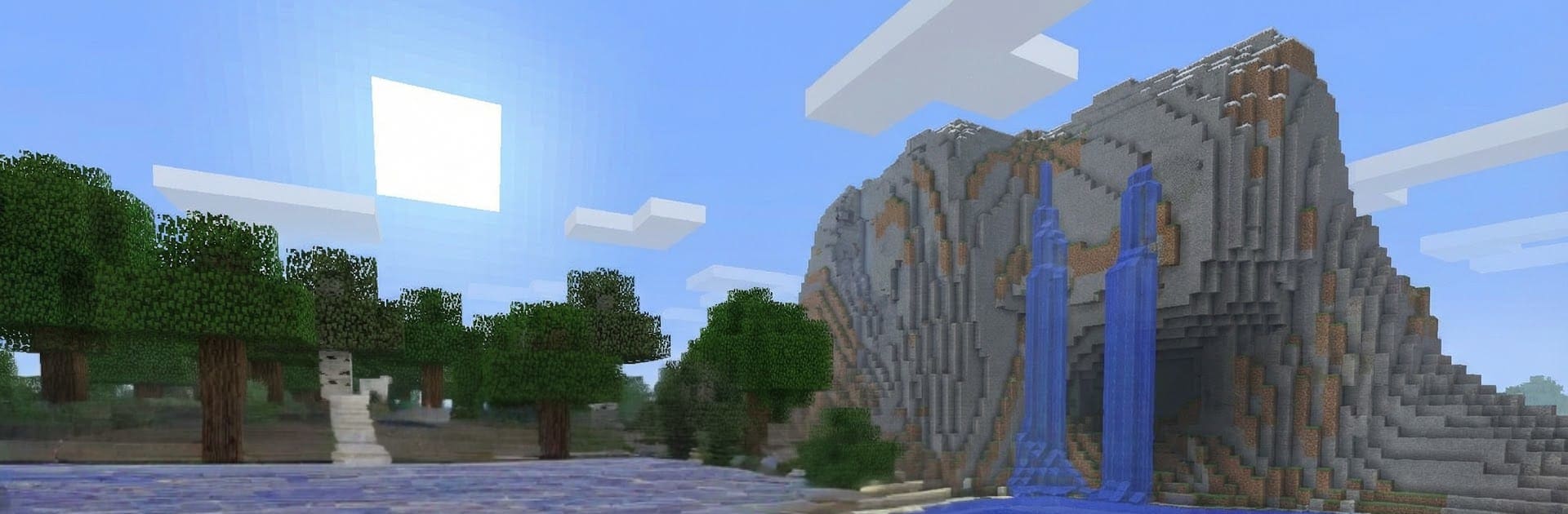
  • Vast Procedural World: Wander through forests, snowy peaks, sunny coasts, and sprawling cave systems. There’s always another horizon to chase.
  • Build Your Ideas: Stack blocks into castles, cozy cabins, sky bridges—whatever you’re imagining. Terrain tools and decor help everything look just right.
  • Creative Mode, No Limits: Infinite materials, flight, and zero danger. Great for experimenting or finishing that mega build you’ve been sketching.
  • Survival That Pushes Back: Start small, gather resources, craft essentials, and prep for the night. Hostile creatures and a shifting day-night cycle keep you alert.
  • Mining and Crafting Made Simple: Dig up ores and rare finds, then craft weapons, tools, armor, and more with an easy-to-follow grid.
  • Logic and Automation: Set up switches, rails, and simple circuits to power doors, traps, farms, or surprisingly clever machines.
  • Potions and Enchants: Enhance gear with useful bonuses and brew mixtures that help you explore, fight, or build longer.
  • Distinct Biomes and Hidden Realms: Cross deserts, swamps, and icy zones, then step into other dimensions for tougher challenges and unique rewards.
  • Mobs With Personality: From timid critters to aggressive night stalkers, each foe asks for different tactics and gear.
  • Play Together: Team up to raise sprawling towns or jump into friendly PvP when bragging rights are on the line.
  • Better on a Bigger Screen: Prefer keyboard and mouse? It plays smoothly on BlueStacks for comfy sessions and precise controls.

Ready to top the leaderboard? We bet you do. Let precise controls and sharp visuals optimized on BlueStacks lead you to victory.


Game Features

Enhancements

  • Macros
  • Multi Instance
  • Multi Instance Sync
  • Script
  • Enhancements
Macros

Macros

Automate the predictable in Minicraft: Craftarena Block 3D and transform your gameplay with Macros. Get access to inventive Macros in the BlueStacks Macro Community
Multi Instance

Multi Instance

Play Minicraft: Craftarena Block 3D on one window. And chat with your friend on the other. Press CTRL + Shift + 8 to open the Multi-Instance Manager. And start creating fresh instances or clone an existing one.
Multi Instance Sync

Multi Instance Sync

Play Minicraft: Craftarena Block 3D with the power of Multi-Instance Sync. Replicate what you are doing on the main instance on all other instances. Level up faster, play more.
Script

Script

Script your way to gaming glory in Minicraft: Craftarena Block 3D with BlueStacks Script. Write and run a set of commands to automate repeated tasks. Trigger the command by assigning it to any key.
Read More

How to Download and Play Minicraft: Craftarena Block 3D on PC or Mac

  • Download and install BlueStacks on your PC or Mac

  • Complete Google sign-in to access the Play Store, or do it later

  • Look for Minicraft: Craftarena Block 3D in the search bar at the top right corner

  • Click to install Minicraft: Craftarena Block 3D from the search results

  • Complete Google sign-in (if you skipped step 2) to install Minicraft: Craftarena Block 3D

  • Click the Minicraft: Craftarena Block 3D icon on the home screen to start playing

video
Watch Video

Minimum System Requirements

With BlueStacks 5, you can get started on a PC that fulfills the following requirements.

  • Operating System

    Microsoft Windows 7 or above, macOS 11 (Big Sur) or above

  • Processor

    Intel, AMD or Apple Silicon Processor

  • RAM

    at least 4GB

  • HDD

    10GB Free Disk Space

Note:

* You must be an Administrator on your PC. Up to date graphics drivers from Microsoft or the chipset vendor.

Minicraft: Craftarena Block 3D - FAQs

  • How to play Minicraft: Craftarena Block 3D on Windows PC & Mac?

    Play Minicraft: Craftarena Block 3D on your PC or Mac by following these simple steps.

    • Click on 'Play Minicraft: Craftarena Block 3D on PC’ to download BlueStacks
    • Install it and log-in to Google Play Store
    • Launch and play the game.
  • Why is BlueStacks the fastest and safest platform to play games on PC?

    BlueStacks respects your privacy and is always safe and secure to use. It does not carry any malware, spyware, or any sort of additional software that could harm your PC.

    It is engineered to optimize speed and performance for a seamless gaming experience.

  • What are Minicraft: Craftarena Block 3D PC requirements?

    Minimum requirement to run Minicraft: Craftarena Block 3D on your PC

    • OS: Microsoft Windows 7 or above MacOS 11 (Big Sur) or above
    • Processor: Intel, AMD or Apple Silicon Processor
    • RAM: Your PC must have at least 4GB of RAM. (Note that having 4GB or more disk space is not a substitute for RAM)
    • HDD: 10GB Free Disk Space.
    • You must be an Administrator on your PC.