My Monster House: Doll Games

My Monster House: Doll Games

Simulation

| Tapps Games

Play on PC with BlueStacks or from our cloud

  • Overview
  • Game Features
  • How to Play

Page Modified On: August 10, 2026

Play My Monster House: Doll Games on PC or Mac

Step into the World of My Monster House: Doll Games, a thrilling Simulation game from the house of Tapps Games. Play this Android game on BlueStacks App Player and experience immersive gaming on PC or Mac.

About the Game

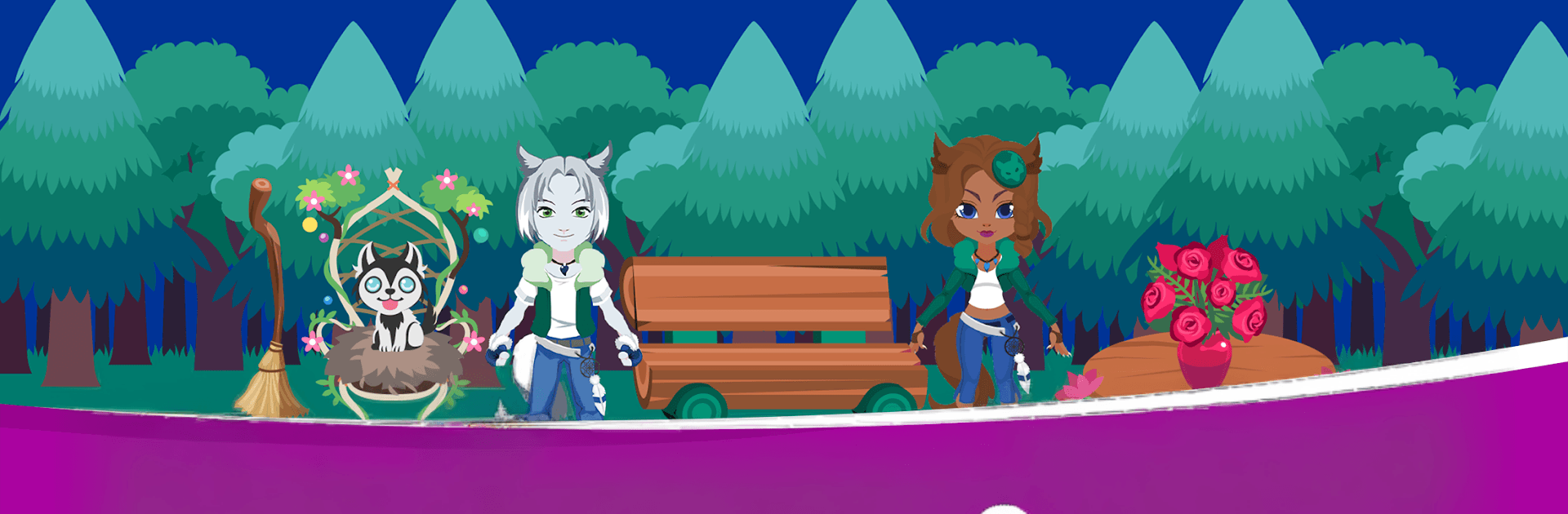
My Monster House: Doll Games is a playful Simulation where interior design gets a creepy-cute twist. You’ll fix up a haunted dollhouse, style a cast of oddball monsters, and turn every room into something charmingly eerie—or gloriously weird. Prefer a bigger screen for all that decorating? It runs nicely on BlueStacks, too.

Game Features

  • Haunted Home Makeover: Redo bedrooms, bathrooms, kitchens, and cozy lounges with spooky wallpapers, funky floors, and furniture that ranges from antique to downright unsettling.
  • Monster Makeovers: Dress up vampires, mummies, and other quirky residents with outfits, hair, and accessories to match your theme—gothic glam, dusty crypt chic, or something in between.
  • Big Décor Library: Mix and match a hefty collection of props and furnishings, from cobwebbed chandeliers to monster-approved sofas, until your rooms feel just right.
  • Snap and Share: Capture your finished spaces and show off your haunted handiwork to friends.
  • Rearrange Anytime: Change your mind as often as you like. Move items around, swap color schemes, or give a monster a fresh look without starting from scratch.
  • Play at Your Pace: Whether you’ve got five minutes or an hour, it’s easy to pop in, tweak a room, and log off feeling creatively satisfied.

Start your journey now. Download the game on BlueStacks, invite your friends, and march on a new adventure.


Game Features

Enhancements

  • Macros
  • Multi Instance
  • Multi Instance Sync
  • Script
  • Enhancements
Macros

Macros

Automate the predictable in My Monster House: Doll Games and transform your gameplay with Macros. Get access to inventive Macros in the BlueStacks Macro Community
Multi Instance

Multi Instance

Play My Monster House: Doll Games on one window. And chat with your friend on the other. Press CTRL + Shift + 8 to open the Multi-Instance Manager. And start creating fresh instances or clone an existing one.
Multi Instance Sync

Multi Instance Sync

Play My Monster House: Doll Games with the power of Multi-Instance Sync. Replicate what you are doing on the main instance on all other instances. Level up faster, play more.
Script

Script

Script your way to gaming glory in My Monster House: Doll Games with BlueStacks Script. Write and run a set of commands to automate repeated tasks. Trigger the command by assigning it to any key.
Read More

How to Download and Play My Monster House: Doll Games on PC or Mac

  • Download and install BlueStacks on your PC or Mac

  • Complete Google sign-in to access the Play Store, or do it later

  • Look for My Monster House: Doll Games in the search bar at the top right corner

  • Click to install My Monster House: Doll Games from the search results

  • Complete Google sign-in (if you skipped step 2) to install My Monster House: Doll Games

  • Click the My Monster House: Doll Games icon on the home screen to start playing

video
Watch Video

Minimum System Requirements

With BlueStacks 5, you can get started on a PC that fulfills the following requirements.

  • Operating System

    Microsoft Windows 7 or above, macOS 11 (Big Sur) or above

  • Processor

    Intel, AMD or Apple Silicon Processor

  • RAM

    at least 4GB

  • HDD

    10GB Free Disk Space

Note:

* You must be an Administrator on your PC. Up to date graphics drivers from Microsoft or the chipset vendor.

My Monster House: Doll Games - FAQs

  • How to play My Monster House: Doll Games on Windows PC & Mac?

    Play My Monster House: Doll Games on your PC or Mac by following these simple steps.

    • Click on 'Play My Monster House: Doll Games on PC’ to download BlueStacks
    • Install it and log-in to Google Play Store
    • Launch and play the game.
  • Why is BlueStacks the fastest and safest platform to play games on PC?

    BlueStacks respects your privacy and is always safe and secure to use. It does not carry any malware, spyware, or any sort of additional software that could harm your PC.

    It is engineered to optimize speed and performance for a seamless gaming experience.

  • What are My Monster House: Doll Games PC requirements?

    Minimum requirement to run My Monster House: Doll Games on your PC

    • OS: Microsoft Windows 7 or above MacOS 11 (Big Sur) or above
    • Processor: Intel, AMD or Apple Silicon Processor
    • RAM: Your PC must have at least 4GB of RAM. (Note that having 4GB or more disk space is not a substitute for RAM)
    • HDD: 10GB Free Disk Space.
    • You must be an Administrator on your PC.