Car Driving School Game 2026

Car Driving School Game 2026

Sports

| Insane Car Games

Play on PC with BlueStacks or from our cloud

  • Overview
  • Game Features
  • How to Play

Page Modified On: August 29, 2025

Play Car Driving School Game 2026 on PC or Mac

Join millions to experience Car Driving School Game 2026, an exciting Sports game from Insane Car Games. With BlueStacks App Player, you are always a step ahead of your opponent, ready to outplay them with faster gameplay and better control with the mouse and keyboard on your PC or Mac.

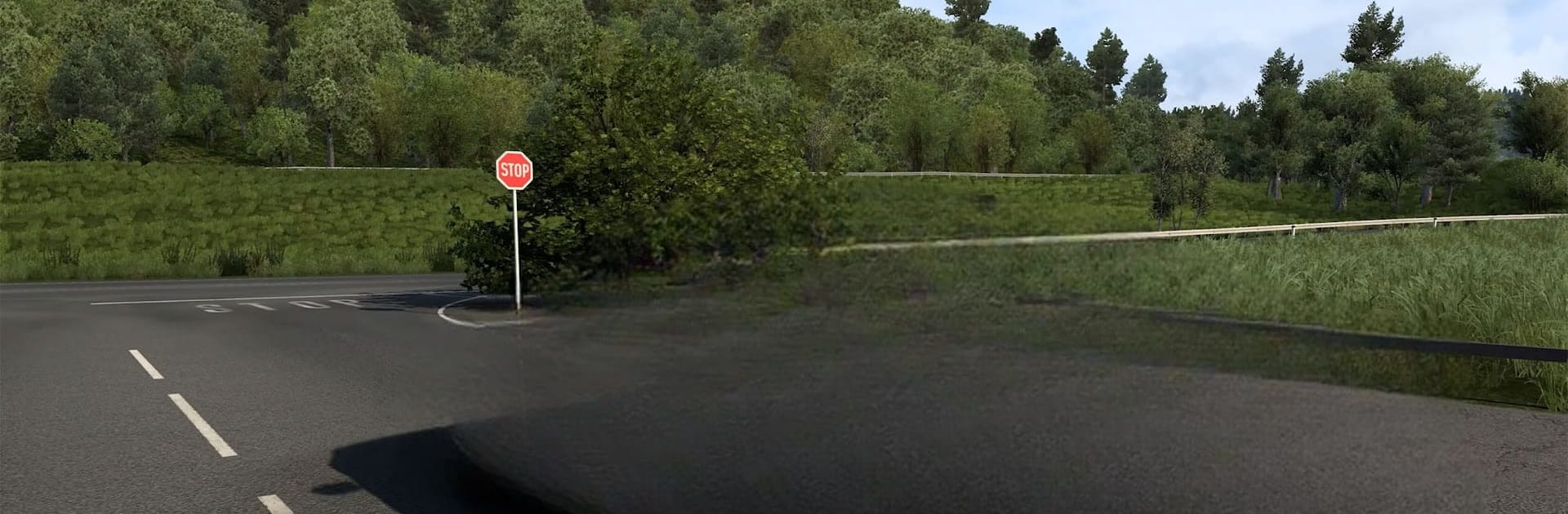
Car Driving School Game 2026 feels like two games stitched together in a good way. It starts as a legit driving lesson setup, making players respect speed limits, read road signs, signal properly, park without bumping into cones, even handle hill starts and night routes. Traffic behaves, pedestrians show up at crosswalks, and the rules actually matter, so it teaches good habits while still being relaxed enough to not feel like homework. Then it flips the switch and lets everyone go full throttle. Racing mode throws in city grids, coastlines, deserts, and snowy mountain roads, plus time trials and AI races that push cleaner lines and better braking instead of just ramming forward.

Cars are the star. There is a wide garage of new sports cars, chunky SUVs, and electric rides, each with a different weight and grip. Interiors look detailed, engines sound punchy, and there is enough tuning and paint to make a favorite build. Manual or automatic both feel usable. Weather is not just for looks, rain and fog change visibility and traction, which keeps runs from feeling the same. Multiplayer and leaderboards add some pressure without making it sweat city.

On PC with BlueStacks, the keyboard steering feels steady and responsive, and having quick keys for camera or indicators helps. The frame rate feels smooth, which makes threading traffic and tight parking jobs a lot less frustrating.

Get ready for a buttery smooth, high-performance gaming action only on BlueStacks.

Game Features

Enhancements

  • Macros
  • Multi Instance
  • Multi Instance Sync
  • Script
  • Enhancements
Macros

Macros

Automate the predictable in Car Driving School Game 2026 and transform your gameplay with Macros. Get access to inventive Macros in the BlueStacks Macro Community
Multi Instance

Multi Instance

Play Car Driving School Game 2026 on one window. And chat with your friend on the other. Press CTRL + Shift + 8 to open the Multi-Instance Manager. And start creating fresh instances or clone an existing one.
Multi Instance Sync

Multi Instance Sync

Play Car Driving School Game 2026 with the power of Multi-Instance Sync. Replicate what you are doing on the main instance on all other instances. Level up faster, play more.
Script

Script

Script your way to gaming glory in Car Driving School Game 2026 with BlueStacks Script. Write and run a set of commands to automate repeated tasks. Trigger the command by assigning it to any key.
Read More

How to Download and Play Car Driving School Game 2026 on PC or Mac

  • Download and install BlueStacks on your PC or Mac

  • Complete Google sign-in to access the Play Store, or do it later

  • Look for Car Driving School Game 2026 in the search bar at the top right corner

  • Click to install Car Driving School Game 2026 from the search results

  • Complete Google sign-in (if you skipped step 2) to install Car Driving School Game 2026

  • Click the Car Driving School Game 2026 icon on the home screen to start playing

video
Watch Video

Minimum System Requirements

With BlueStacks 5, you can get started on a PC that fulfills the following requirements.

  • Operating System

    Microsoft Windows 7 or above, macOS 11 (Big Sur) or above

  • Processor

    Intel, AMD or Apple Silicon Processor

  • RAM

    at least 4GB

  • HDD

    10GB Free Disk Space

Note:

* You must be an Administrator on your PC. Up to date graphics drivers from Microsoft or the chipset vendor.

Car Driving School Game 2026 - FAQs

  • How to play Car Driving School Game 2026 on Windows PC & Mac?

    Play Car Driving School Game 2026 on your PC or Mac by following these simple steps.

    • Click on 'Play Car Driving School Game 2026 on PC’ to download BlueStacks
    • Install it and log-in to Google Play Store
    • Launch and play the game.
  • Why is BlueStacks the fastest and safest platform to play games on PC?

    BlueStacks respects your privacy and is always safe and secure to use. It does not carry any malware, spyware, or any sort of additional software that could harm your PC.

    It is engineered to optimize speed and performance for a seamless gaming experience.

  • What are Car Driving School Game 2026 PC requirements?

    Minimum requirement to run Car Driving School Game 2026 on your PC

    • OS: Microsoft Windows 7 or above MacOS 11 (Big Sur) or above
    • Processor: Intel, AMD or Apple Silicon Processor
    • RAM: Your PC must have at least 4GB of RAM. (Note that having 4GB or more disk space is not a substitute for RAM)
    • HDD: 10GB Free Disk Space.
    • You must be an Administrator on your PC.