Miami Hurricanes
Miami Hurricanes

Miami Hurricanes

Sports

| WMT Digital

Play on PC with BlueStacks or from our cloud

  • Overview
  • Game Features
  • How to Play

Page Modified On: October 16, 2026

Play Miami Hurricanes on PC or Mac

Play Miami Hurricanes by WMT Digital on PC or Mac with BlueStacks. Use a bigger screen, mouse and keyboard controls, and smoother performance while you play.

About the Game

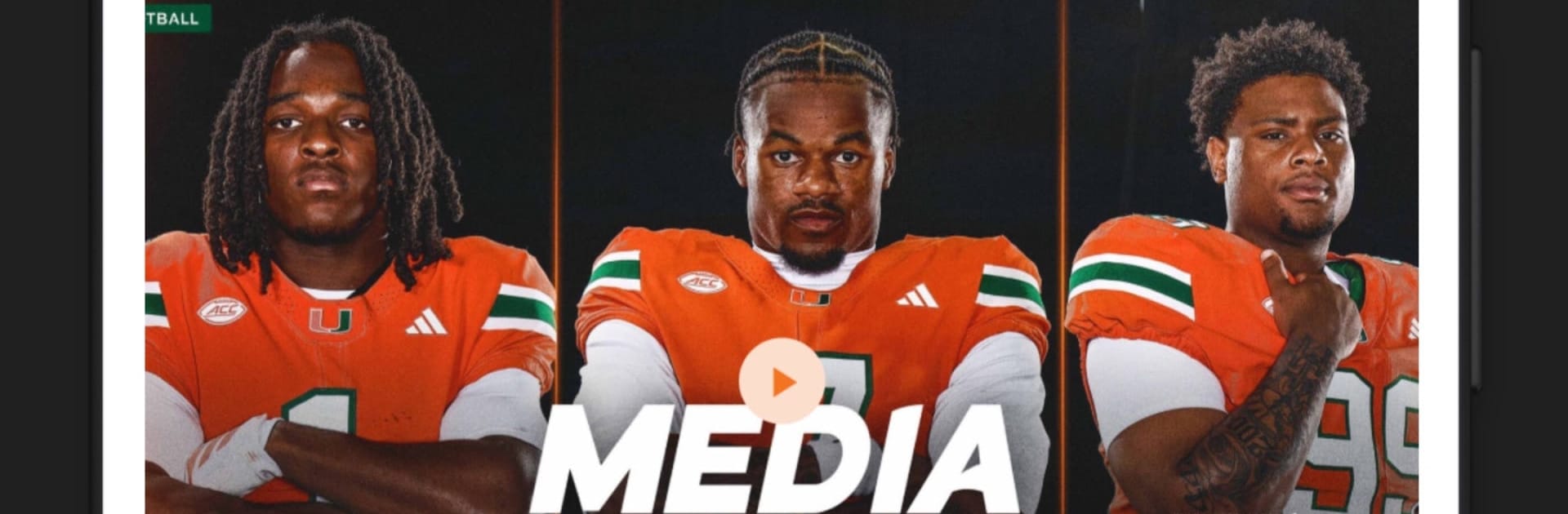
Miami Hurricanes puts the roar of Canes country in your pocket. This Sports experience brings you real-time updates, exclusive stories, and easy access to tickets and team gear so you’re plugged in before, during, and after every game. Headed to the stadium or watching from home? You’ll still feel close to the action—and if you like a bigger screen, it works smoothly with BlueStacks.

Game Features

  • Personalized Feed: Pick your favorite Miami teams and build a news stream that’s tailor-made, with fresh articles, highlights, and results queued up for you.
  • VIP Access: Go beyond the scoreboard with behind-the-scenes features, interviews, and videos that spotlight the players, coaches, and alumni you care about.
  • Live Alerts: Turn on notifications to get instant updates on breaking news, scoring plays, and final results—no refreshing required.
  • Tickets, Sorted: Check upcoming matchups, grab seats in a few quick steps, and keep all your Gameday details in one spot.
  • Official Gear Shop: Browse the team store for the newest Canes jerseys, hoodies, and accessories, then buy without leaving the app.
  • Follow Multiple Squads: Jump between different Miami teams with an easy toggle and see schedules, recaps, and highlights without losing your place.
  • Quick Highlights & Recaps: Missed a moment? Catch up fast with bite-size summaries and short clips that get you back in the loop.

Get ready for a buttery smooth, high-performance gaming action only on BlueStacks.

Game Features

Enhancements

  • Macros
  • Multi Instance
  • Multi Instance Sync
  • Script
  • Enhancements
Macros

Macros

Automate the predictable in Miami Hurricanes and transform your gameplay with Macros. Get access to inventive Macros in the BlueStacks Macro Community
Multi Instance

Multi Instance

Play Miami Hurricanes on one window. And chat with your friend on the other. Press CTRL + Shift + 8 to open the Multi-Instance Manager. And start creating fresh instances or clone an existing one.
Multi Instance Sync

Multi Instance Sync

Play Miami Hurricanes with the power of Multi-Instance Sync. Replicate what you are doing on the main instance on all other instances. Level up faster, play more.
Script

Script

Script your way to gaming glory in Miami Hurricanes with BlueStacks Script. Write and run a set of commands to automate repeated tasks. Trigger the command by assigning it to any key.
Read More

How to Download and Play Miami Hurricanes on PC or Mac

  • Download and install BlueStacks on your PC or Mac

  • Complete Google sign-in to access the Play Store, or do it later

  • Look for Miami Hurricanes in the search bar at the top right corner

  • Click to install Miami Hurricanes from the search results

  • Complete Google sign-in (if you skipped step 2) to install Miami Hurricanes

  • Click the Miami Hurricanes icon on the home screen to start playing

video
Watch Video

Minimum System Requirements

With BlueStacks 5, you can get started on a PC that fulfills the following requirements.

  • Operating System

    Microsoft Windows 7 or above, macOS 11 (Big Sur) or above

  • Processor

    Intel, AMD or Apple Silicon Processor

  • RAM

    at least 4GB

  • HDD

    10GB Free Disk Space

Note:

* You must be an Administrator on your PC. Up to date graphics drivers from Microsoft or the chipset vendor.

Miami Hurricanes - FAQs

  • How to play Miami Hurricanes on Windows PC & Mac?

    Play Miami Hurricanes on your PC or Mac by following these simple steps.

    • Click on 'Play Miami Hurricanes on PC’ to download BlueStacks
    • Install it and log-in to Google Play Store
    • Launch and play the game.
  • Why is BlueStacks the fastest and safest platform to play games on PC?

    BlueStacks respects your privacy and is always safe and secure to use. It does not carry any malware, spyware, or any sort of additional software that could harm your PC.

    It is engineered to optimize speed and performance for a seamless gaming experience.

  • What are Miami Hurricanes PC requirements?

    Minimum requirement to run Miami Hurricanes on your PC

    • OS: Microsoft Windows 7 or above MacOS 11 (Big Sur) or above
    • Processor: Intel, AMD or Apple Silicon Processor
    • RAM: Your PC must have at least 4GB of RAM. (Note that having 4GB or more disk space is not a substitute for RAM)
    • HDD: 10GB Free Disk Space.
    • You must be an Administrator on your PC.