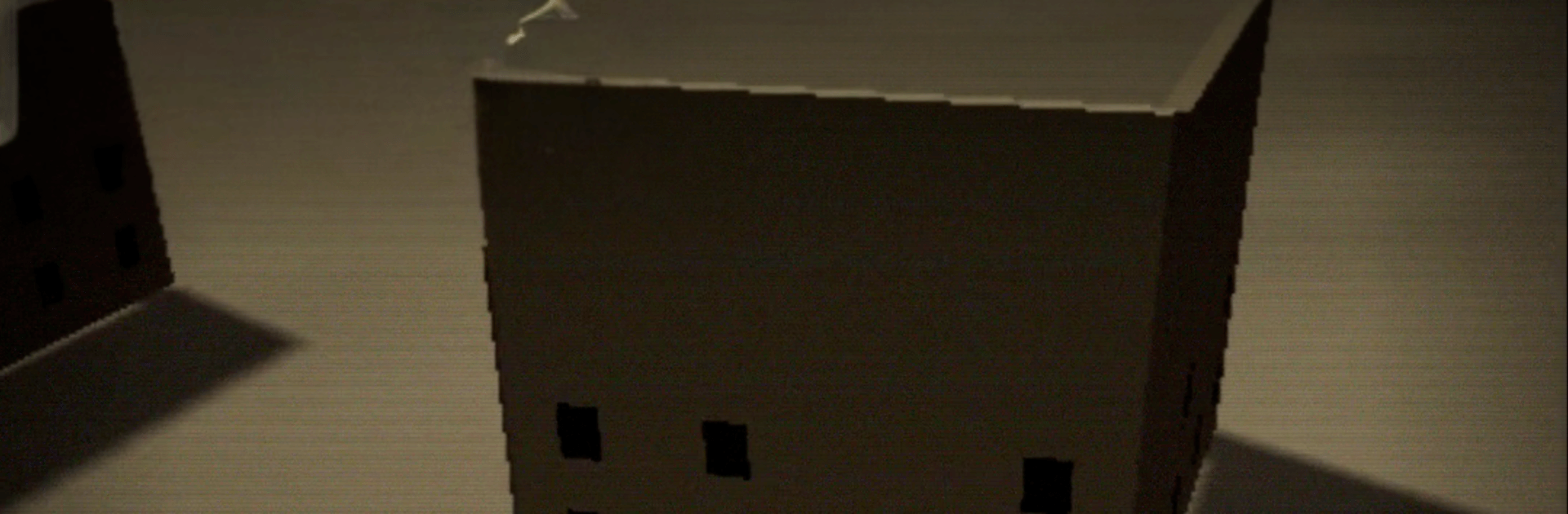
Drone War : World War 3

Drone War : World War 3

Strategy

| Gentledog

Play on PC with BlueStacks or from our cloud

  • Overview
  • Game Features
  • How to Play

Page Modified On: October 30, 2026

Play Drone War : World War 3 on PC or Mac

Drone War : World War 3 by Gentledog has plenty to keep you busy. BlueStacks lets you play it on PC or Mac with more screen space, better control, and fewer mobile limits.

About the Game

Drone War : World War 3 puts you right in the FPV cockpit, where every throttle tap and roll matters. It’s a Strategy experience that blends tight, first-person piloting with smart target selection, upgrades, and risk-versus-reward decisions across a sprawling war map. Prefer a bigger screen and steady controls? It plays smoothly on BlueStacks, too.

Game Features

  • True FPV piloting: Twin-stick controls model throttle, pitch, and roll, so you’re actually flying—managing battery, altitude, and tight gaps while keeping your target in sight.
  • 30 distinct combat drones: From nimble scouts to heavy bombers, each airframe has its own handling, silhouette, and motor sound, plus clear roles like interceptor, EW platform, or heavy striker.
  • Build and tune your fleet: Upgrade frames, warheads, and systems, then unlock specialized variants with smarter targeting to fit your style.
  • 330 missions across 33 war zones: Cut through sandstorms, canyon runs, frozen chokepoints, ruined cities, naval ports, and more—including elite chapters for ace pilots.
  • Objectives that push your skills: Chase three-star clears with strict loss limits, bonus targets, and explosive chains that reward clean routes and sharp timing.
  • Enemies that fight back: Take on infantry, vehicles, AAA, tanks, helicopters, SAMs, radar arrays, bunkers, generators, and high-value targets—each demanding a different approach.
  • Progression that pays off: Rank up for better payouts and earn medals for precision strikes, no-loss runs, and slick multi-kills.
  • A battlefield that sounds alive: Artillery rumbles in the distance, tanks crack shots across the hills, drones scream past, and close impacts shake the screen.
  • Quick sorties, lasting depth: Jump in for a fast run or grind for perfection with no forced timers—deploy points come back, and a basic scout is always ready; playable offline.
  • Handy quality-of-life touches: Cloud save and restore, separate volume sliders for ambience and effects, plus full English and Korean support.

Ready to top the leaderboard? We bet you do. Let precise controls and sharp visuals optimized on BlueStacks lead you to victory.


Game Features

Enhancements

  • Macros
  • Multi Instance
  • Multi Instance Sync
  • Eco Mode
  • Enhancements
Macros

Macros

Skip the boring parts of a game. Play Drone War : World War 3 with Macros and get the edge. Simply record a sequence of commands and execute them at any moment.
Multi Instance

Multi Instance

Why limit to one game on your phone when you can play many on your PC? Open multiple instances of Drone War : World War 3 at once with Multi-Instance. Leverage the power of different accounts by doing more.
Multi Instance Sync

Multi Instance Sync

Get the best out of Drone War : World War 3 with Multi-Instance Sync. Play the game from different accounts and build your own empire. Use Multi-instance sync to repeat the action in the main BlueStacks instance on all other instances.
Eco Mode

Eco Mode

Find the rarest heroes by making multiple summons in Drone War : World War 3. And while you are at it, reduce your PC’s resource consumption with the Eco Mode. Farm efficiently. Get the best results.
Read More

How to Download and Play Drone War : World War 3 on PC or Mac

  • Download and install BlueStacks on your PC or Mac

  • Complete Google sign-in to access the Play Store, or do it later

  • Look for Drone War : World War 3 in the search bar at the top right corner

  • Click to install Drone War : World War 3 from the search results

  • Complete Google sign-in (if you skipped step 2) to install Drone War : World War 3

  • Click the Drone War : World War 3 icon on the home screen to start playing

video
Watch Video

Minimum System Requirements

With BlueStacks 5, you can get started on a PC that fulfills the following requirements.

  • Operating System

    Microsoft Windows 7 or above, macOS 11 (Big Sur) or above

  • Processor

    Intel, AMD or Apple Silicon Processor

  • RAM

    at least 4GB

  • HDD

    10GB Free Disk Space

Note:

* You must be an Administrator on your PC. Up to date graphics drivers from Microsoft or the chipset vendor.

Drone War : World War 3 - FAQs

  • How to play Drone War : World War 3 on Windows PC & Mac?

    Play Drone War : World War 3 on your PC or Mac by following these simple steps.

    • Click on 'Play Drone War : World War 3 on PC’ to download BlueStacks
    • Install it and log-in to Google Play Store
    • Launch and play the game.
  • Why is BlueStacks the fastest and safest platform to play games on PC?

    BlueStacks respects your privacy and is always safe and secure to use. It does not carry any malware, spyware, or any sort of additional software that could harm your PC.

    It is engineered to optimize speed and performance for a seamless gaming experience.

  • What are Drone War : World War 3 PC requirements?

    Minimum requirement to run Drone War : World War 3 on your PC

    • OS: Microsoft Windows 7 or above MacOS 11 (Big Sur) or above
    • Processor: Intel, AMD or Apple Silicon Processor
    • RAM: Your PC must have at least 4GB of RAM. (Note that having 4GB or more disk space is not a substitute for RAM)
    • HDD: 10GB Free Disk Space.
    • You must be an Administrator on your PC.