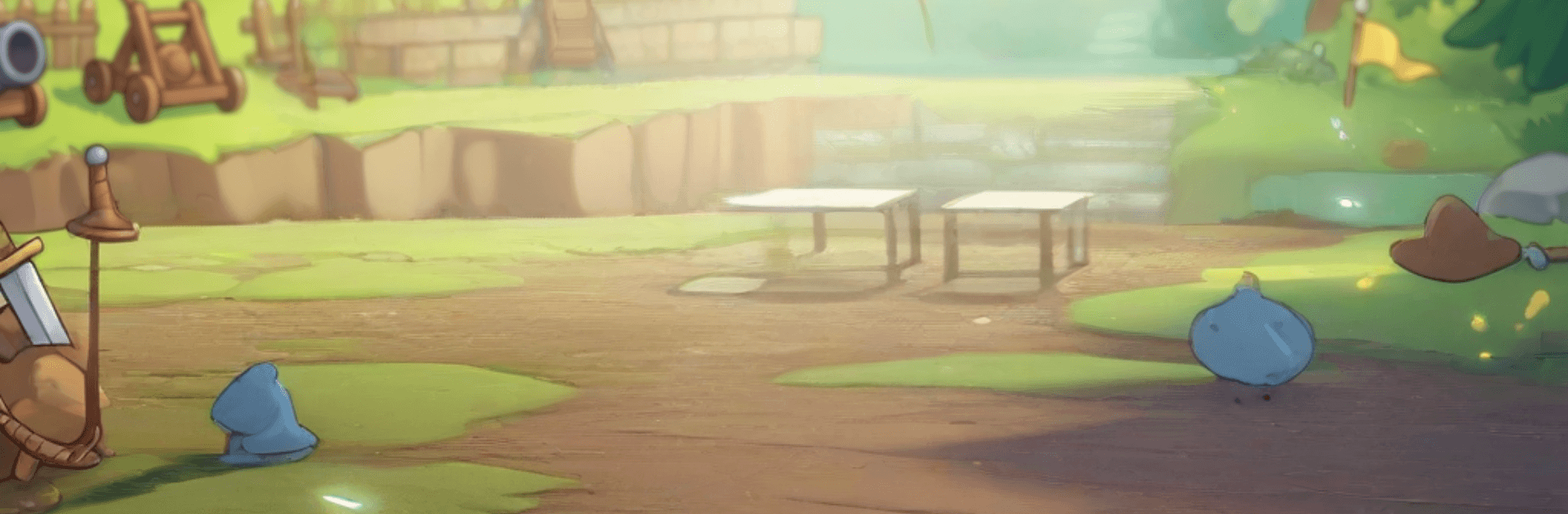
Fortress Hero: Strategy Puzzle

Fortress Hero: Strategy Puzzle

Strategy

| Arcloom

Play on PC with BlueStacks or from our cloud

  • Overview
  • Game Features
  • How to Play

Page Modified On: May 11, 2026

Play Fortress Hero: Strategy Puzzle on PC or Mac

Step into the World of Fortress Hero: Strategy Puzzle, a thrilling Strategy game from the house of Arcloom. Play this Android game on BlueStacks App Player and experience immersive gaming on PC or Mac.

About the Game

Fortress Hero: Strategy Puzzle is a Strategy mash-up where your castle is both your playground and your last line of defense. You’ll place, merge, and rearrange structures while fending off relentless waves, then tweak your setup on the fly as new threats roll in. Runs are roguelike, so enemy patterns, upgrades, and surprises change often—perfect if you like planning ahead but also rolling with the chaos.

Game Features

  • Tactical Layouts: Every tile counts. Position towers and support buildings to create clever angles, chokepoints, and synergies that squeeze maximum value out of your space.
  • Merge and Power Up: Combine buildings to unlock stronger forms and fresh perks. A tidy grid turns into a powerhouse as you chain merges at the right moment.
  • Roguelike Variety: No two defenses feel the same. Waves, modifiers, and upgrade options shuffle each run, pushing you to adapt rather than repeat.
  • Critter Companions: Summon quirky helpers that slow enemies, boost towers, or patch weak spots. Small creatures, big clutch plays.
  • Escalating Waves: Enemies arrive in escalating sets that test different parts of your build—speed one round, armor the next—so you can’t rely on a single trick.
  • Puzzle Challenges: Short, brainy objectives reward smart thinking with buffs and resources that directly strengthen your fortress.
  • Quick Decisions, Real Depth: Snappy sessions packed with meaningful choices—where to place, what to merge, which upgrade to grab under pressure.
  • Smooth on PC: Prefer mouse precision? Fortress Hero: Strategy Puzzle runs comfortably on BlueStacks without stealing the spotlight from your strategy.
  • From Arcloom, Built for Tinkerers: A Strategy experience that rewards experimentation, bold builds, and clever recoveries.

Get ready for a buttery smooth, high-performance gaming action only on BlueStacks.

Game Features

Enhancements

  • Macros
  • Multi Instance
  • Multi Instance Sync
  • Eco Mode
  • Enhancements
Macros

Macros

Skip the boring parts of a game. Play Fortress Hero: Strategy Puzzle with Macros and get the edge. Simply record a sequence of commands and execute them at any moment.
Multi Instance

Multi Instance

Why limit to one game on your phone when you can play many on your PC? Open multiple instances of Fortress Hero: Strategy Puzzle at once with Multi-Instance. Leverage the power of different accounts by doing more.
Multi Instance Sync

Multi Instance Sync

Get the best out of Fortress Hero: Strategy Puzzle with Multi-Instance Sync. Play the game from different accounts and build your own empire. Use Multi-instance sync to repeat the action in the main BlueStacks instance on all other instances.
Eco Mode

Eco Mode

Find the rarest heroes by making multiple summons in Fortress Hero: Strategy Puzzle. And while you are at it, reduce your PC’s resource consumption with the Eco Mode. Farm efficiently. Get the best results.
Read More

How to Download and Play Fortress Hero: Strategy Puzzle on PC or Mac

  • Download and install BlueStacks on your PC or Mac

  • Complete Google sign-in to access the Play Store, or do it later

  • Look for Fortress Hero: Strategy Puzzle in the search bar at the top right corner

  • Click to install Fortress Hero: Strategy Puzzle from the search results

  • Complete Google sign-in (if you skipped step 2) to install Fortress Hero: Strategy Puzzle

  • Click the Fortress Hero: Strategy Puzzle icon on the home screen to start playing

video
Watch Video

Minimum System Requirements

With BlueStacks 5, you can get started on a PC that fulfills the following requirements.

  • Operating System

    Microsoft Windows 7 or above, macOS 11 (Big Sur) or above

  • Processor

    Intel, AMD or Apple Silicon Processor

  • RAM

    at least 4GB

  • HDD

    10GB Free Disk Space

Note:

* You must be an Administrator on your PC. Up to date graphics drivers from Microsoft or the chipset vendor.

Fortress Hero: Strategy Puzzle - FAQs

  • How to play Fortress Hero: Strategy Puzzle on Windows PC & Mac?

    Play Fortress Hero: Strategy Puzzle on your PC or Mac by following these simple steps.

    • Click on 'Play Fortress Hero: Strategy Puzzle on PC’ to download BlueStacks
    • Install it and log-in to Google Play Store
    • Launch and play the game.
  • Why is BlueStacks the fastest and safest platform to play games on PC?

    BlueStacks respects your privacy and is always safe and secure to use. It does not carry any malware, spyware, or any sort of additional software that could harm your PC.

    It is engineered to optimize speed and performance for a seamless gaming experience.

  • What are Fortress Hero: Strategy Puzzle PC requirements?

    Minimum requirement to run Fortress Hero: Strategy Puzzle on your PC

    • OS: Microsoft Windows 7 or above MacOS 11 (Big Sur) or above
    • Processor: Intel, AMD or Apple Silicon Processor
    • RAM: Your PC must have at least 4GB of RAM. (Note that having 4GB or more disk space is not a substitute for RAM)
    • HDD: 10GB Free Disk Space.
    • You must be an Administrator on your PC.