Stranger Heroes
Stranger Heroes

Stranger Heroes

Strategy

| Gamezaaa

BlueStacks Verified

Play on PC with BlueStacks or from our cloud

Click here to Pre-Register for Stranger Heroes
  • Overview
  • Features
  • How to Play

Page Modified On: June 05, 2026

Play Stranger Heroes on PC or Mac

Bring your A-game to Stranger Heroes, the Strategy game sensation from Gamezaaa. Give your gameplay the much-needed boost with precise game controls, high FPS graphics, and top-tier features on your PC or Mac with BlueStacks.

About the Game

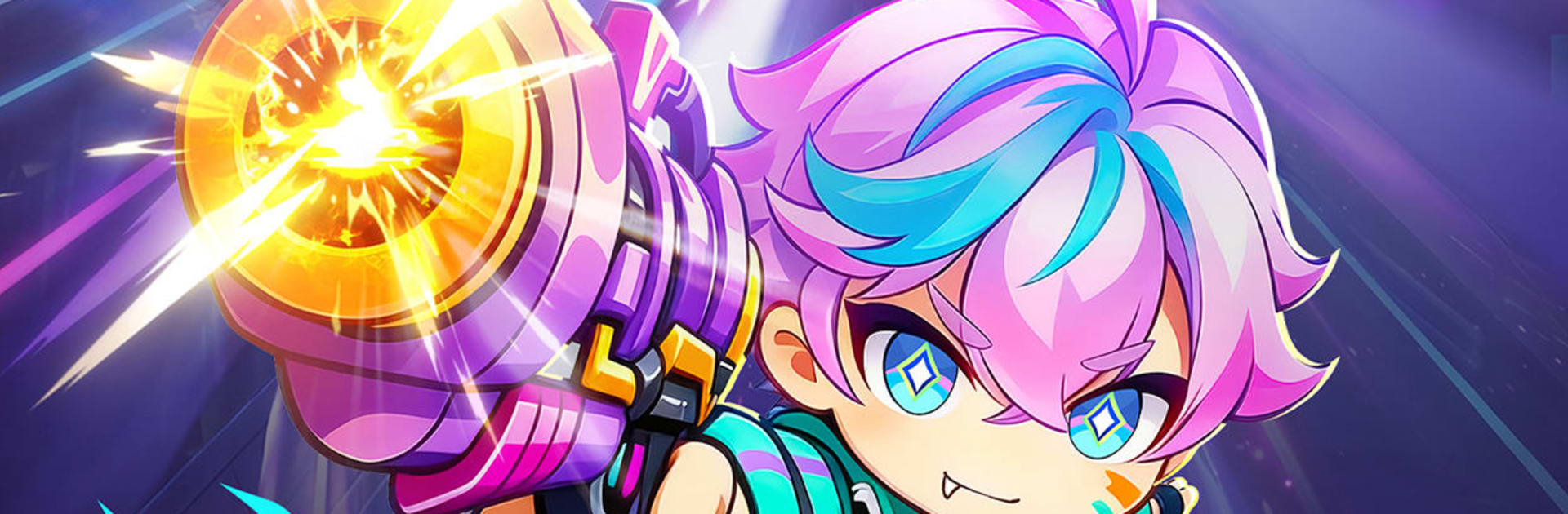
Stranger Heroes is a Strategy game set in a slick, neon-soaked future where augmented warriors clash with swarms of techno-nightmares. You’ll build a squad, hold the line, and keep a fragile city alive while upgrading a high-tech base between fights. Each run throws new twists at you—different perks, wild combos, and unexpected enemies—so no two battles feel the same.

Game Features

  • Run-based builds: Every match rolls fresh traits and skill modifiers, pushing you to craft new hero synergies and experiment with offbeat tactics.
  • Flex-your-defense gameplay: Mix hero abilities with turret placements, time your bursts, and adapt to shifting enemy types instead of relying on a single “perfect” setup.
  • One-hand friendly controls: Clean, compact UI makes it easy to trigger skills and swap targets. Prefer to chill? An optional auto mode handles routine waves while your team keeps growing.
  • Cyber base building: Reconstruct a shattered stronghold, unlock production facilities, set up perimeter defenses, and expand your footprint across a futuristic skyline.
  • Living neon warzones: Fight on rain-slick streets, elevated platforms, and luminous rooftops where cover, lanes, and objectives change how you approach each push.
  • Theorycraft heaven: Tinker with talents, augment loadouts, and team roles to uncover surprising, run-winning combos.
  • PC-ready with BlueStacks: Want a wider view and crisp controls? Play on BlueStacks to manage battles and base upgrades with extra comfort.

Get ready for a buttery smooth, high-performance gaming action only on BlueStacks.

Features

  • Macros

    Skip the boring parts of a game. Play Stranger Heroes with Macros and get the edge. Simply record a sequence of commands and execute them at any moment.

  • Multi Instance

    Why limit to one game on your phone when you can play many on your PC? Open multiple instances of Stranger Heroes at once with Multi-Instance. Leverage the power of different accounts by doing more.

  • Multi Instance Sync

    Get the best out of Stranger Heroes with Multi-Instance Sync. Play the game from different accounts and build your own empire. Use Multi-instance sync to repeat the action in the main BlueStacks instance on all other instances.

  • Eco Mode

    Find the rarest heroes by making multiple summons in Stranger Heroes. And while you are at it, reduce your PC’s resource consumption with the Eco Mode. Farm efficiently. Get the best results.

How to Download and Play Stranger Heroes on PC or Mac

  • Download and install BlueStacks on your PC or Mac

  • Complete Google sign-in to access the Play Store, or do it later

  • Look for Stranger Heroes in the search bar at the top right corner

  • Click to install Stranger Heroes from the search results

  • Complete Google sign-in (if you skipped step 2) to install Stranger Heroes

  • Click the Stranger Heroes icon on the home screen to start playing

video
Watch Video

Minimum System Requirements

With BlueStacks 5, you can get started on a PC that fulfills the following requirements.

  • Operating System

    Microsoft Windows 7 or above, macOS 11 (Big Sur) or above

  • Processor

    Intel, AMD or Apple Silicon Processor

  • RAM

    at least 4GB

  • HDD

    10GB Free Disk Space

Note:

* You must be an Administrator on your PC. Up to date graphics drivers from Microsoft or the chipset vendor.

Exclusive Gaming Content. And More.

Get the latest updates on the BlueStacks Blog.

See More
Stranger Heroes

Be among the first to play Stranger Heroes on PC

Get notified when the Game launches

Stranger Heroes - FAQs

  • How to play Stranger Heroes on Windows PC & Mac?

    Play Stranger Heroes on your PC or Mac by following these simple steps.

    • Click on 'Play Stranger Heroes on PC’ to download BlueStacks
    • Install it and log-in to Google Play Store
    • Launch and play the game.
  • Why is BlueStacks the fastest and safest platform to play games on PC?

    BlueStacks respects your privacy and is always safe and secure to use. It does not carry any malware, spyware, or any sort of additional software that could harm your PC.

    It is engineered to optimize speed and performance for a seamless gaming experience.

  • What are Stranger Heroes PC requirements?

    Minimum requirement to run Stranger Heroes on your PC

    • OS: Microsoft Windows 7 or above MacOS 11 (Big Sur) or above
    • Processor: Intel, AMD or Apple Silicon Processor
    • RAM: Your PC must have at least 4GB of RAM. (Note that having 4GB or more disk space is not a substitute for RAM)
    • HDD: 10GB Free Disk Space.
    • You must be an Administrator on your PC.