
Melissa Lookups
Melissa Lookups

Melissa Lookups

Tools

| Melissa Lookups

Play on PC with BlueStacks or from our cloud

  • Overview
  • How to Download

Page Modified On: November 10, 2025

Run Melissa Lookups on PC or Mac

Get freedom from your phone’s obvious limitations. Use Melissa Lookups, made by Melissa Lookups, a Tools app on your PC or Mac with BlueStacks, and level up your experience.

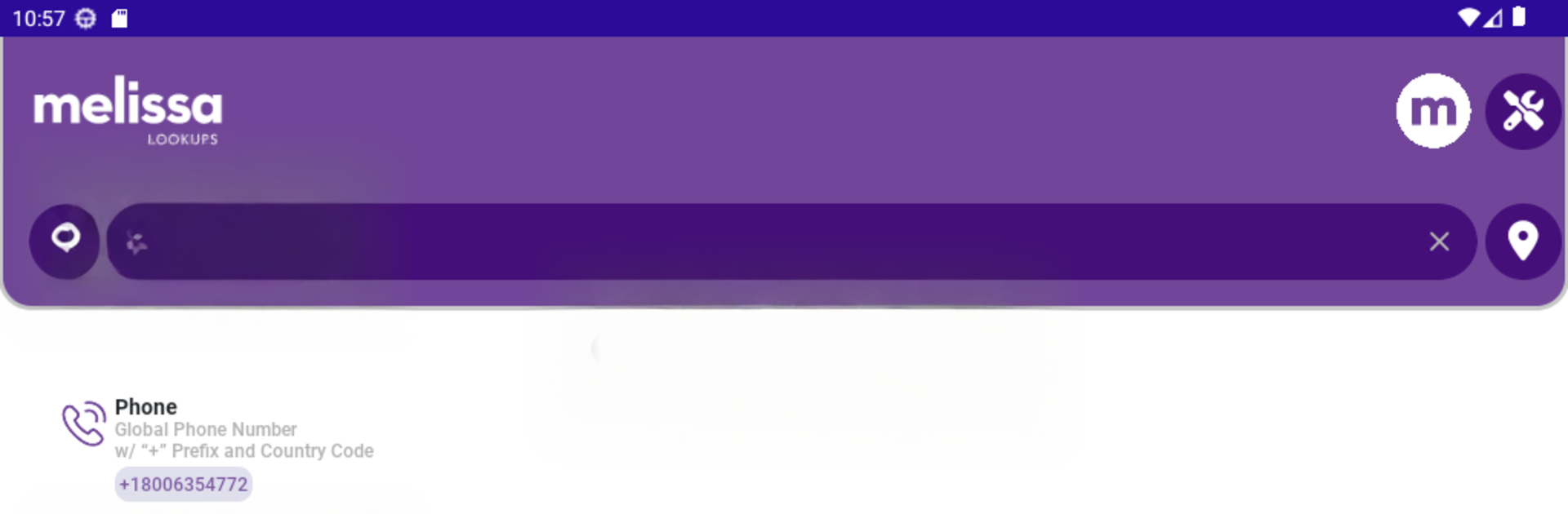
Melissa Lookups feels like a trusty multi tool for quick facts. Pop in a U.S. or Canadian address and it checks if it is real, then shows property details that help the whole thing make sense. Type a person’s name or a company and it pulls back useful basics like where they are, what they do, and other little identifiers that cut guesswork. Phone lookups work on U.S. and international numbers, showing who might be behind the line and whether it looks legit. The email checker gives a deliverability score, which is a nice hint on whether a message will bounce. There is even an IP search with location and network details, plus a ZIP Code search that breaks out business and residential delivery counts. The layout keeps results tidy and labeled, so it is easy to skim without digging through clutter.

Running it on a PC with BlueStacks makes it feel more practical than on a small screen. Copying long addresses, pasting emails, and comparing results side by side is just faster with a keyboard and a big monitor. Maps and property bits are easier to read, and flipping between different searches is smoother when windows can sit next to each other. It feels quick most of the time, though a search can take a moment if the input is messy, and accuracy still depends on the data that exists. For anyone who wants to verify details before calling, emailing, or mailing, it is a straightforward, no drama kind of toolkit.

Big screen. Bigger performance. Use BlueStacks on your PC or Mac to run your favorite apps.

How to Download and Run Melissa Lookups on PC or Mac

  • Download and install BlueStacks on your PC or Mac

  • Complete Google sign-in to access the Play Store, or do it later

  • Look for Melissa Lookups in the search bar at the top right corner

  • Click to install Melissa Lookups from the search results

  • Complete Google sign-in (if you skipped step 2) to install Melissa Lookups

  • Click the Melissa Lookups icon on the home screen to start playing

video
Watch Video

Minimum System Requirements

With BlueStacks 5, you can get started on a PC that fulfills the following requirements.

  • Operating System

    Microsoft Windows 7 or above, macOS 11 (Big Sur) or above

  • Processor

    Intel, AMD or Apple Silicon Processor

  • RAM

    at least 4GB

  • HDD

    10GB Free Disk Space

Note:

* You must be an Administrator on your PC. Up to date graphics drivers from Microsoft or the chipset vendor.

Melissa Lookups - FAQs

  • How to Run Melissa Lookups on Windows PC & Mac?

    Run Melissa Lookups on your PC or Mac by following these simple steps.

    • Click on ‘Download Melissa Lookups on PC’ to download BlueStacks
    • Install it and log-in to Google Play Store
    • Launch and run the app.
  • Why is BlueStacks the fastest and safest platform to play games on PC?

    BlueStacks respects your privacy and is always safe and secure to use. It does not carry any malware, spyware, or any sort of additional software that could harm your PC.

    It is engineered to optimize speed and performance for a seamless gaming experience.

  • What are Melissa Lookups PC requirements?

    Minimum requirement to run Melissa Lookups on your PC

    • OS: Microsoft Windows 7 and above:
    • Processor: Intel or AMD Processor:
    • RAM: Your PC must have at least 2GB of RAM. (Note that having 2GB or more disk space is not a substitute for RAM):
    • HDD: 5GB Free Disk Space.
    • You must be an Administrator on your PC.




