How to Install and Play Abyss Hunters on PC with BlueStacks
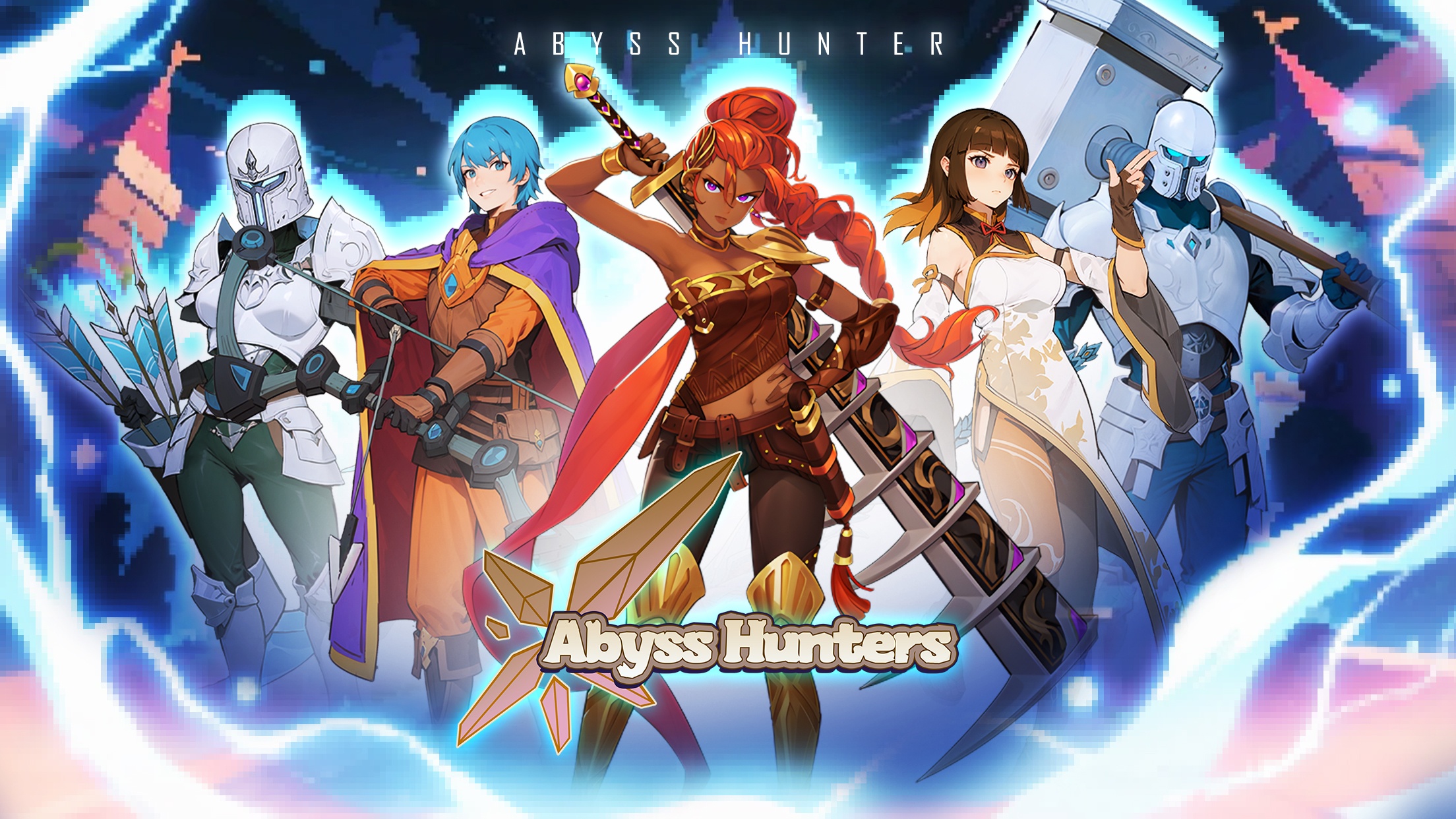

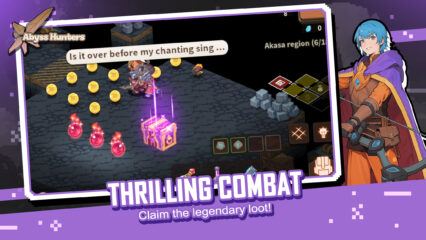
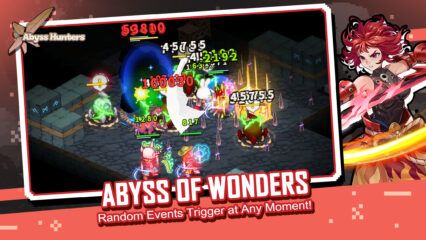
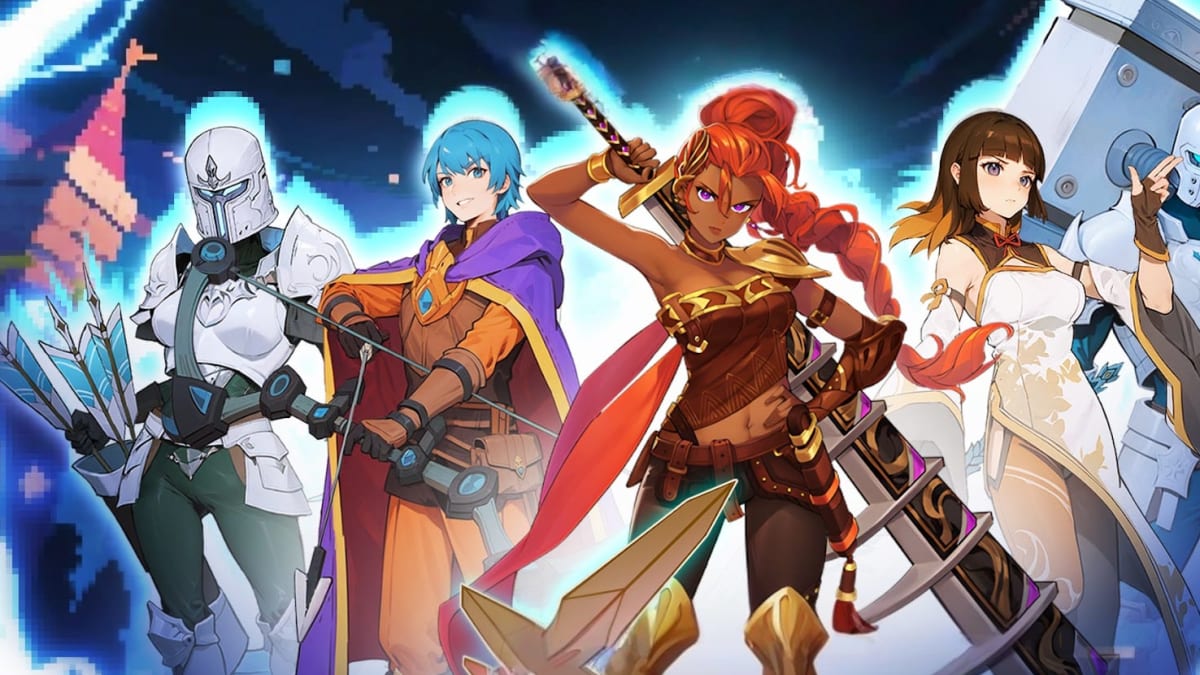
Abyss Hunters is a fantasy idle roguelite role-playing game that blends classic pixel-style visuals with modern gameplay systems. You recruit a team of brave heroes, battle strange monsters, gather gear, and progress through story-driven stages filled with surprising events. Combat runs automatically, while you focus on choosing skills, building team setups, and collecting powerful weapons that boost your strength.
When you’re not fighting, you manage Camp Town, where you cook food, farm items, upgrade buildings, fish with friends, and prepare your team for the next adventure. This mix of action and idle gameplay makes Abyss Hunters easy to enjoy in short sessions or longer playtimes.
How to Install Abyss Hunters on PC
- Visit the game’s page and press the “Play Abyss Hunters on PC” button.
- Find the downloaded file in your browser’s download list and open it.
- Install BlueStacks and launch it on your PC or Mac once setup is done.
- Log in to the Google Play Store, install the game, and jump into your adventure.
How to Install Abyss Hunters on Mac with BlueStacks Air
- Download BlueStacks Air: Open the game’s page and click the “Play Abyss Hunters on Mac” button to fetch the installer.
- Install BlueStacks Air: Double-click BlueStacksInstaller.pkg and follow the setup steps on screen.
- Launch and Sign-In: Start BlueStacks Air from Launchpad or the Applications folder, then sign in with your Google account.
- Install Abyss Hunters: Search for the game inside the Play Store and install it.
- Enjoy Playing!: Open the game and start building your hero team.
For Players Who Already Have BlueStacks
- Head to the game’s page and hit the “Abyss Hunters on PC” button.
- Open BlueStacks on your PC or Mac.
- Install the game from the BlueStacks Store or the Google Play Store.
- Begin playing right away.
Minimum System Requirements
BlueStacks runs Abyss Hunters smoothly on both PC and Mac with easy-to-meet system needs:
- OS: Microsoft Windows 7 and above, macOS 11 (Big Sur) or above
- Processor: Intel, AMD Processor, or Apple Silicon Processor (M1–M4)
- RAM: At least 4GB of system memory
- Storage: Minimum 10GB free disk space
- Permissions: Administrator access on your PC or Mac
- Graphics drivers: Latest drivers from Microsoft or your chipset maker
Players who enjoy fantasy stories, hero collecting, and light strategy will feel right at home in Abyss Hunters. The game works well for both casual players who like watching their teams grow over time and fans who enjoy planning builds and testing new skill combos. Short play sessions fit perfectly when you want quick progress, while longer sessions let you upgrade heroes, take on raids, and tackle tougher abyss battles.
Playing Abyss Hunters on PC or Mac with BlueStacks lets you enjoy the game on a large screen with smooth visuals and simple keyboard and mouse controls. This setup makes menus easier to use, hero management faster, and battles clearer to follow compared to a small phone screen. It’s a comfortable way to grind stages, plan teams, and enjoy long play sessions without draining your mobile battery.