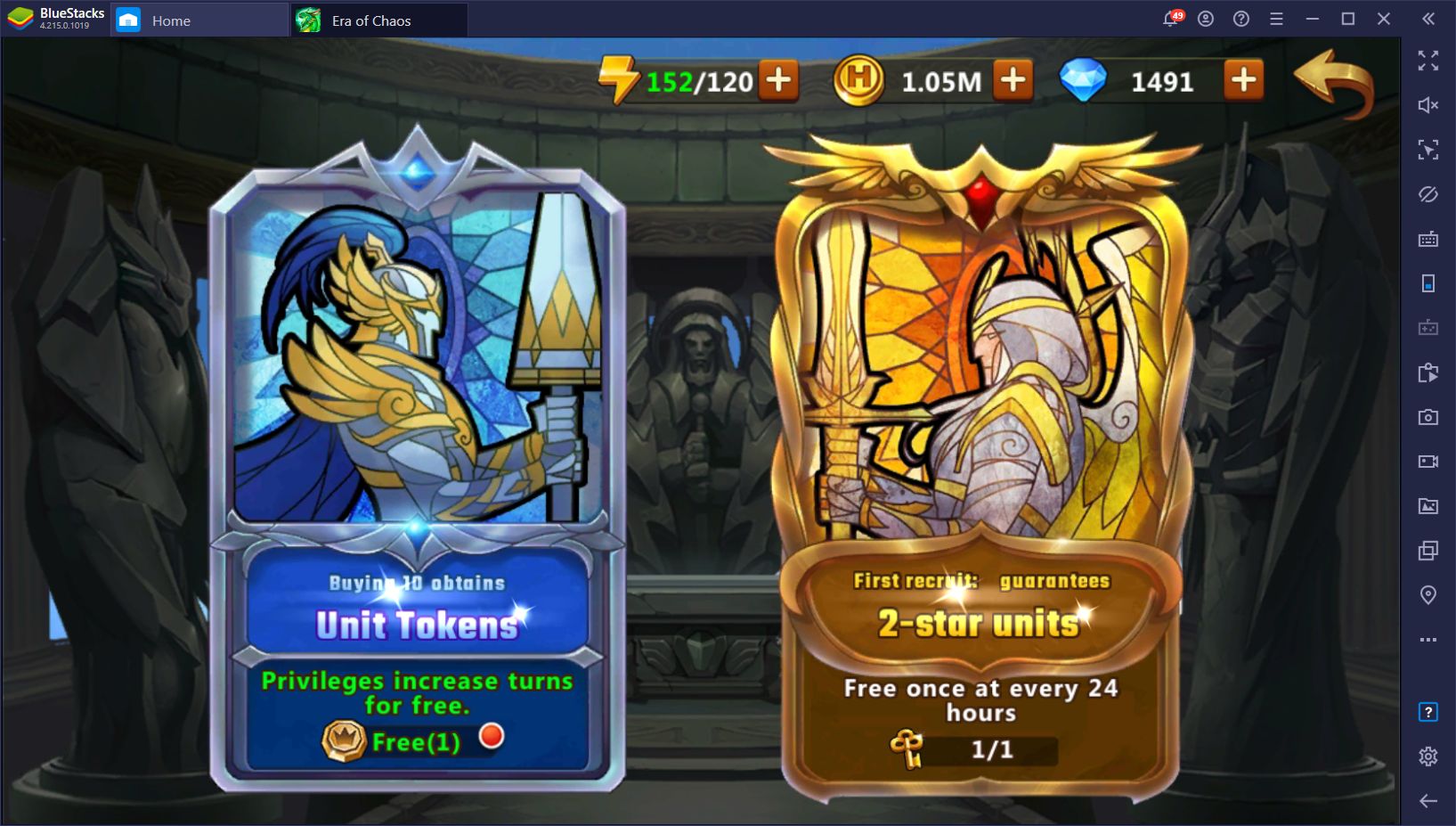
How to Install and Play Might & Magic: Era of Chaos on PC with BlueStacks
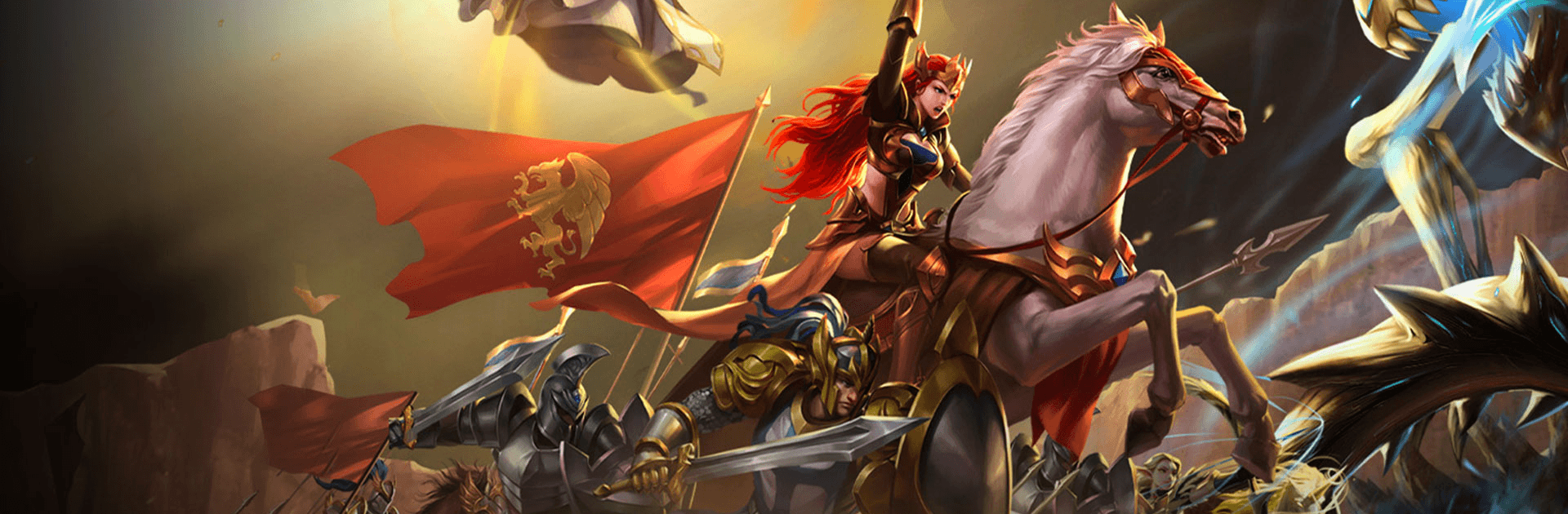

Might & Magic: Era of Chaos is a fantasy role-playing game where you team up with Queen Catherine Ironfist to save her kingdom. A huge war has left her home in ruins, and you help her rebuild it by forming a strong army. You can recruit knights, spellcasters, and mythical creatures to fight by your side.
Battles are all about smart decisions. You place your troops in the right spots and use hero skills at the perfect time to win. There’s a long story to play through, with missions, upgrades, and rare items to collect.
Fans will recognize creatures like Griffins, Archangels, Dragons, and Orcs, and you can level them up to make your team even stronger. You can take your army into quick PvP duels or join guild events with friends to earn cool rewards together.
How to Install Might & Magic: Era of Chaos on PC
- Go to the game’s page and click the “Play Might & Magic: Era of Chaos on PC” button.
- Once the file finishes downloading, open it from your browser’s Downloads section.
- Install BlueStacks and complete the setup, then launch it on your PC.
- Sign in to your Google Play account, install the game, and you’re all set.
How to Install Might & Magic: Era of Chaos on Mac with BlueStacks Air
- Download BlueStacks Air: Click the “Play Might & Magic: Era of Chaos on Mac” button to get the installer.
- Install BlueStacks Air: Open the BlueStacksInstaller.pkg file and follow the setup instructions.
- Launch & Log In: Open BlueStacks Air from Launchpad or Applications, then log in using your Google account.
- Install the Game: Search for “Might & Magic: Era of Chaos” in the Google Play Store and install it.
- Play and Enjoy: Open the game and start playing on a bigger screen.
Already Using BlueStacks?
- Open the game’s page and click “Might & Magic: Era of Chaos on PC”.
- Start the BlueStacks app on your computer.
- Install the game from the BlueStacks Store or Google Play Store.
- Launch the game and begin playing right away.
Minimum System Requirements
- OS: Windows 7+ or macOS 11+
- Processor: Intel, AMD, or Apple Silicon (M1–M4)
- RAM: Minimum of 4GB
- Storage: At least 10GB free space
- Permissions: Admin rights required for installation
- Graphics: Updated GPU drivers recommended
Might & Magic: Era of Chaos is great for players who enjoy building strong teams, collecting new characters, and fighting in fantasy-style battles. You can play at your own pace or test your skills in arena matches.
Playing Might & Magic: Era of Chaos through BlueStacks helps you handle battles more comfortably with mouse controls and clear visuals. Since everything appears larger on a PC screen, it becomes easier to choose formations, select units, and time your spells without any mistakes or slow taps. You can enjoy longer sessions with smooth performance and play with confidence on any low-end or shared computer.