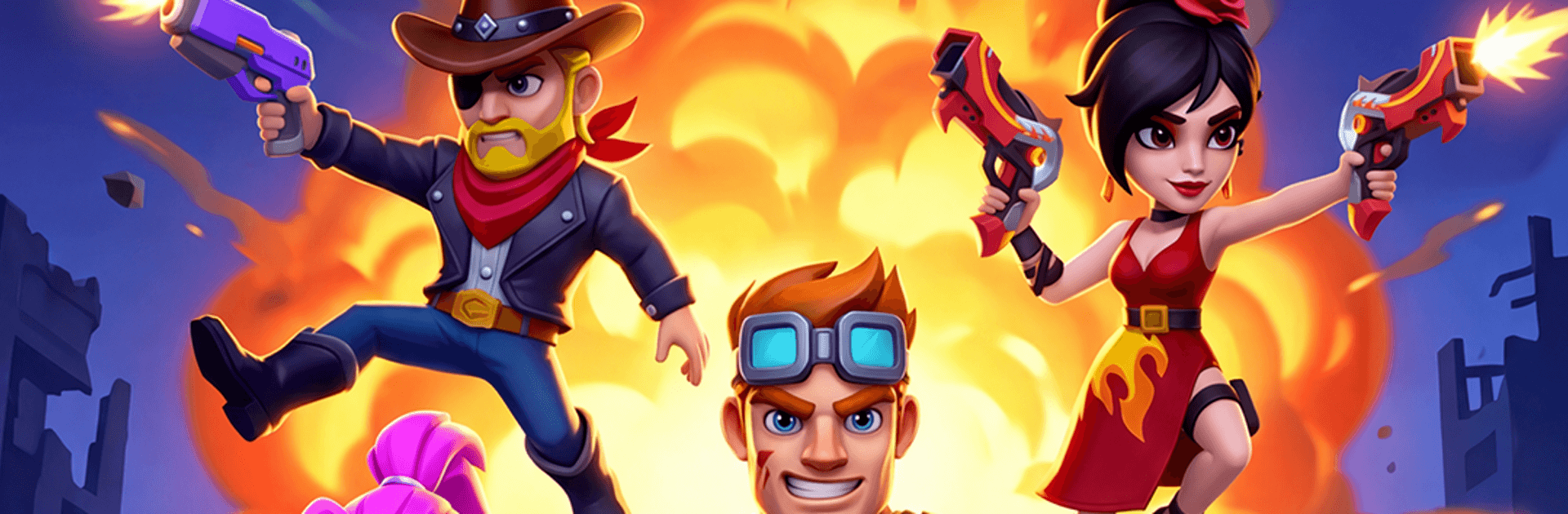


Last Zombie – Shooting Games by Bigcool Limited has plenty to keep you busy. BlueStacks lets you play it on PC or Mac with more screen space, better control, and fewer mobile limits.
About the Game
Last Zombie – Shooting Games is an Action roguelike from Bigcool Limited that throws you into chaotic, fast-paced battles against relentless undead swarms. Each run is a fresh mix of 3D bullet-hell patterns, wild power-ups, and clutch dodges, so every minute feels different from the last. It’s easy to jump in for a quick blast or settle in for a deep progression grind—and if you prefer a bigger screen and crisp controls, it plays smoothly on BlueStacks.
Game Features
- Six Heroes, Six Styles: Swap between distinct heroes that each twist how you move, slash, and shoot. Find a favorite, then try a totally different approach next run.
- Wild Skill Synergies: Draft from a huge pool of randomized perks and stitch together outrageous combos—ricocheting grenades, sneaky traps, and more.
- Bullet-Hell Meets Hack-and-Slash: Thread through dense enemy fire while carving a path up close or raining damage from afar. Tight, responsive combat keeps the pressure fun.
- Outsmart the Horde: Positioning matters. Use corners, spacing, and smart routes to thin crowds and keep boss attacks manageable.
- Deep Progression: Experiment with the Gene System and its many evolutions to fine-tune your build. Layer in gear sets, accessories, and Skill Chips, then upgrade weapons to push farther.
- Modes for Every Mood: Climb the Infinite Tower, take on rotating Daily Bosses, zip through Quick Patrols or a Daily Hunt, or chill with side activities like Island Fishing and City Exploration.
- Pick-Up-and-Play, Even Offline: Easy one-handed controls and full offline support make it perfect for quick sessions whenever you’ve got a spare moment.
Start your journey now. Download the game on BlueStacks, invite your friends, and march on a new adventure.