Dross Saw Trap
Dross Saw Trap

Dross Saw Trap

Adventure

| Mazniac

Play on PC with BlueStacks or from our cloud

  • Overview
  • Game Features
  • How to Play

Page Modified On: October 24, 2025

Play Dross Saw Trap on PC or Mac

Bring your A-game to Dross Saw Trap, the Adventure game sensation from Mazniac. Give your gameplay the much-needed boost with precise game controls, high FPS graphics, and top-tier features on your PC or Mac with BlueStacks.

About the Game

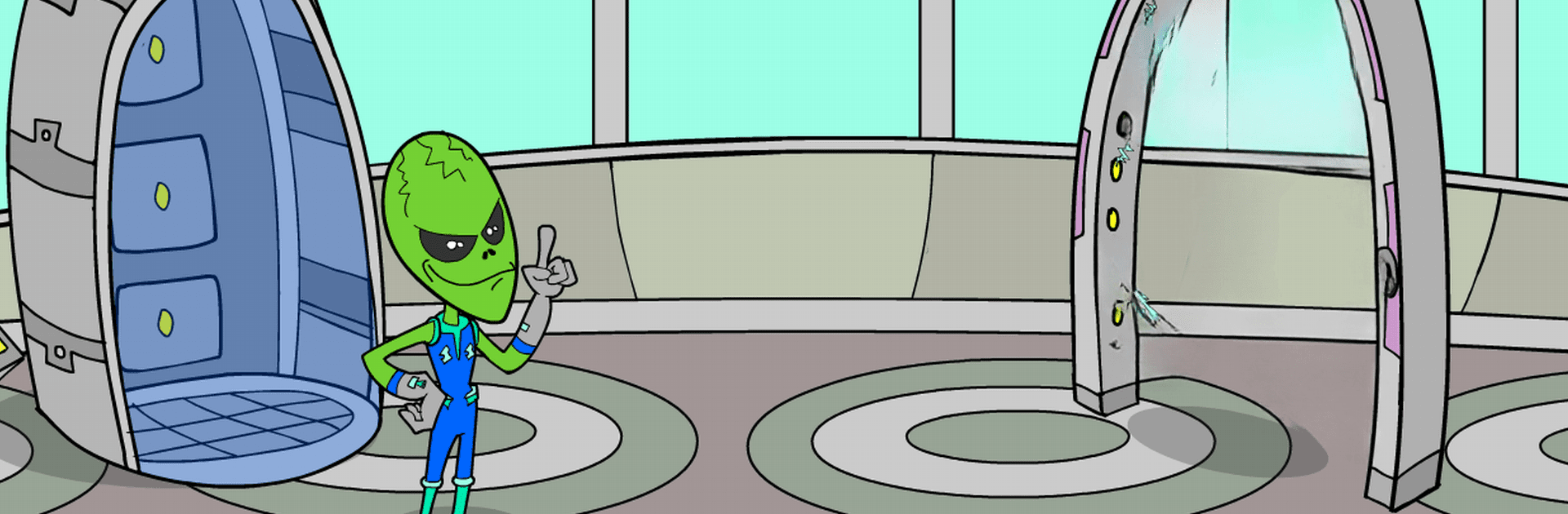
Dross Saw Trap drops you into a Halloween nightmare where the wicked Pigsaw forces the YouTuber Dross to play along—or else. It’s an Adventure from Mazniac that blends creepy moments with playful nods to Dross’s most infamous video creatures. Expect puzzle-filled rooms, tense choices, and that “uh-oh” feeling when you hear something move behind you. Prefer a bigger screen? It’s comfy to play on PC with BlueStacks too.

Game Features

  • Twisted Halloween setup: Dross wakes up in a trap-laden labyrinth built by Pigsaw, and every room hides a new problem to solve.
  • Creatures you’ll recognize: Face off against dangerous oddities inspired by Dross’s videos, each one showing up at the worst possible time.
  • Puzzles that make you think: Hunt for clues, combine items, and piece together solutions before the clock—or the trap—runs out.
  • Choices with bite: Pick carefully; a wrong tap can spring a nasty surprise. Smart moves keep you alive and moving forward.
  • Creepy-funny tone: Spooky atmosphere with sly jokes and references for fans who know the channel’s deep cuts.
  • Simple, responsive controls: Point, tap, and drag—easy to learn, but the rooms won’t go easy on you.
  • Hidden surprises: Secret interactions and little gags reward curiosity, so it’s worth poking around more than once.
  • Mood you can feel: Stylized visuals and eerie sound cues build tension without overwhelming the action.

Start your journey now. Download the game on BlueStacks, invite your friends, and march on a new adventure.


Game Features

Enhancements

  • Macros
  • Multi Instance
  • Multi Instance Sync
  • Script
  • Enhancements
Macros

Macros

Automate the predictable in Dross Saw Trap and transform your gameplay with Macros. Get access to inventive Macros in the BlueStacks Macro Community
Multi Instance

Multi Instance

Play Dross Saw Trap on one window. And chat with your friend on the other. Press CTRL + Shift + 8 to open the Multi-Instance Manager. And start creating fresh instances or clone an existing one.
Multi Instance Sync

Multi Instance Sync

Play Dross Saw Trap with the power of Multi-Instance Sync. Replicate what you are doing on the main instance on all other instances. Level up faster, play more.
Script

Script

Script your way to gaming glory in Dross Saw Trap with BlueStacks Script. Write and run a set of commands to automate repeated tasks. Trigger the command by assigning it to any key.
Read More

How to Download and Play Dross Saw Trap on PC or Mac

  • Download and install BlueStacks on your PC or Mac

  • Complete Google sign-in to access the Play Store, or do it later

  • Look for Dross Saw Trap in the search bar at the top right corner

  • Click to install Dross Saw Trap from the search results

  • Complete Google sign-in (if you skipped step 2) to install Dross Saw Trap

  • Click the Dross Saw Trap icon on the home screen to start playing

video
Watch Video

Minimum System Requirements

With BlueStacks 5, you can get started on a PC that fulfills the following requirements.

  • Operating System

    Microsoft Windows 7 or above, macOS 11 (Big Sur) or above

  • Processor

    Intel, AMD or Apple Silicon Processor

  • RAM

    at least 4GB

  • HDD

    10GB Free Disk Space

Note:

* You must be an Administrator on your PC. Up to date graphics drivers from Microsoft or the chipset vendor.

Dross Saw Trap - FAQs

  • How to play Dross Saw Trap on Windows PC & Mac?

    Play Dross Saw Trap on your PC or Mac by following these simple steps.

    • Click on 'Play Dross Saw Trap on PC’ to download BlueStacks
    • Install it and log-in to Google Play Store
    • Launch and play the game.
  • Why is BlueStacks the fastest and safest platform to play games on PC?

    BlueStacks respects your privacy and is always safe and secure to use. It does not carry any malware, spyware, or any sort of additional software that could harm your PC.

    It is engineered to optimize speed and performance for a seamless gaming experience.

  • What are Dross Saw Trap PC requirements?

    Minimum requirement to run Dross Saw Trap on your PC

    • OS: Microsoft Windows 7 or above MacOS 11 (Big Sur) or above
    • Processor: Intel, AMD or Apple Silicon Processor
    • RAM: Your PC must have at least 4GB of RAM. (Note that having 4GB or more disk space is not a substitute for RAM)
    • HDD: 10GB Free Disk Space.
    • You must be an Administrator on your PC.