Top Race : Car Battle Racing

Top Race : Car Battle Racing

Racing

| Joygame Oyun ve Teknoloji A.S.

Play on PC with BlueStacks or from our cloud

  • Overview
  • Game Features
  • How to Play

Page Modified On: May 25, 2026

Play Top Race : Car Battle Racing on PC or Mac

Bring your A-game to Top Race : Car Battle Racing, the Racing game sensation from Joygame Oyun ve Teknoloji A.S.. Give your gameplay the much-needed boost with precise game controls, high FPS graphics, and top-tier features on your PC or Mac with BlueStacks.

About the Game

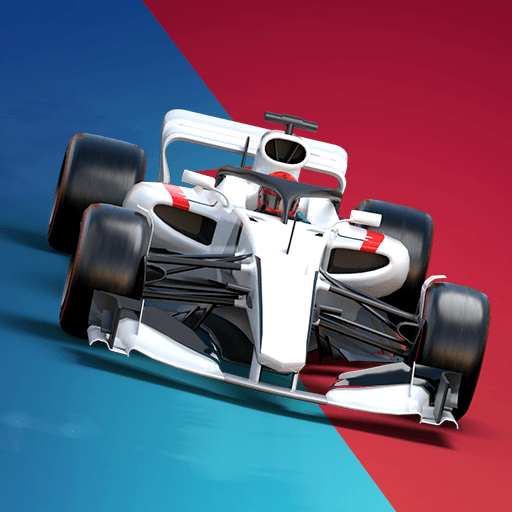
Top Race : Car Battle Racing throws you into a wild mix of speed, strategy, and car-on-car chaos. It’s a Racing game where every lap can flip in a heartbeat—one smart boost, one well-timed trap, or a perfectly tuned ride makes all the difference. Build a garage you’re proud of, outsmart crafty bosses across the globe, and fight your way up the rankings. Prefer playing on a bigger screen? It also runs smoothly on BlueStacks.

Game Features

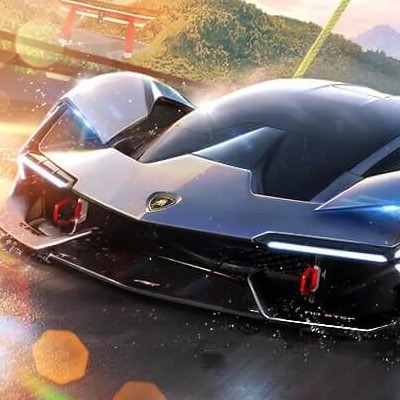
  • Bold car collection: Build out your garage with off-road beasts, monster trucks, tuned classics, and futuristic supercars. You’ll find standouts like Relic, Geisha, Duchess, Poison, and Gull—each with its own vibe on the track.

  • Boss showdowns: Face larger-than-life rivals in their hometowns, from New York and London to Tokyo and Moscow. Beat them, claim their rides, and keep the momentum going.

  • Weaponized racing: Mines, oil slicks, missiles, shockwaves—pick your approach. Go full offense, play dirty with traps, or nail a clean turbo start and vanish up the road.

  • Varied modes & tracks: Jump into league events, boss battles, and big tournaments across diverse racing areas. Every mode asks for a slightly different game plan.

  • Upgrades that matter: Tune your favorite car, stack helpful perks, and push performance to the limit. The right setup can turn a tough track into your playground.

  • Teams & rankings: Form a team, challenge rivals, and fight for your place on the ranking ladder. Smart coordination and steady wins add up fast.

  • Daily missions & chests: Knock out quick objectives, snag useful resources, and keep your collection growing with steady play.

Start your journey now. Download the game on BlueStacks, invite your friends, and march on a new adventure.


Game Features

Enhancements

  • Macros
  • Multi Instance
  • Multi Instance Sync
  • Script
  • Enhancements
Macros

Macros

Automate the predictable in Top Race : Car Battle Racing and transform your gameplay with Macros. Get access to inventive Macros in the BlueStacks Macro Community
Multi Instance

Multi Instance

Play Top Race : Car Battle Racing on one window. And chat with your friend on the other. Press CTRL + Shift + 8 to open the Multi-Instance Manager. And start creating fresh instances or clone an existing one.
Multi Instance Sync

Multi Instance Sync

Play Top Race : Car Battle Racing with the power of Multi-Instance Sync. Replicate what you are doing on the main instance on all other instances. Level up faster, play more.
Script

Script

Script your way to gaming glory in Top Race : Car Battle Racing with BlueStacks Script. Write and run a set of commands to automate repeated tasks. Trigger the command by assigning it to any key.
Read More

How to Download and Play Top Race : Car Battle Racing on PC or Mac

  • Download and install BlueStacks on your PC or Mac

  • Complete Google sign-in to access the Play Store, or do it later

  • Look for Top Race : Car Battle Racing in the search bar at the top right corner

  • Click to install Top Race : Car Battle Racing from the search results

  • Complete Google sign-in (if you skipped step 2) to install Top Race : Car Battle Racing

  • Click the Top Race : Car Battle Racing icon on the home screen to start playing

video
Watch Video

Minimum System Requirements

With BlueStacks 5, you can get started on a PC that fulfills the following requirements.

  • Operating System

    Microsoft Windows 7 or above, macOS 11 (Big Sur) or above

  • Processor

    Intel, AMD or Apple Silicon Processor

  • RAM

    at least 4GB

  • HDD

    10GB Free Disk Space

Note:

* You must be an Administrator on your PC. Up to date graphics drivers from Microsoft or the chipset vendor.

Top Race : Car Battle Racing - FAQs

  • How to play Top Race : Car Battle Racing on Windows PC & Mac?

    Play Top Race : Car Battle Racing on your PC or Mac by following these simple steps.

    • Click on 'Play Top Race : Car Battle Racing on PC’ to download BlueStacks
    • Install it and log-in to Google Play Store
    • Launch and play the game.
  • Why is BlueStacks the fastest and safest platform to play games on PC?

    BlueStacks respects your privacy and is always safe and secure to use. It does not carry any malware, spyware, or any sort of additional software that could harm your PC.

    It is engineered to optimize speed and performance for a seamless gaming experience.

  • What are Top Race : Car Battle Racing PC requirements?

    Minimum requirement to run Top Race : Car Battle Racing on your PC

    • OS: Microsoft Windows 7 or above MacOS 11 (Big Sur) or above
    • Processor: Intel, AMD or Apple Silicon Processor
    • RAM: Your PC must have at least 4GB of RAM. (Note that having 4GB or more disk space is not a substitute for RAM)
    • HDD: 10GB Free Disk Space.
    • You must be an Administrator on your PC.