How to Install and Play SARCOPH on PC with BlueStacks
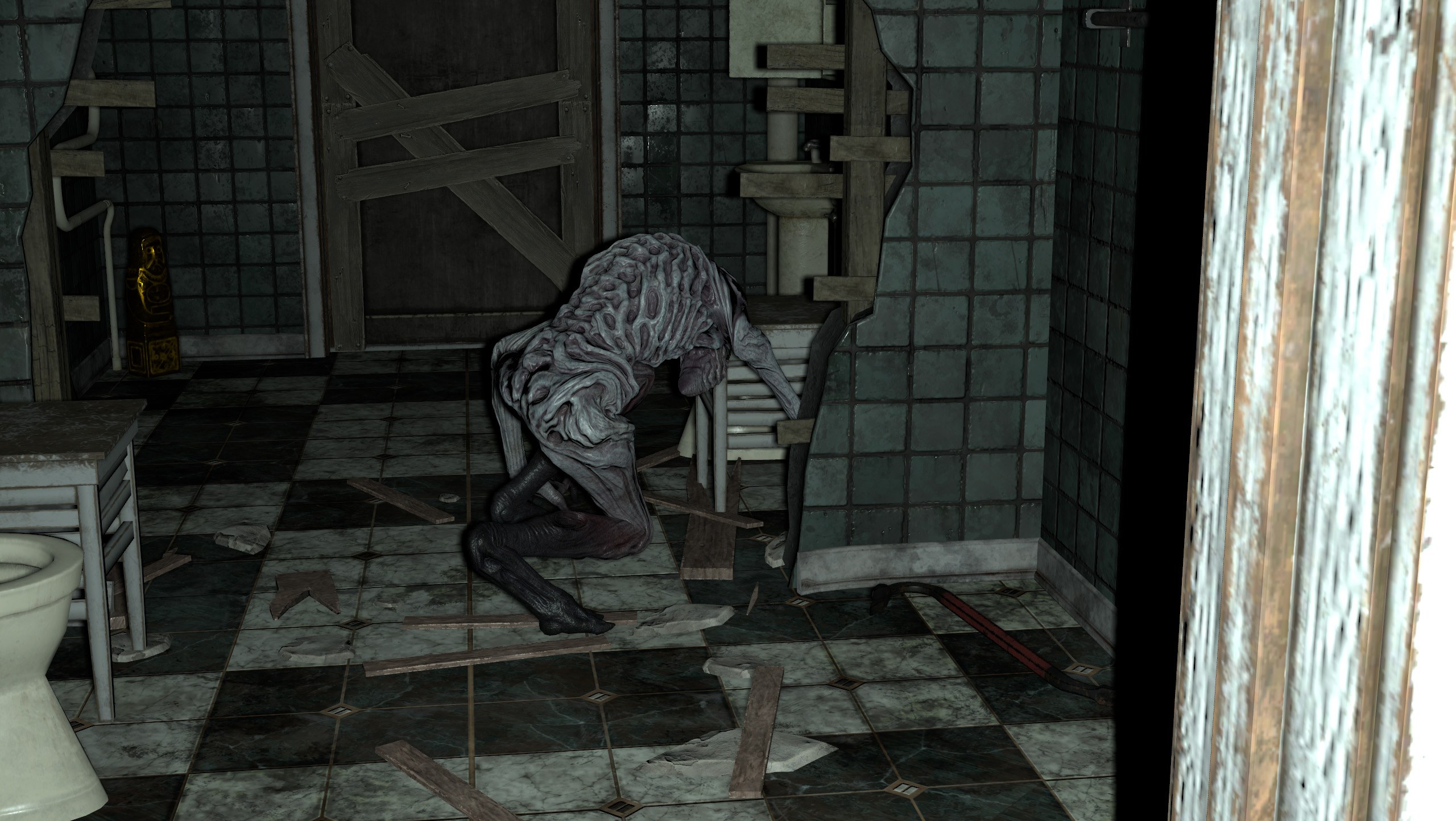
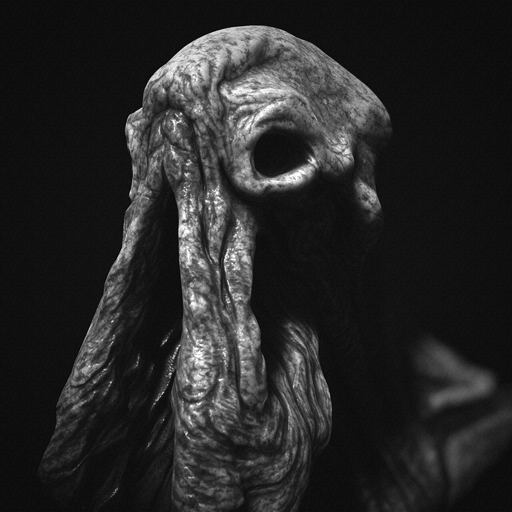
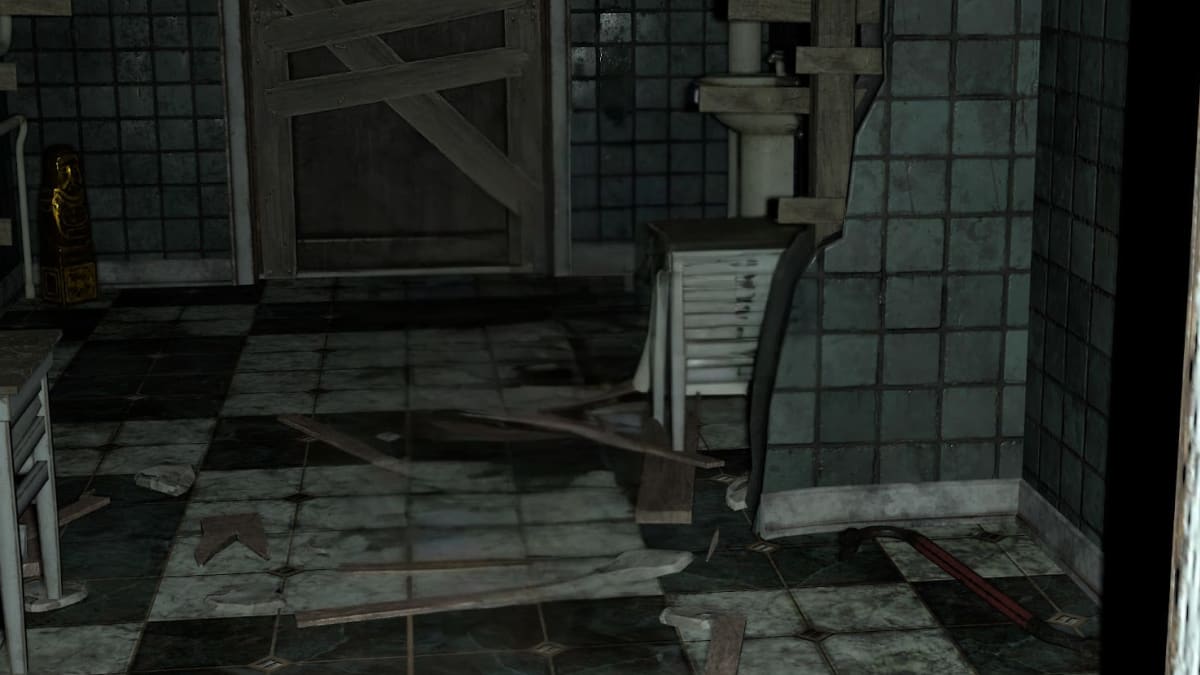
SARCOPH is an adventure horror game published by FarBridge, Inc. You are trapped on a secret floor inside an abandoned building, and getting out means collecting five idols. Each one must be brought back to the elevator, but a creature called the Occupant stands between you and escape.
The Occupant guards the idols and will try to stop you as you search. You need to hide and use your tool to survive. The goal sounds simple, but finding an idol also means working out how to get back safely. Every trip takes you closer to finishing the search.
How to Install SARCOPH on PC
- Visit the game’s page and click “Play SARCOPH on PC” to download the installer.
- Find the downloaded file in your browser’s downloads section and open it.
- Follow the setup instructions to install BlueStacks, then launch it on your PC.
- Sign in to the Google Play Store, install SARCOPH, and launch the game to begin.
How to Install SARCOPH on Mac with BlueStacks Air
- Download BlueStacks Air: Go to the game’s page and click “Play SARCOPH on Mac” to get the installer.
- Install the App Player: Double-click BlueStacksInstaller.pkg and follow the wizard to complete the installation.
- Open and Sign In: Launch BlueStacks Air from Launchpad or Applications. Sign in with your Google account to access the Play Store.
- Find SARCOPH: Search for SARCOPH by FarBridge, Inc. in the Play Store and install it.
- Begin Playing: Open the game and search for the missing idols.
Already Have BlueStacks Installed?
- Head to the game’s page and click “SARCOPH on PC.”
- Launch BlueStacks on your PC or Mac.
- Find SARCOPH in the BlueStacks Store or Google Play Store and install it.
- Select the game’s icon to start playing.
Minimum System Requirements
Check these minimum requirements for BlueStacks 5 on Windows and BlueStacks Air on Mac before installing:
- OS: Microsoft Windows 7 or above; macOS 11 (Big Sur) or above.
- Processor: Intel or AMD on Windows; Apple Silicon M1-M4 on Mac.
- RAM: At least 4GB on Windows or 8GB on Mac.
- Storage: At least 5GB free on Windows or 12GB on Mac, plus room for the game.
- Permissions: Administrator access on your PC.
- Graphics Drivers: Updated graphics drivers from Microsoft or your hardware manufacturer.
SARCOPH should appeal to players who enjoy tense searches and figuring out an escape route. Try remembering the path back to the elevator as you look for idols. Take time to learn your surroundings and think about where you could hide. Finding the objects is only part of the challenge, because you still need to survive the return trip.
Playing SARCOPH on PC or Mac with BlueStacks gives you a bigger view of the building as you search. Customize keyboard and mouse controls for comfortable movement and camera control. On an older or shared computer, close unused apps before playing to leave more resources available.