I Drive Winter Auto
I Drive Winter Auto

I Drive Winter Auto

Simulation

| InGameDev Mobile

Play on PC with BlueStacks or from our cloud

  • Overview
  • Game Features
  • How to Play

Page Modified On: October 23, 2026

Play I Drive Winter Auto on PC or Mac

I Drive Winter Auto by InGameDev Mobile has plenty to keep you busy. BlueStacks lets you play it on PC or Mac with more screen space, better control, and fewer mobile limits.

About the Game

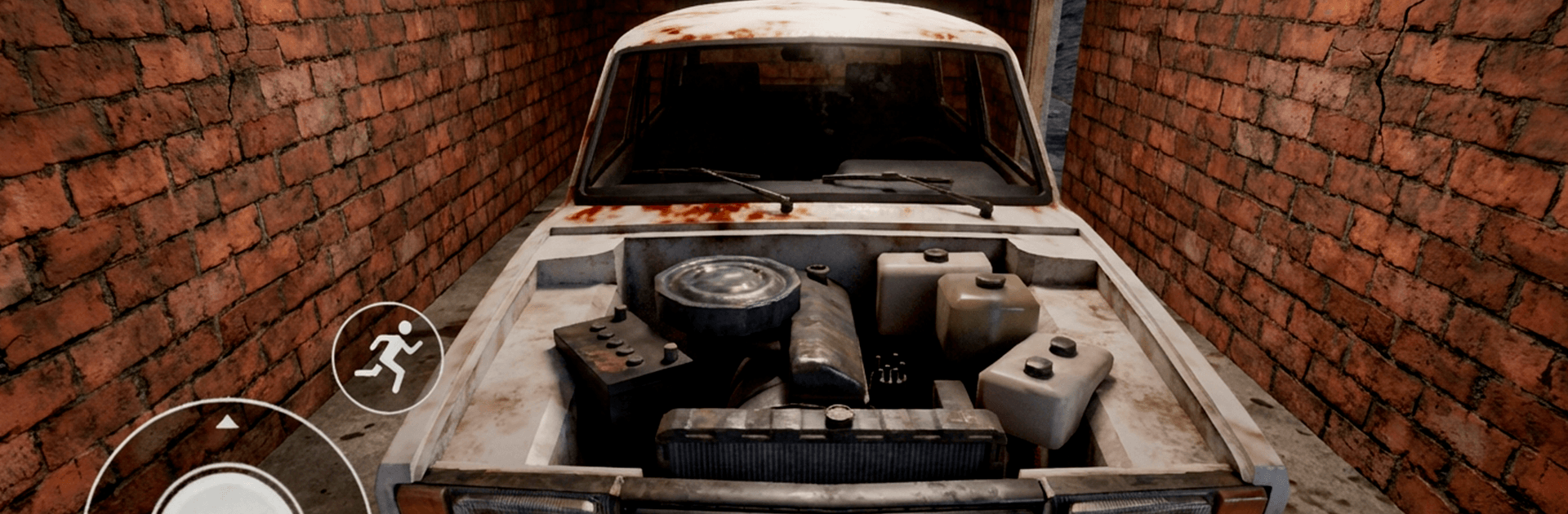
I Drive Winter Auto is a gritty Simulation about keeping an aging car—and yourself—alive when winter wants you gone. You’re dropped into a frozen stretch of nowhere with a moody engine, thin resources, and zero hand-holding. Every sound from under the hood matters, and every decision can tilt things toward a clean getaway or a cold mistake. Prefer keys and steady frames? It plays smoothly on BlueStacks, too.

Game Features

  • Relentless winter physics: Ice, snow, and brutal cold twist traction, braking, and visibility, turning every mile into a careful calculation.
  • Hands-on start-up and upkeep: Coax stubborn engines to life, mind the battery, watch your fuel, and fix little issues before they become big ones.
  • Cold survival that never lets up: Keep your body warm, manage exposure, and pick safe moments to move—or risk freezing out there.
  • Consequences with teeth: Wrong calls drain your tank, stall the motor, or leave you stranded in a whiteout with no easy recovery.
  • Immersive first-person minimal HUD: Almost no on-screen clutter; rely on engine sounds, dashboard hints, and the feel of the road to stay alive.
  • Short, intense sessions: Runs are compact but nerve-wracking—perfect for quick attempts that still spike your heart rate.
  • Learn-by-doing design: No tutorials or pop-ups; you figure out the car and the cold through trial, error, and a bit of grit.
  • Weather-and-machine storytelling: Frozen metal creaks, coughing engines, and crunchy snow build an atmosphere that tells the story without cutscenes.

BlueStacks gives you more room to focus on the game and less time adjusting around mobile limitations.


Game Features

Enhancements

  • Macros
  • Multi Instance
  • Multi Instance Sync
  • Script
  • Enhancements
Macros

Macros

Automate the predictable in I Drive Winter Auto and transform your gameplay with Macros. Get access to inventive Macros in the BlueStacks Macro Community
Multi Instance

Multi Instance

Play I Drive Winter Auto on one window. And chat with your friend on the other. Press CTRL + Shift + 8 to open the Multi-Instance Manager. And start creating fresh instances or clone an existing one.
Multi Instance Sync

Multi Instance Sync

Play I Drive Winter Auto with the power of Multi-Instance Sync. Replicate what you are doing on the main instance on all other instances. Level up faster, play more.
Script

Script

Script your way to gaming glory in I Drive Winter Auto with BlueStacks Script. Write and run a set of commands to automate repeated tasks. Trigger the command by assigning it to any key.
Read More

How to Download and Play I Drive Winter Auto on PC or Mac

  • Download and install BlueStacks on your PC or Mac

  • Complete Google sign-in to access the Play Store, or do it later

  • Look for I Drive Winter Auto in the search bar at the top right corner

  • Click to install I Drive Winter Auto from the search results

  • Complete Google sign-in (if you skipped step 2) to install I Drive Winter Auto

  • Click the I Drive Winter Auto icon on the home screen to start playing

video
Watch Video

Minimum System Requirements

With BlueStacks 5, you can get started on a PC that fulfills the following requirements.

  • Operating System

    Microsoft Windows 7 or above, macOS 11 (Big Sur) or above

  • Processor

    Intel, AMD or Apple Silicon Processor

  • RAM

    at least 4GB

  • HDD

    10GB Free Disk Space

Note:

* You must be an Administrator on your PC. Up to date graphics drivers from Microsoft or the chipset vendor.

I Drive Winter Auto - FAQs

  • How to play I Drive Winter Auto on Windows PC & Mac?

    Play I Drive Winter Auto on your PC or Mac by following these simple steps.

    • Click on 'Play I Drive Winter Auto on PC’ to download BlueStacks
    • Install it and log-in to Google Play Store
    • Launch and play the game.
  • Why is BlueStacks the fastest and safest platform to play games on PC?

    BlueStacks respects your privacy and is always safe and secure to use. It does not carry any malware, spyware, or any sort of additional software that could harm your PC.

    It is engineered to optimize speed and performance for a seamless gaming experience.

  • What are I Drive Winter Auto PC requirements?

    Minimum requirement to run I Drive Winter Auto on your PC

    • OS: Microsoft Windows 7 or above MacOS 11 (Big Sur) or above
    • Processor: Intel, AMD or Apple Silicon Processor
    • RAM: Your PC must have at least 4GB of RAM. (Note that having 4GB or more disk space is not a substitute for RAM)
    • HDD: 10GB Free Disk Space.
    • You must be an Administrator on your PC.