Invasion of Poland
Invasion of Poland

Invasion of Poland

Strategy

| Joni Nuutinen

Play on PC with BlueStacks or from our cloud

  • Overview
  • Game Features
  • How to Play

Page Modified On: November 10, 2025

Play Invasion of Poland on PC or Mac

Step into the World of Invasion of Poland, a thrilling Strategy game from the house of Joni Nuutinen. Play this Android game on BlueStacks App Player and experience immersive gaming on PC or Mac.

About the Game

Invasion of Poland drops you into September 1939 with a clear mission and a ticking clock. This turn-based Strategy game puts you in charge of coordinating German forces pushing from several directions while the Polish Army digs in behind rivers, forts, and city lines. Expect tough choices, sharp counterattacks, and a race to secure Warsaw and pile up victory points before momentum fades. Prefer playing on a bigger screen? It runs smoothly on PC with BlueStacks.

Game Features

  • Multi-front offensive: Orchestrate thrusts from multiple axes and time your breakthroughs so spearheads actually meet instead of stalling alone.
  • Pressure-driven objectives: Capture Warsaw and push your score past the 100 VP mark quickly—tempo and timing matter as much as raw firepower.
  • Terrain that bites back: Rivers, fortified cities, and chokepoints shape every turn. Flanking, bridging, and encirclements beat blunt-force pushes.
  • No fuel micromanagement: Forget juggling gas cans. Focus on maneuver, positioning, and decisive engagements.
  • Sharp, adaptive AI: The opponent doesn’t just beeline for targets—it feints, pockets isolated units, and weighs local gains against bigger goals.
  • Historically grounded setup: Orders of battle and opening positions reflect the 1939 campaign, giving each decision some real-world weight.
  • High replay value: Built-in variation and a crafty AI make every run feel different, whether you’re methodical or aggressive.
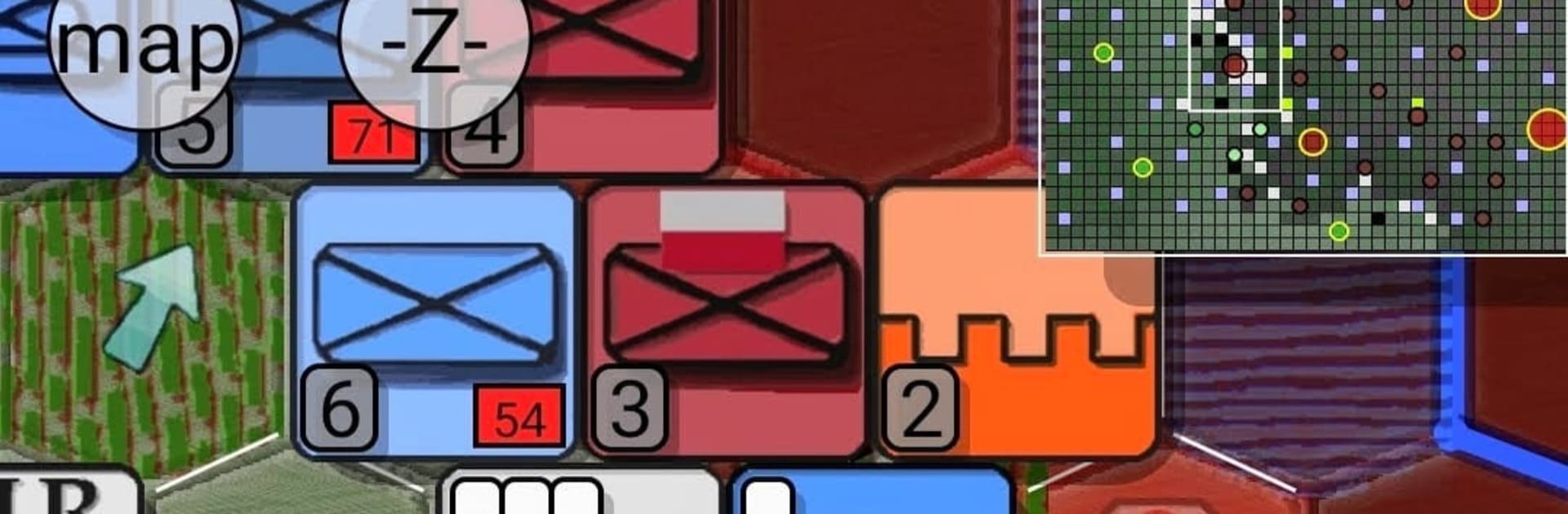
  • Fine-tuned options: Adjust difficulty, hex size, resource levels, and animation speed. Toggle map layers, and pick unit icons—NATO symbols or more illustrative counters—plus several city styles.
  • Attack-centric flow: This scenario rewards momentum. Keep pressure on, coordinate your armor, and don’t let the defense reset.
  • PC-friendly experience: Clean, turn-based pacing feels great with mouse and keyboard when played through BlueStacks.

Start your journey now. Download the game on BlueStacks, invite your friends, and march on a new adventure.


Game Features

Enhancements

  • Macros
  • Multi Instance
  • Multi Instance Sync
  • Eco Mode
  • Enhancements
Macros

Macros

Skip the boring parts of a game. Play Invasion of Poland with Macros and get the edge. Simply record a sequence of commands and execute them at any moment.
Multi Instance

Multi Instance

Why limit to one game on your phone when you can play many on your PC? Open multiple instances of Invasion of Poland at once with Multi-Instance. Leverage the power of different accounts by doing more.
Multi Instance Sync

Multi Instance Sync

Get the best out of Invasion of Poland with Multi-Instance Sync. Play the game from different accounts and build your own empire. Use Multi-instance sync to repeat the action in the main BlueStacks instance on all other instances.
Eco Mode

Eco Mode

Find the rarest heroes by making multiple summons in Invasion of Poland. And while you are at it, reduce your PC’s resource consumption with the Eco Mode. Farm efficiently. Get the best results.
Read More

How to Download and Play Invasion of Poland on PC or Mac

  • Download and install BlueStacks on your PC or Mac

  • Complete Google sign-in to access the Play Store, or do it later

  • Look for Invasion of Poland in the search bar at the top right corner

  • Click to install Invasion of Poland from the search results

  • Complete Google sign-in (if you skipped step 2) to install Invasion of Poland

  • Click the Invasion of Poland icon on the home screen to start playing

video
Watch Video

Minimum System Requirements

With BlueStacks 5, you can get started on a PC that fulfills the following requirements.

  • Operating System

    Microsoft Windows 7 or above, macOS 11 (Big Sur) or above

  • Processor

    Intel, AMD or Apple Silicon Processor

  • RAM

    at least 4GB

  • HDD

    10GB Free Disk Space

Note:

* You must be an Administrator on your PC. Up to date graphics drivers from Microsoft or the chipset vendor.

Invasion of Poland - FAQs

  • How to play Invasion of Poland on Windows PC & Mac?

    Play Invasion of Poland on your PC or Mac by following these simple steps.

    • Click on 'Play Invasion of Poland on PC’ to download BlueStacks
    • Install it and log-in to Google Play Store
    • Launch and play the game.
  • Why is BlueStacks the fastest and safest platform to play games on PC?

    BlueStacks respects your privacy and is always safe and secure to use. It does not carry any malware, spyware, or any sort of additional software that could harm your PC.

    It is engineered to optimize speed and performance for a seamless gaming experience.

  • What are Invasion of Poland PC requirements?

    Minimum requirement to run Invasion of Poland on your PC

    • OS: Microsoft Windows 7 or above MacOS 11 (Big Sur) or above
    • Processor: Intel, AMD or Apple Silicon Processor
    • RAM: Your PC must have at least 4GB of RAM. (Note that having 4GB or more disk space is not a substitute for RAM)
    • HDD: 10GB Free Disk Space.
    • You must be an Administrator on your PC.